
I was three enemies and one bad camera angle away from throwing my controller into the wall. Then I installed a mod and the fight stopped feeling like a glitch reel and started feeling like a game again. You can waste hours testing every tweak, or you can follow a short list that gets you the best changes fast.
I’ve been following Onimusha Way of the Sword’s PC scene since launch. You’ll find recommendations below that I actually use, notes on required tools, and quick reasons why each mod matters—so you don’t have to guess which ones are worth your time.
Essential Onimusha Way of the Sword Mods You Should Use
At my desk, the most common gripe I hear from players is: “Why does the game feel so polite about attacking?” That’s where these mods come in—each one fixes a specific pain point, from the camera to combat timing to simple convenience.
| Mod | Description |
|---|---|
| Onimusha WotS Graphics Enhancement | Expands graphics and ray-tracing controls. |
| Difficulty Fix | Allows multiple melee enemies to attack together. |
| Aggressive AI | Makes enemy attacks more frequent, aggressive, and unpredictable. |
| Proper 3rd Person Camera | Pulls the camera further back. |
| Adjustable Issen, Parry, Dodge, Counter Grab, and Chain Issen Behaviors | Allows defensive and counter timing window customization. |
| Fast Interact | Helps increase the interaction speed of doors. |
| Auto Loot | Automatically collects nearby eligible loot. |
| Map Chest and Hidden Box Icons | Adds chest and hidden box locations to the map. |
| Instant Parry | Removes or reduces post-parry lockout. |
| Animation Cancel | Interrupts the animations for selected attacks, dodges, and guards. |
The short list above is your fast route to a sharper experience. Below I break down what each mod does, what tools you’ll need (REFramework, CSharp API, Steam/Nexus), and when to install them.
Do Onimusha Way of the Sword mods require REFramework?
Yes—most gameplay and utility mods here rely on REFramework as their scripting backbone. Some also need the CSharp API. You’ll find installers and instructions on GitHub, Nexus Mods, and mod pages; the usual workflow is: install REFramework first, then drop the mod files into the game folder or use the mod manager that supports REFramework hooks.
Which Onimusha Way of the Sword mod is best for combat?
If you want combat that rewards timing and movement, combine Aggressive AI, Animation Cancel, and Instant Parry. That trio tightens enemy behavior, smooths your inputs, and gives the parry mechanic actual priority—turning fights from scripted dances into tense duels.
Onimusha WotS Graphics Enhancement
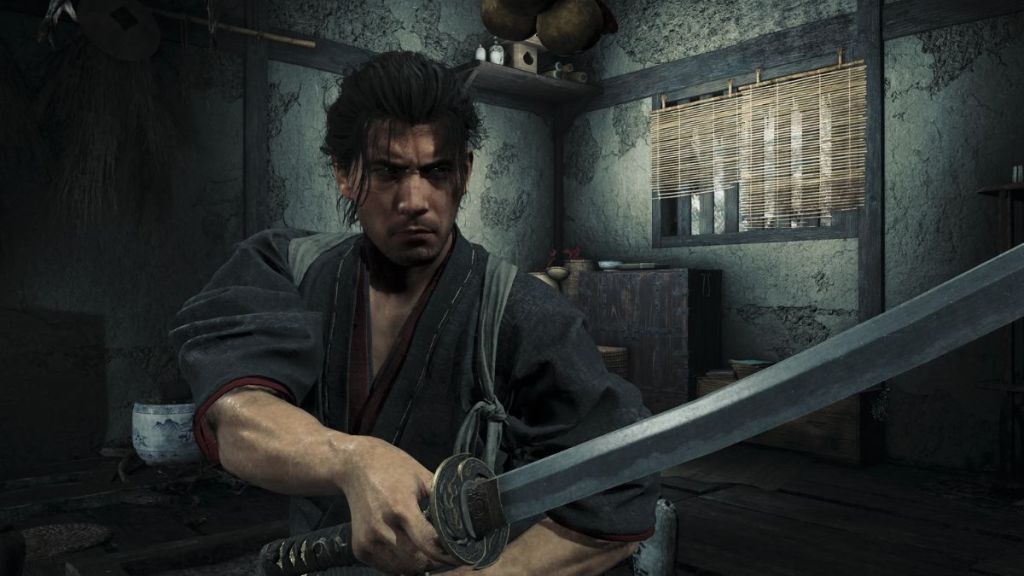
This mod opens controls for ray-traced GI, ray-traced AO, denoising, and indirect lighting so you can tune image quality versus performance. I treat it like a camera lens given a new aperture—the scene breathes, shadows behave, and a foggy courtyard suddenly reads like a set piece.
Profiles save your GPU-heavy settings for boss fights and lighter ones for exploration. Note: REFramework is required; expect higher GPU load when pushing ray-traced options. If you manage settings via Steam launch options or the GPU’s control panel, you can switch profiles faster.
Difficulty Fix
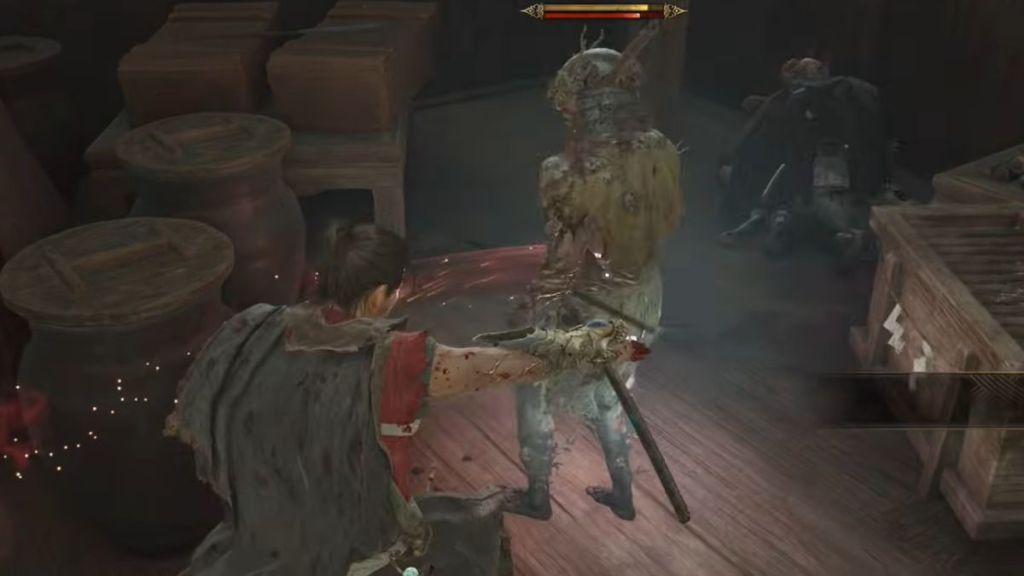
When enemies stand around politely waiting their turn, the fight loses teeth. Difficulty Fix changes that by letting multiple melee enemies attack together, tweaking attack intervals, aggression, and damage without bloating HP pools.
Result: you have to move, flank, and time counters again. Use it if you want encounters to feel active rather than scripted. The mod’s sliders let you push aggression gradually; pair it with Aggressive AI for more chaos or keep it mild for a steadier challenge.
Aggressive AI
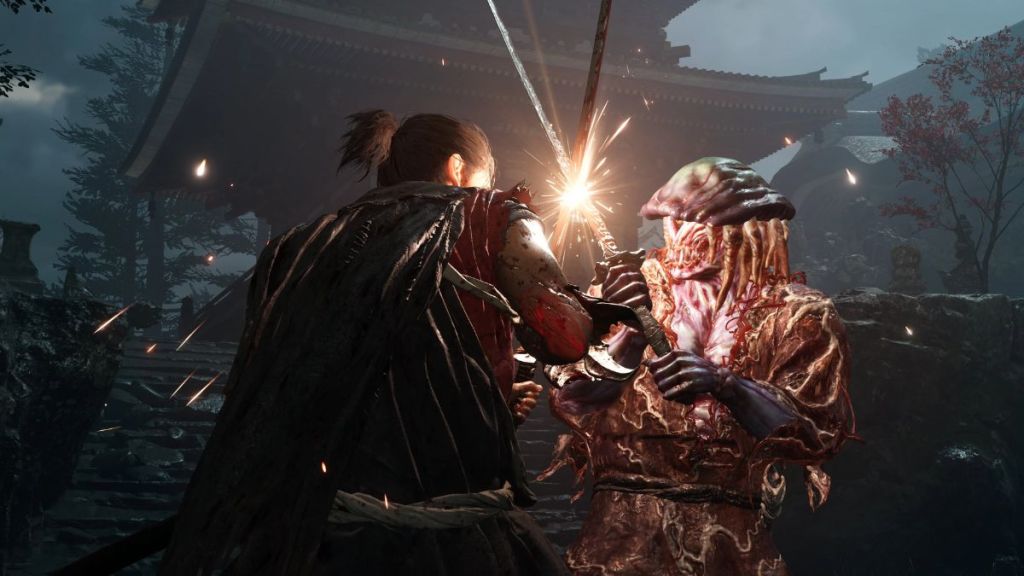
I once watched a veteran replay a boss who never felt threatened—until this mod was added. Aggressive AI layers extra unpredictability into attacks and movement so enemies don’t telegraph every swing.
This mod is plug-and-play but requires REFramework. It’s ideal when the combat feels rehearsed; pair it with Animation Cancel and Instant Parry to keep the game fair while making fights feel dangerous. Aggressive AI makes group fights messy in an entertaining way—fights feel like a pinball machine where you can’t ignore momentum.
Proper 3rd Person Camera
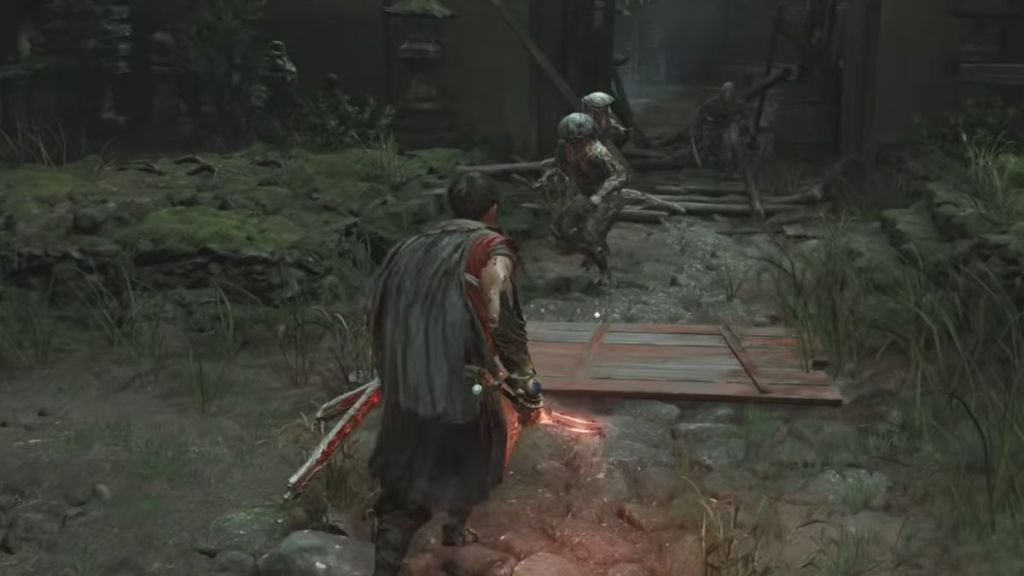
If you’ve ever been boxed in during a multi-enemy skirmish, you know how quickly panic sets in. Proper 3rd Person Camera pulls the camera back with a multiplier from 1x to 3x and supports smooth transitions for movement, sprinting, and conversations.
It preserves visual fidelity while giving you situational awareness. No REFramework required for basic camera multipliers, but check the mod page for advanced options and compatibility notes with other camera tweaks.
Adjustable Issen, Parry, Dodge, Counter Grab, and Chain Issen Behaviors
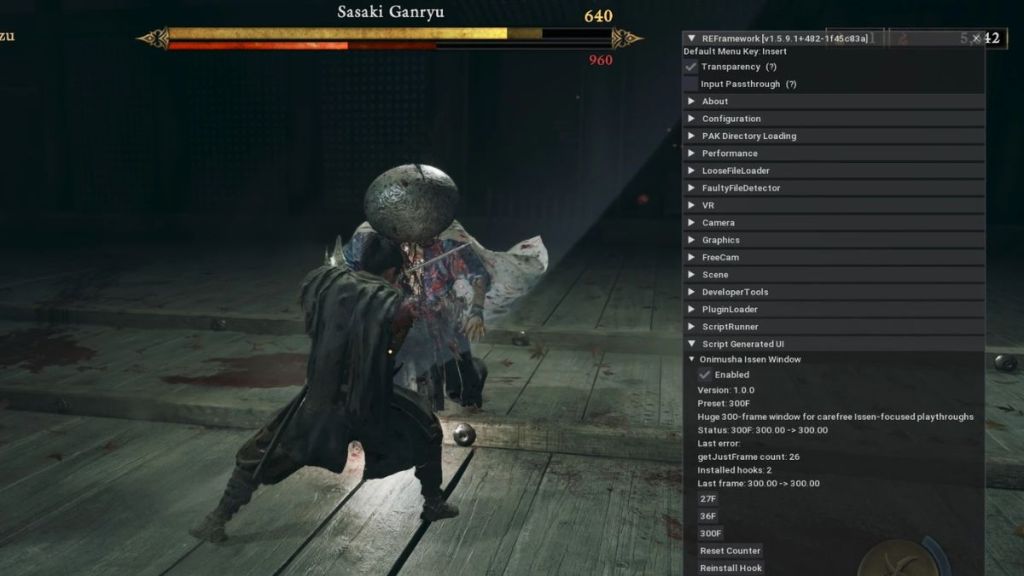
When parry windows feel like they close at random, the game punishes you for daring to play. This mod hands you sliders for Issen, parry, deflect, counter grab, and Perfect Guard options so you shape how defensive moves behave.
Competitive players can tighten the windows; casuals can soften them. It’s an essential tweak if you want control over the feel of every defensive input. REFramework is required.
Fast Interact
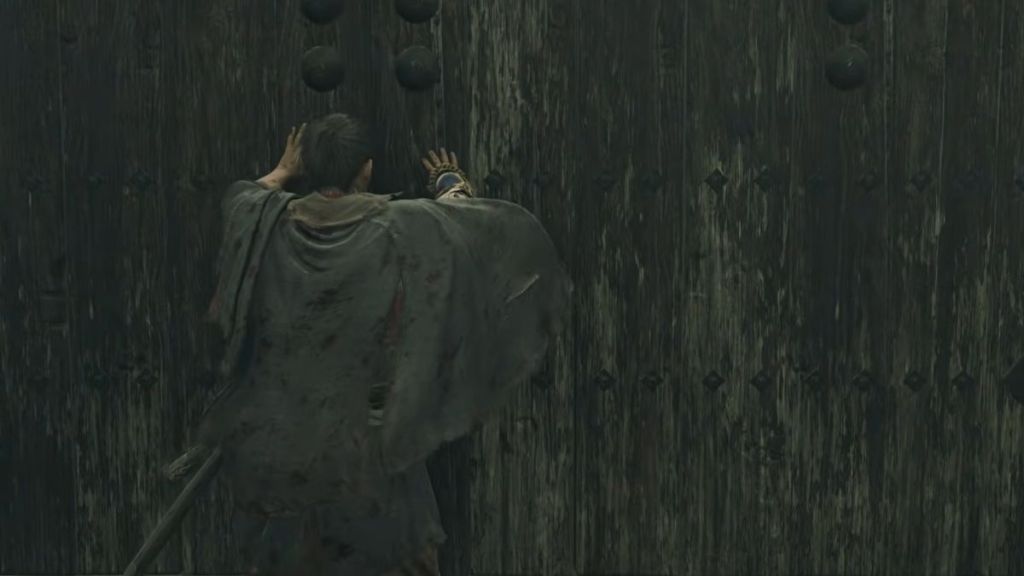
Doors, Oni Walls, and switches drag you out of momentum with long animations. Fast Interact trims those waits so repeated runs or backtracking don’t feel like a chore.
It’s lightweight but depends on REFramework and the CSharp API. Install it if you replay sections or speedrun small segments.
Auto Loot
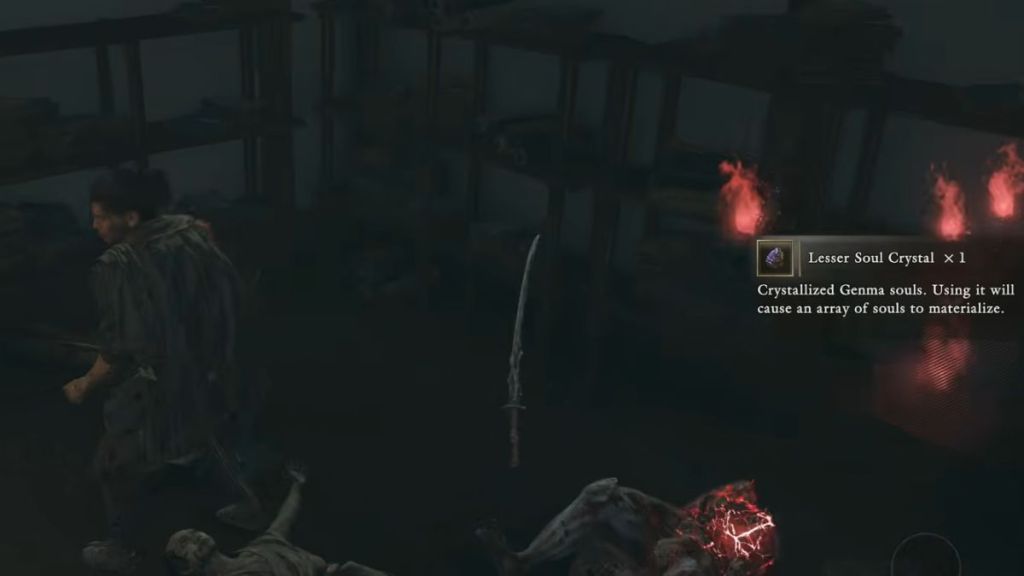
Auto Loot picks up items inside a radius and skips the stop-and-open routine for most gather spots and chests (locked containers that trigger animations are excluded).
It’s perfect for exploration-heavy runs or inventory grinding. Requires REFramework and CSharp API.
Map Crest & Hidden Box Icons
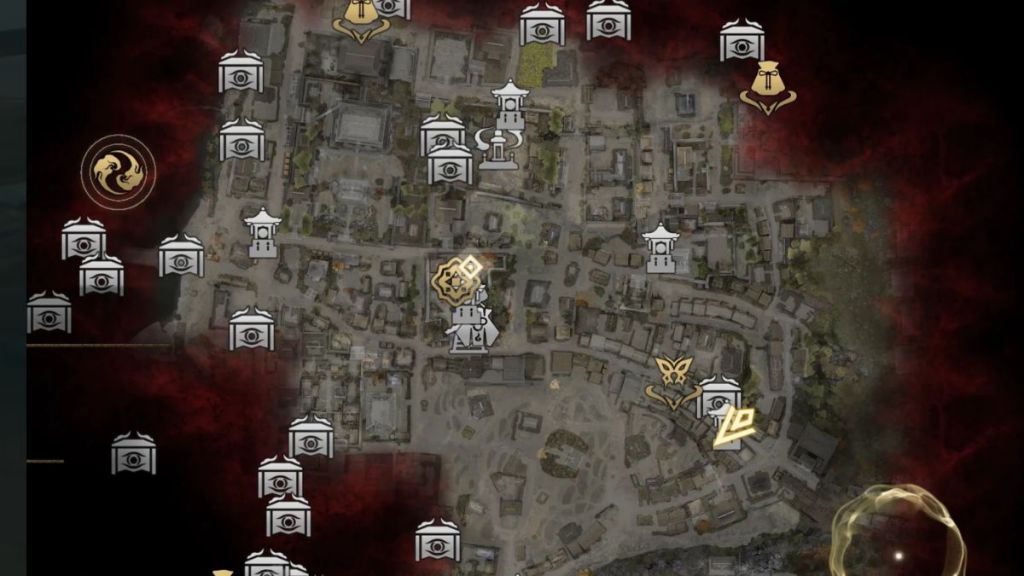
Completionists hate wasting time hunting a single missed chest. This mod adds map markers for crests, hidden boxes, and puzzle-linked rewards so you don’t replay an area blind.
Lightweight and REFramework-dependent, it’s an easy QoL add if you care about clean runs and tidy completion lists.
Instant Parry
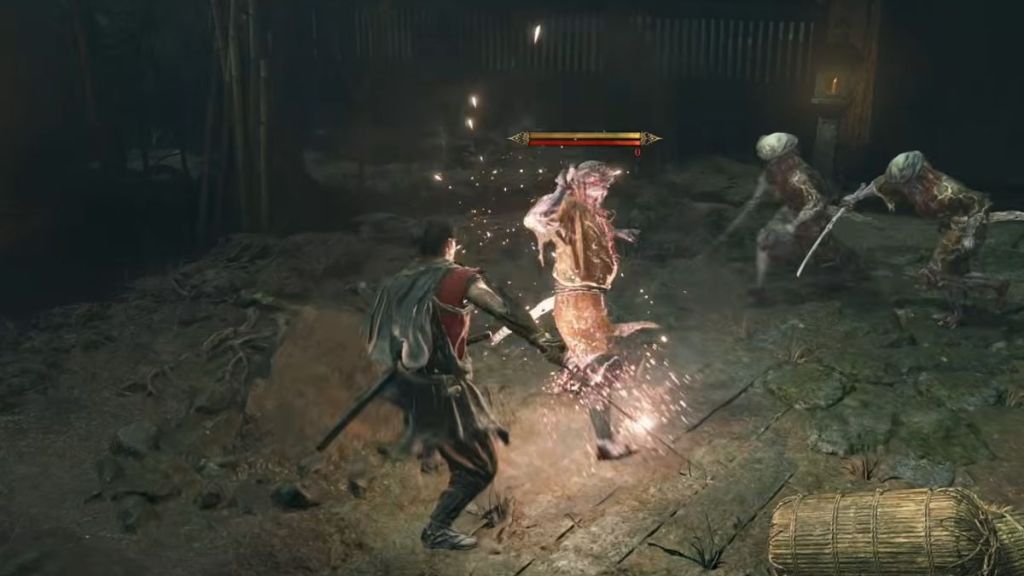
Instant Parry trims the input lockout after a successful parry, making defensive play feel responsive and reliable. It also exposes options for counter Issen, dodge, and counter grab timing.
Use it to reward precise timing; it keeps combat fair while letting you express skill. REFramework required.
Animation Cancel
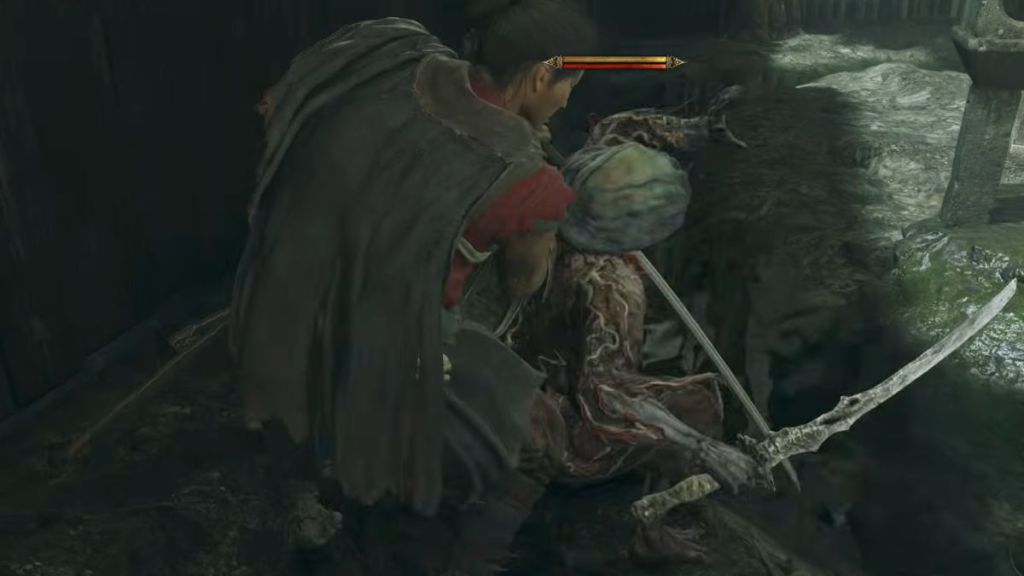
Animation Cancel lets you choose which attack, dodge, and guard animations can be interrupted so moves flow together. It preserves critical reactions like land parry and block so combat keeps its cinematic beats without slowing you down.
It won’t change damage numbers—just the rhythm. Requires REFramework.
Most of these mods live on Nexus Mods and GitHub; find REFramework and CSharp API links on their official pages and read install notes before mixing mods. If you run Onimusha through Steam, make a backup of the game folder or use a mod manager that supports profiles.
Which of these will you try first, and why does that choice reveal how you want your Onimusha fights to feel?