
I open CurseForge with a mission and fifteen minutes later I’m staring at twenty near-identical projects. My pulse ticks up the moment I realize half the uploads feel copy-pasted. You and I both know that not every shiny tag means craftsmanship.
I write this as someone who has followed add-on devs for years; you play, I chase patterns. If you want to skip the AI slop and install add-ons that behave like they were made by people who actually tested them, read on.
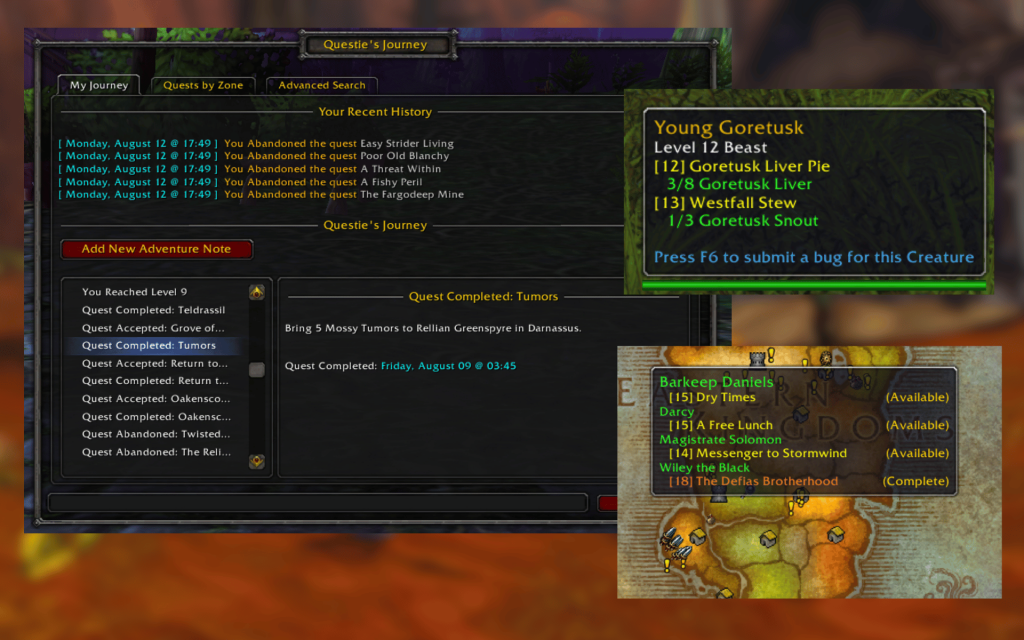
I hovered over a zone and still couldn’t see which quests were live — Questie
- Developer: TheCrux_BB
- Get it at CurseForge
You know the drill: you grab three quests, leave two behind, and wonder later which ones you missed. Questie fixes that by annotating zones with completed and available quests, plus a tidy “Questie’s Journey” panel and advanced search. I use it when I’m leveling alts; it saves time and won’t send you to regrind an area you already cleared.
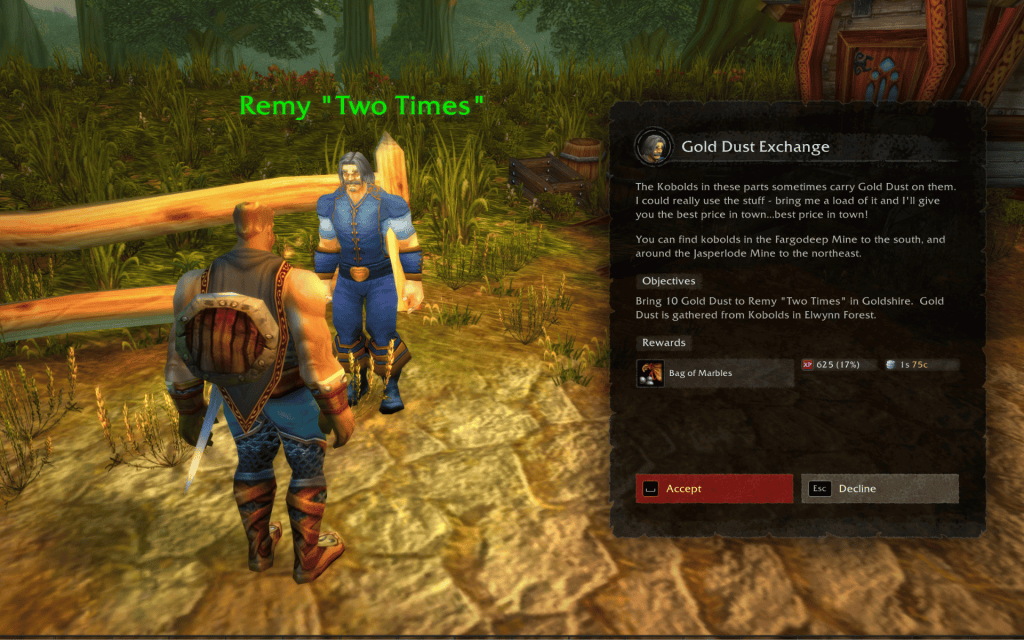
An NPC’s text looked washed out on my monitor — Dialogue UI
- Developer: Peterodox
- Get it at CurseForge
Blizzard cleaned up the UI for WoW: Forever, but readable NPC text and immersive dialogue still matter. Dialogue UI gives you clearer dialogue windows, font controls, copy dialogue, and special treatments for readables like paper or metal. I let it run when I’m chasing lore; it turns conversations into something worth paying attention to.
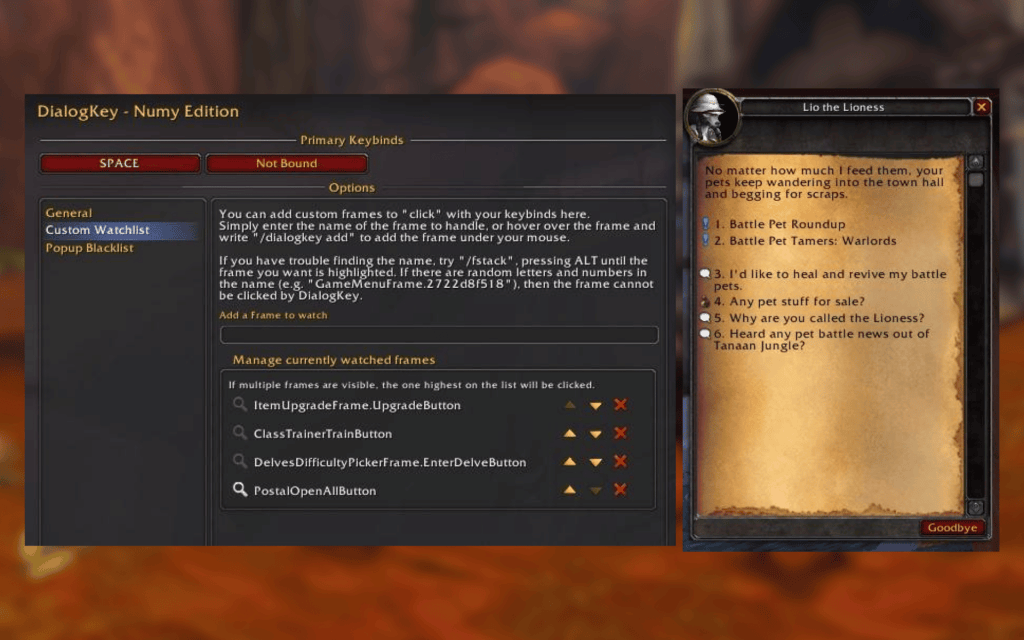
My grinding session stalled because clicking dialogue was fiddly — DialogKey – Numy Edition
- Developer: Numy
- Get it at CurseForge
If you grind like I do, every click counts. DialogKey – Numy Edition binds NPC interactions to keys so you can keep momentum without hunting the mouse cursor. It’s simple, reliable, and feels handcrafted — not cobbled together by an auto-generator.
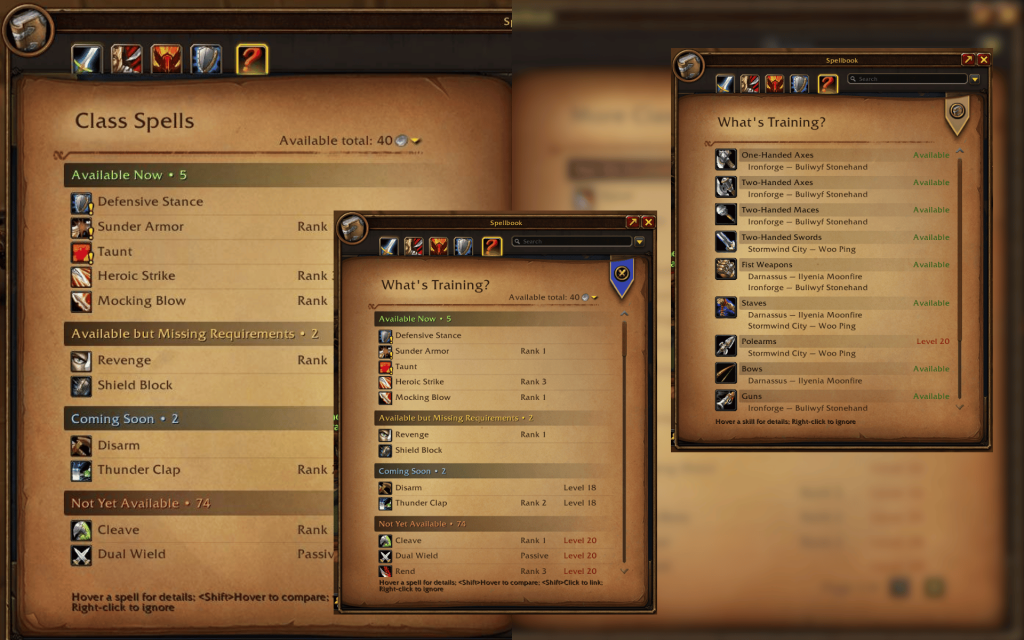
I missed a spell upgrade window between trash pulls — What’s Training?
- Developer: Fusionpit
- Get it at CurseForge
With horizontal progression in WoW: Forever, missing spell upgrades matters more than ever. What’s Training? flags spells you can upgrade now, soon, or later, with level markers so you stop guessing. Think of it as a reliable reminder that keeps your build humming.
That extra checkbox saved me minutes every session — Enhance QoL
- Developer: R41Z0R
- Get it at CurseForge
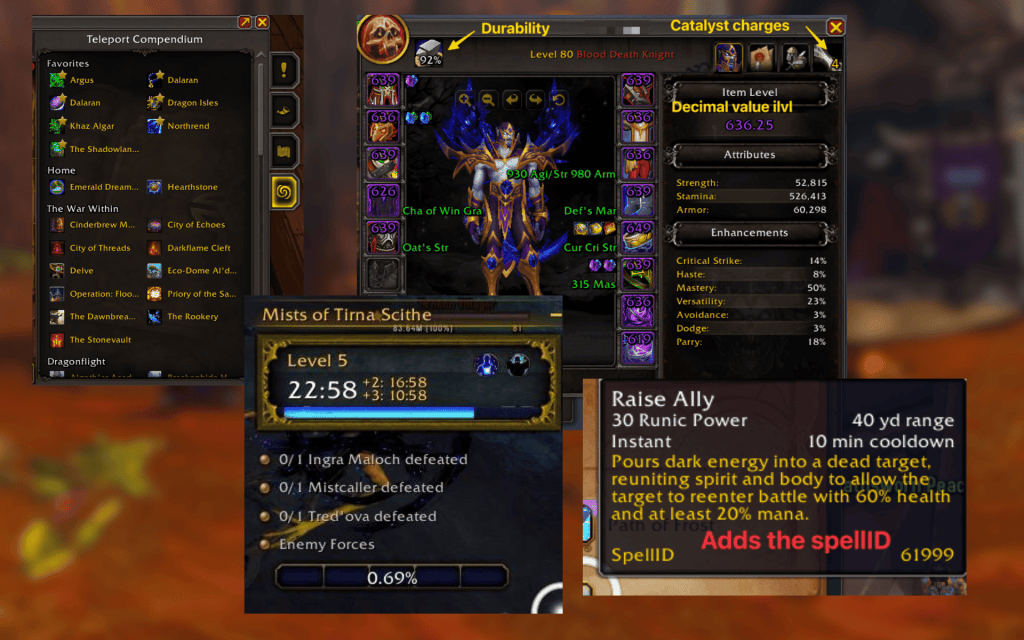
Small settings add up. Enhance QoL gives granular toggles for inspection, inventory management, combat displays, and mini-map tweaks. I keep it active on characters where convenience beats flashiness.
Read what’s behind the latest news in gaming (with a bit of snark) by subscribing to the Moyens I/O Checkpoint newsletter!
A feed of near-identical add-ons popped up while I refreshed the page — AI slop add-ons everywhere
Some AI-assisted projects are fine. What worries me — and probably you — is the flood of near-duplicates that never see QA or updates. I liken those uploads to a cheap knockoff at a flea market: they look like the thing you want, but they fall apart fast.
- Lack of proper testing: Human devs run QA; an auto-generated add-on might not be stress-tested across builds.
- No guaranteed maintenance: If the author vanishes, the add-on rots.
- Potential security risks: Every add-on is code you download; a bad actor can hide data-scraping or worse.
- Blizzard terms risk: An add-on that touches protected game behavior can trigger sanctions.
Reddit threads on r/WoWForever flagged low-effort uploads and copycats, and a user named u/blukraken summed the feeling: dozens of slightly different versions of the same thing erode trust. That matters more than you might think when tools like Warcraft Logs are already tightening access because of scraping: their CEO, Sildri Silentcrest, told Joseph Cox at The 404 Media that they’re moving to a paid commercial key to stop uncredited data use — a change that will cost users money, often quoted around $10 (≈€9) for access.
Are AI add-ons safe to use?
Short answer: sometimes. If an add-on lists a reputable dev, a GitHub, and an update history, you can trust it more. If it drops into CurseForge with a generic name, no source, and no changelog, treat it like unvetted code: optional, and potentially risky.
How do I install add-ons in WoW: Forever?
The easiest route is the CurseForge app: open it, select World of Warcraft, pick the “WoW Forever” profile, and click Install. If you prefer manual installs, move the add-on folder so the .toc file sits in World of Warcraft/_forever_/Interface/AddOns, then enable it in the in-game Add-ons menu.
Do built-in features replace add-ons?
Blizzard shipped a few niceties that used to be strictly add-on territory: Edit Mode for UI layout, Cooldown Manager for tracking spells, and beefed-up Accessibility Settings for visual and motion options. I still use add-ons for small workflow gains, but the gap is smaller than it was.
I watched the CurseForge creation date list explode — how to tell human-made from AI slop
Check for these trust signals before you click Install: a changelog, GitHub link, active comments, and a developer name with a history. The absence of those items is a red flag. If you want community feedback, Reddit threads and the CurseForge comments often call out low-effort uploads fast.
I’ve seen uploaders include an AI disclosure in the description; that honesty helps, but I still ask: did anyone run tests, or did an LLM stitch files together? If an add-on is a thin copy of existing work without improvement, I ignore it.
Some of these AI add-ons are like a band-aid on a broken engine — cosmetically fine, functionally fragile.
I installed a safe add-on in two minutes — practical tips before installing anything
- Scan for a GitHub repo or project history.
- Read recent comments and look for dev responses.
- Prefer add-ons from known authors in the WoW community.
- Back up your Interface/AddOns folder before mass installs.
If you’re serious about avoiding drift and broken uploads, follow creators on GitHub and subscribe to projects that show ongoing patches. Platforms like CurseForge, GitHub, and communities on Reddit and Discord still matter — human oversight does the heavy lifting technology can’t.
Final thought: you can pick add-ons that act like partners rather than placeholders — but will you trust AI-made convenience over human-crafted reliability?