
How to Use Q-Lens and Q-Watch in 007 First Light
I pressed L1 as a guard turned, and the whole room snapped into wireframe. For a second my pulse jumped—then the plan fell into place. You can feel the difference the moment the HUD pulls a location’s secrets into plain sight.
I’ve played and watched dozens of runs on IO Interactive’s missions, and here’s what matters: Q-Lens is your scanner, the Omega Q-Watch is your control panel, and together they let you choreograph stealth like a practiced spy.
What is Q-Lens in 007 First Light & How to Use It?
I once watched a player hover on the threshold and hold L1 before moving a step—every guard, camera, and circuit lit up. Q-Lens is less a gadget and more a tactical vision layer: a HUD that strips the scene to essentials so you can pick targets, circuits, and safe routes at a glance.
How you use it: hold the L1 on PlayStation, LB on Xbox, or the Alt key on PC. The world shifts into a wireframe overlay; hackable electronics show, enemy positions pop, and interaction points stand out. Think of it like a camera lens peeled back to reveal the wiring of a building—everything that was hidden becomes actionable.
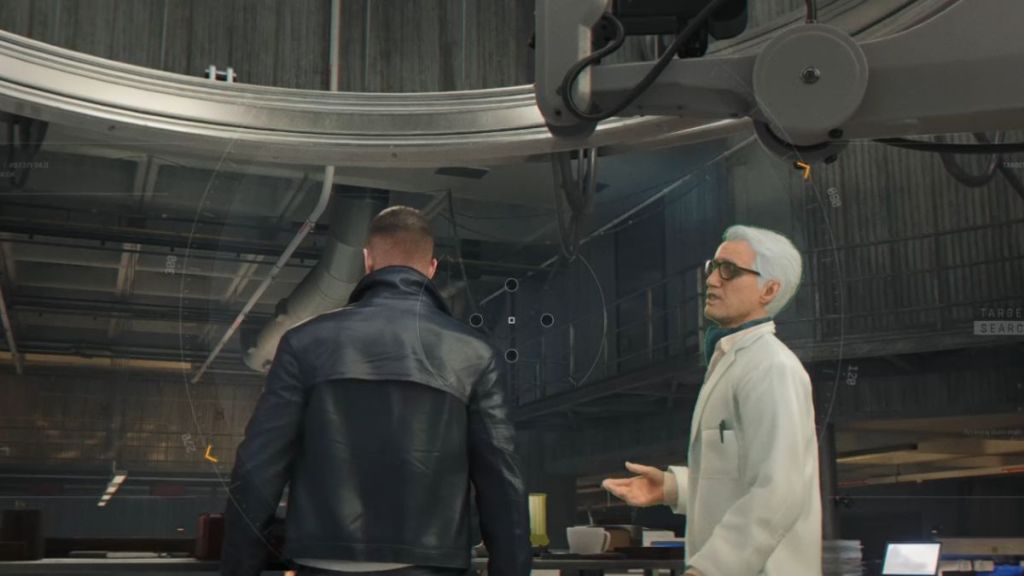
How to activate Q-Lens in 007 First Light?
Hold the Q-Lens button: L1 on PlayStation, LB on Xbox, or Alt on PC. Use it before you move into a guarded area to map threats and find interactive devices.
How to Use a Q-Watch in 007 First Light
On the pre-mission screen I watch players tweak loadouts like a mechanic tuning an engine. The Omega Q-Watch is where those choices matter: it’s the gadget hub that ties everything you need to the Q-Lens view.
Set up your four gadget slots in the loadout menu. During a mission, hold the Q-Lens button and press the button tied to the gadget you want to deploy. That simple combo opens a lot of creative options: remote-hack a camera with the Dart Phone, silence a hallway with Smoke Pods, or throw a Flash Mine to break up patrols.
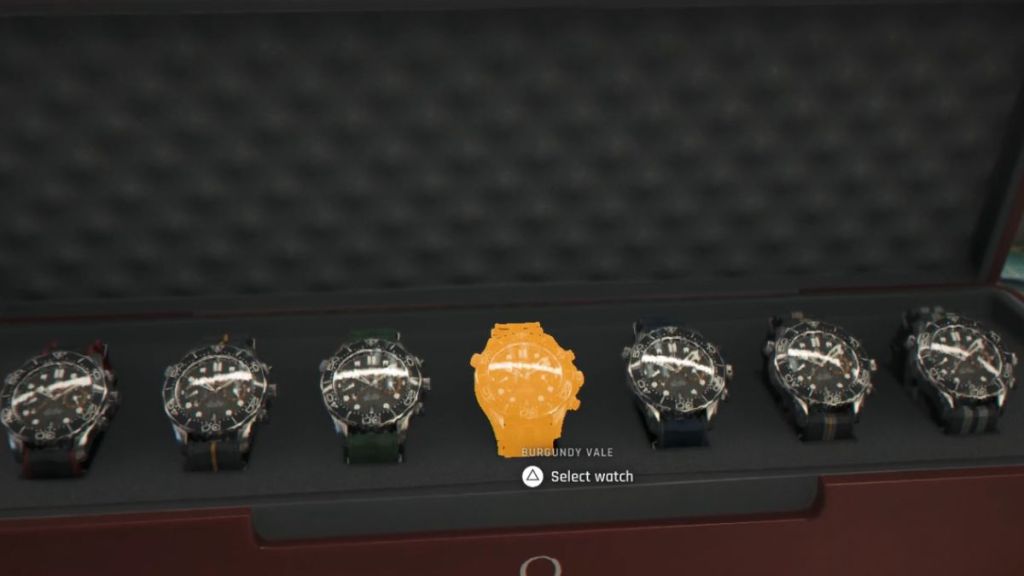
Match gadgets to situations. For stealth runs pick the Dart Phone, Smoke Pods, and surveillance tools. For aggressive plays choose Flash Mine, Laser, and Shockwave Camera. If guards clog a corridor, try this: open Q-Lens, spot a nearby electrical box, then use the Dart Phone to trip it—watch a patrol peel off while you slip past.
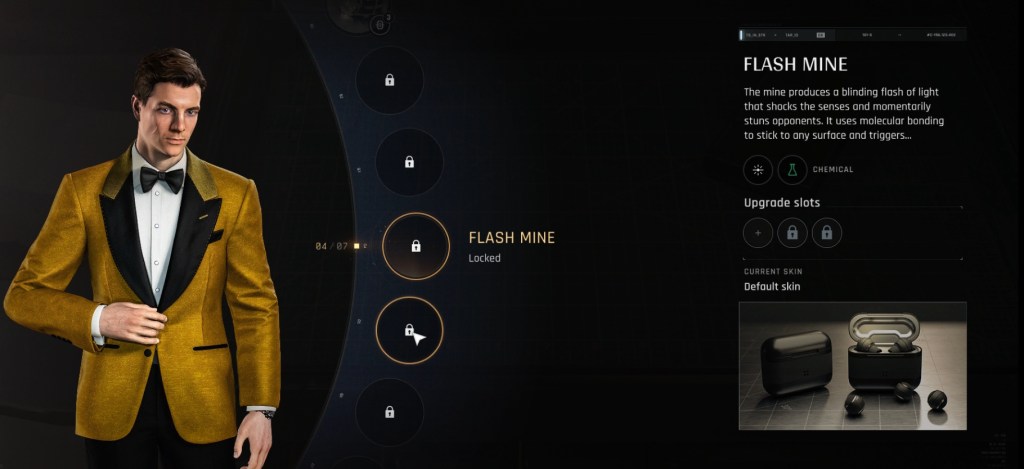
Battery and chemical resources power many Q-Watch gadgets. Recharge at any electrical device marked with a blue battery icon. Use Q-Lens to find that icon, then trigger the recharge point — like a conductor tapping a baton to reroute an orchestra, a single tap redirects the flow of the mission.
How do you use gadgets with the Q-Watch?
Hold the Q-Lens button to enter the scan overlay, then press the gadget’s assigned button. Assignments live in the loadout menu before a match; test a few combos on a practice run and you’ll see what fits your style.
Quick Tips I Use Every Run
In the briefing area I map one risky choke point and one safe bypass before I spawn. Small habits beat flashy play more often than not.
- Use Q-Lens at doorways and intersections to plan your first two moves.
- Assign a non-lethal gadget to an easy-to-reach button for emergencies.
- Recharge at blue-battery devices between gadget bursts instead of waiting until empty.
- Experiment on PC with keybinds (Alt + custom keys) or on consoles with controller layouts to save milliseconds.
The Q systems reward curiosity and patience: you spot patterns, bait patrols, and steal objectives without a firefight. I’ll bet one run where you mix a Dart Phone distraction with a well-timed Flash Mine will change how you play—so what was your most satisfying Q-Lens moment and how did it end?