
The bank door clicked behind you and Lucia tugged at your sleeve like a reminder you couldn’t ignore. You realize there’s $0.00 between you and somebody else’s mercy. I watched the teller tilt her head and knew this mission would be less about vaults and more about choices.
I’m Jason’s unofficial advisor here — I’ll walk you through Buck Me step by step, point out relationship gains and UI quirks, and show the exact button presses that keep you from fumbling your first in-game bank transfer. Read this if you want the fastest path to the BuckMe app, the $100 starter boost, and the small social boosts that matter in Chapter 1.
- Where to find the Buck Me mission
- Mission walkthrough: what to do, when
- After the mission: rewards and small tips
| Info | Details |
|---|---|
| Mission Number | GTA 6 Mission 12 |
| Story Chapter | GTA 6 Chapter 1 |
| Mission Type | Mandatory (required for 100% completion) |
| Mission Giver | Lucia Caminos |
| Protagonist | Jason Duval |
| Location | Fleeca Bank, Key Lento |
| Unlocked items | BuckMe App |
| Rewards | $100 (≈€92) in BuckMe’s Checking account |
You’ve stood in a bank line and watched someone else be served first. Where to find the Buck Me Mission in GTA 6
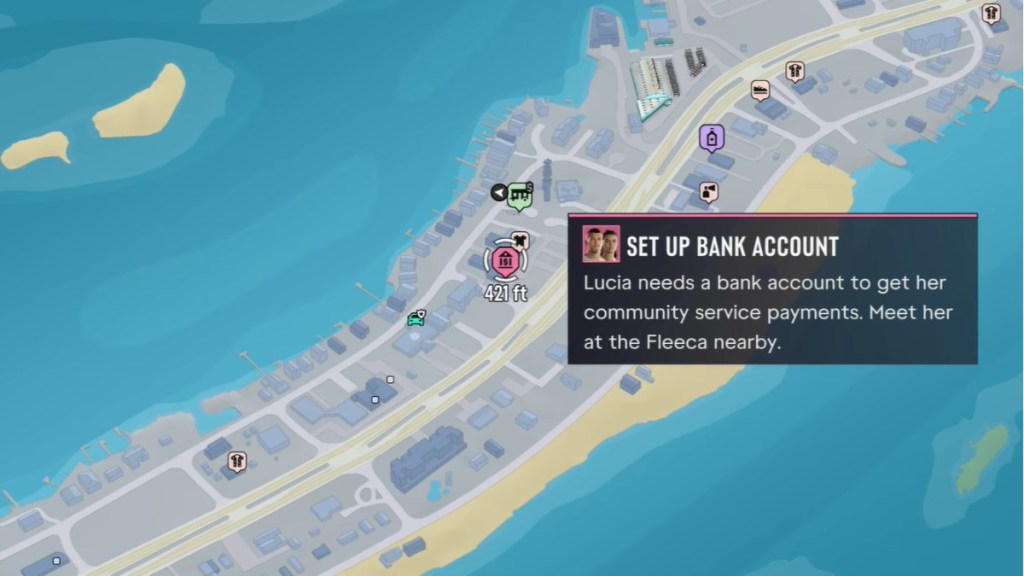
The call from Lucia drops the objective onto your map as “Set Up Bank Account.” Fleeca Bank sits just southwest of Jason’s house in Key Lento; it’s a small strip-bank in GTA 6’s beachside suburb that looks harmless until you open the door. Walk inside, speak to the teller, and the mission will start the moment you step to the counter.
You notice conversations matter more than gunplay in some early missions. GTA 6 Buck Me Mission Walkthrough
This mission feels smaller than a heist but it nudges game systems into play — phone apps, relationship meters, and small money flows. The manager won’t set up a standard account for Jason and Lucia because of their credit, so you end up with BuckMe on your phone instead.
Where is the Buck Me mission located in GTA 6?
Fleeca Bank in Key Lento. Park near Jason’s house and head southwest. The map marker says Set Up Bank Account — enter, speak to the teller, then follow the manager to his office.
How do I set up BuckMe during the mission?
Follow these high-retention steps and don’t skip the phone prompts:
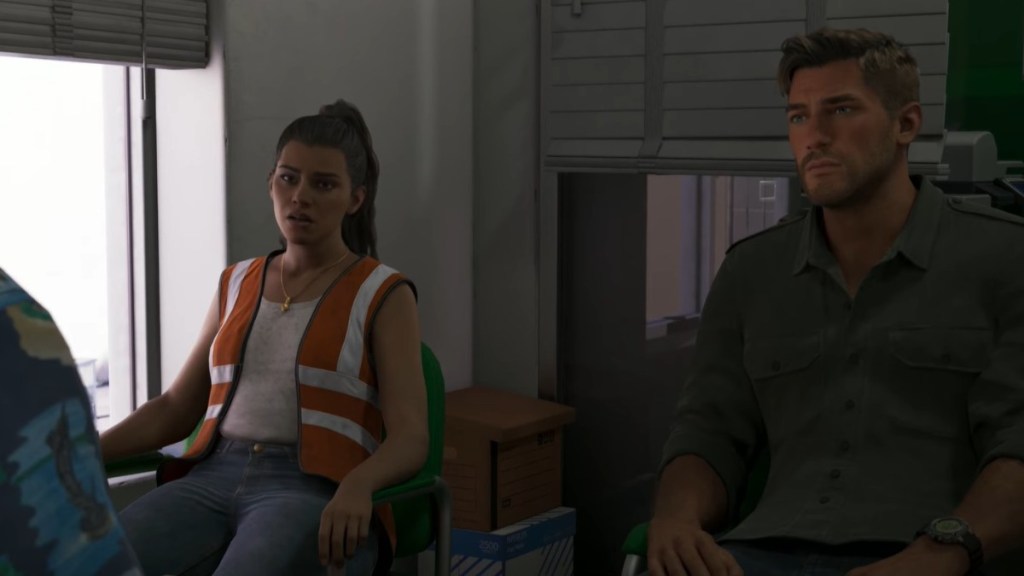
- Follow the manager to his office and sit on the chair; Lucia joins and the dialogue matters for relationship score.
- When asked about a deposit, you can stay silent (Square/X) or say Jason has savings (X/A). Saying he has savings nudges Lucia’s opinion up; the bank still refuses due to credit.
- The manager suggests the BuckMe app; ask him to send the link and leave the bank.
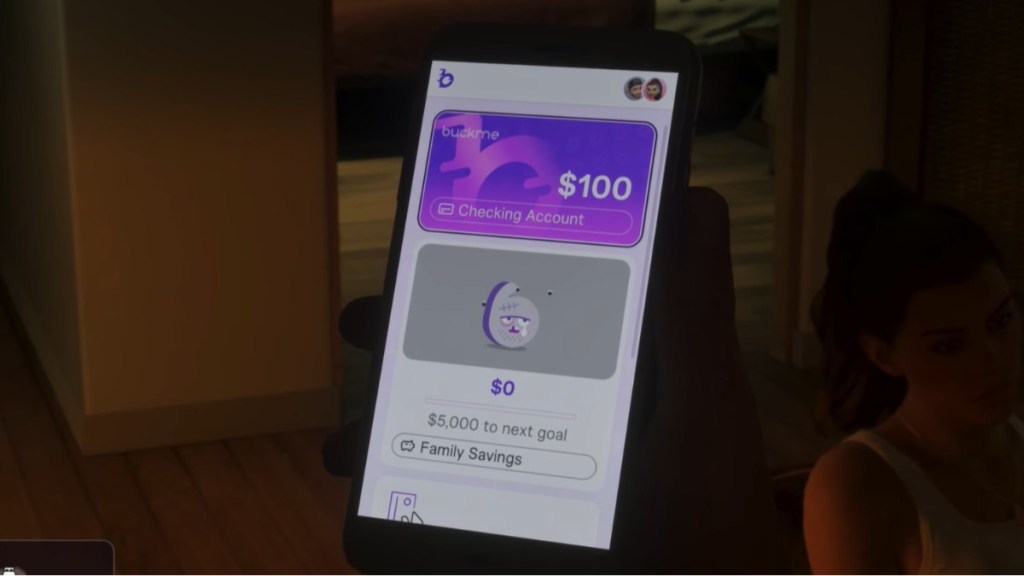
- Back at the house, BuckMe deposits $100 (≈€92) into your new Standard Checking Account.
- Open your phone (Up on D-pad), launch the BuckMe app, wait through its intro, pick Checking, then choose Buck Yourself to move the money into Family Savings.
The mission is a velvet tap on the shoulder; it’s small, but it pushes your story forward and hands you your first in-game financial tool.
You’ll notice small gestures change NPC moods more than you think. After the mission: rewards and quick tips
Once the BuckMe setup completes, the mission adds a tiny routine to your phone and $100 (≈€92) to your Checking. You also get the option to increase Lucia’s relationship meter with a short interaction at home.
What rewards do I get for completing Buck Me?
You receive the BuckMe app on your in-game phone and $100 (≈€92) in the Checking account. That’s the concrete reward; the subtle one is the relationship points if you play the cuddle/foot-massage scene correctly.
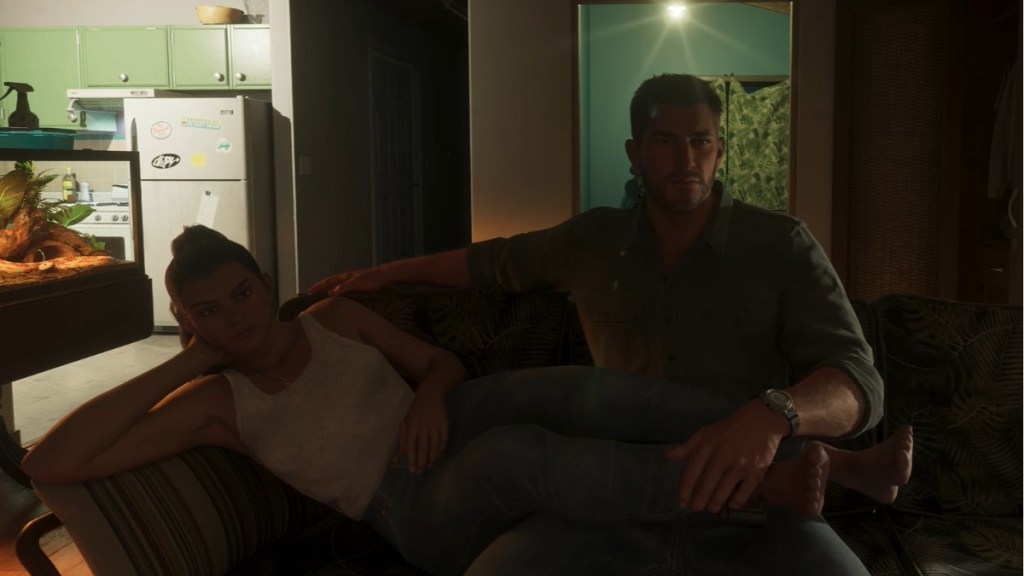
- At home, hold Triangle/Y to sit on the couch and press the prompted button to massage Lucia’s foot — it raises the relationship meter.
- When Lucia goes to bed, accept her invite to join to further increase rapport.
- You can use your phone in bed (doomscrolling counts as time passing) or fall asleep to end the mission.
The BuckMe app is a small, honest vault in your pocket — it won’t make you rich, but it puts you on the right side of tight money windows early on.
PlayStation, Xbox, and Steam versions behave the same for this mission; the UI prompts and D-pad controls are consistent across platforms thanks to Rockstar Games’ standardization. If you want to keep that $100 moving, treat it like startup capital — stash it in Family Savings and avoid impulse purchases early on.
Want to argue whether a tiny app or a big score shapes a career in GTA more effectively?