
I dropped behind an overturned crate, breath loud enough to betray me, and the only lifeline was a smudged phone screen. You know that pulse when everything narrows to one button press—this guide puts that button in your hand. Read fast; the city doesn’t wait.
I’m Piyush to you for a few minutes: I play, test, and explain the small moves that win matches. The phone is a Swiss Army knife for Stand Out—here’s how to get it, how each app pays off, and the few habits that separate a confused player from someone who owns the map.
How to Get and Open the Phone in Stand Out
A neon corner in Iko Iko feels like a cutscene: a vendor, an NPC, and your first real choice. The phone arrives as part of the intro sequence; if you miss these steps you’ll still play, but you’ll miss half the systems that make the game sing.
- Launch Stand Out and follow the opening tutorial.
- When the cop shows up, defeat them and speak with the stranger to finish the intro.
- Walk to the Iko Iko store (the neon sign is hard to miss).
- Talk to the NPC named Meryl and choose “I’m in.” She gives you the phone.
- Open your inventory with M and drag the phone into any toolbar slot.
- Press J or the toolbar key to pull the phone out and access its screen.
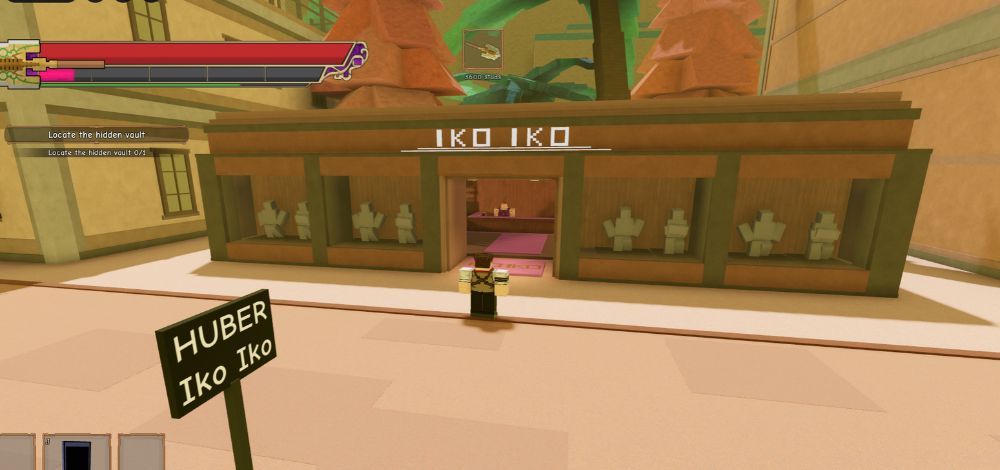
How do you get the phone in Stand Out?
Complete the intro tutorial, visit Iko Iko, speak to Meryl, and accept her offer. Then place the phone on your toolbar (M) and press J to open it—simple, and it flips the whole game open.
All Stand Out Phone Apps and Their Uses
You’ll pull the phone more than any weapon; it organizes work, travel, and music into one handheld dashboard. Below I break every app into what it does, when to use it, and the small tricks that save minutes and lives.
Huber
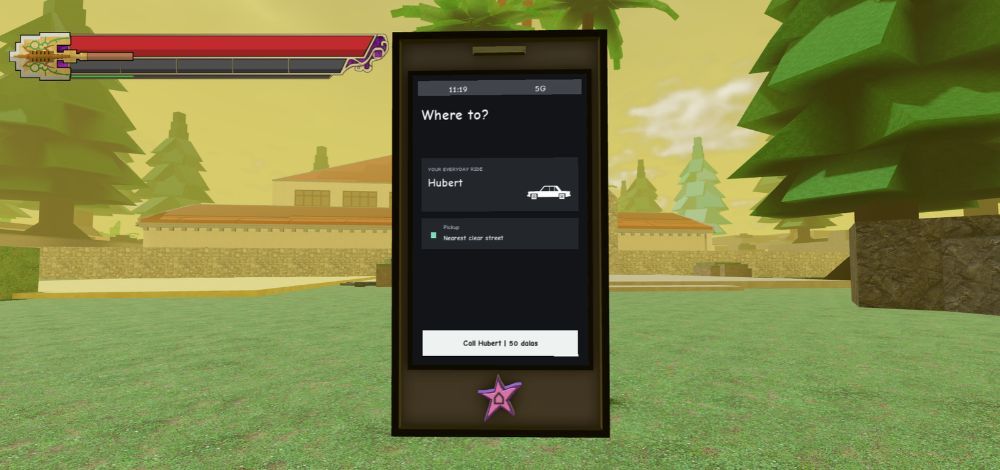
Use Huber when you need to close distance fast without exposing yourself to long runs. It’s an in-game cab service that teleports you to map markers for 50 Dala (~€50), but pickups only happen on roads—so don’t call it from the woods.
How do you fast travel in Stand Out?
Open Huber, pick a destination on the map, pay 50 Dala (~€50), and you’ll be dropped at the nearest road access point. Think of it as a paid shortcut; it’s worth the cost when the safe zone matters more than pocket change.
Bounties & Eliminations
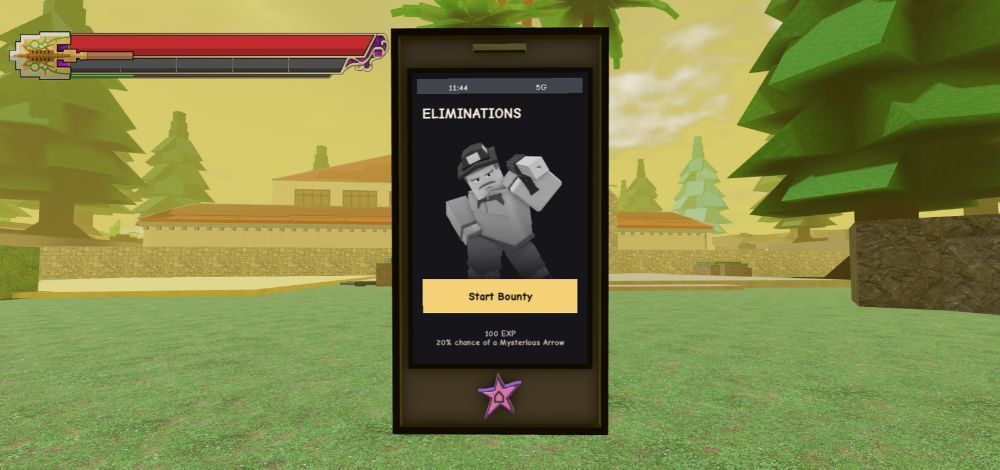
Tap Bounties to see repeatable takedowns. Rewards include XP, Dala, and a chance at Mysterious Arrows; pick targets that match your loadout and risk tolerance.
Map
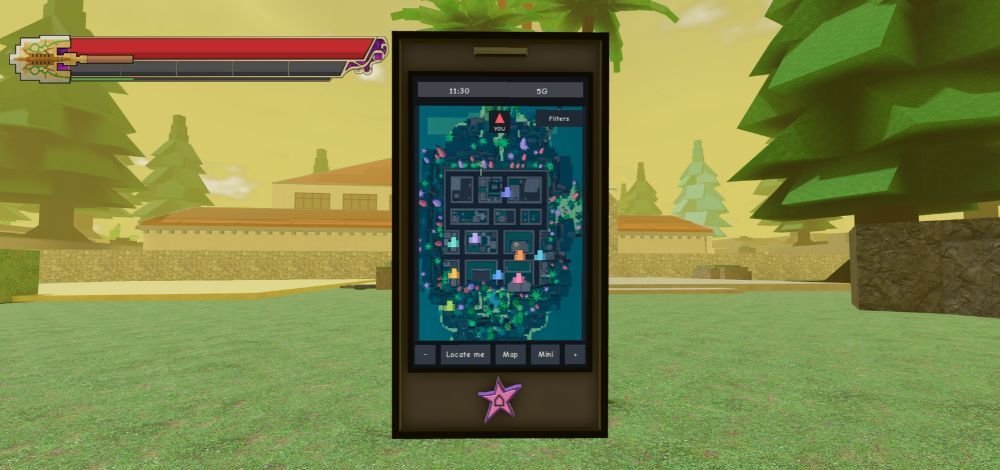
Open the Map app to tag NPCs, hotspots, and safe zones. Treat it as mission control: mark routes, note gang bases, and plan where you’ll call Huber.
Gangs
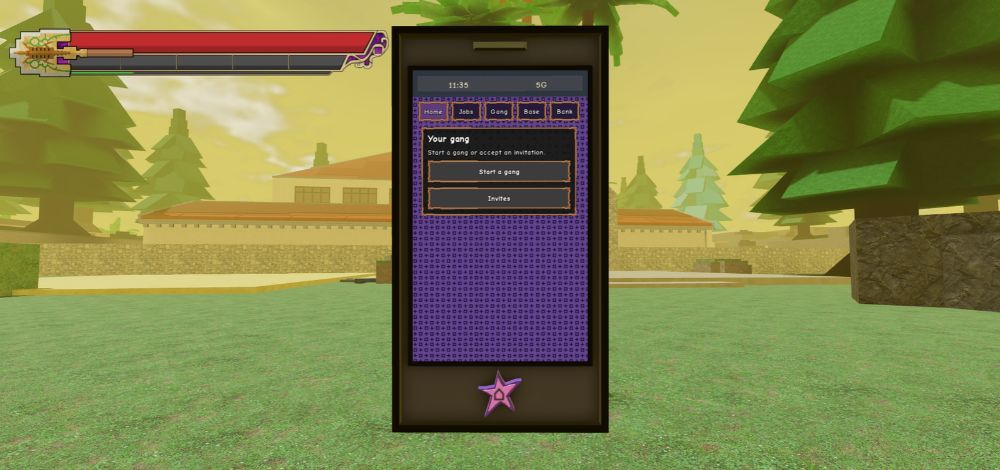
Create a gang or join one to get access to shared jobs, a base, and a gang bank. If you play with friends on Discord or a Roblox group, this is where coordination becomes profitable.
Alt Colors
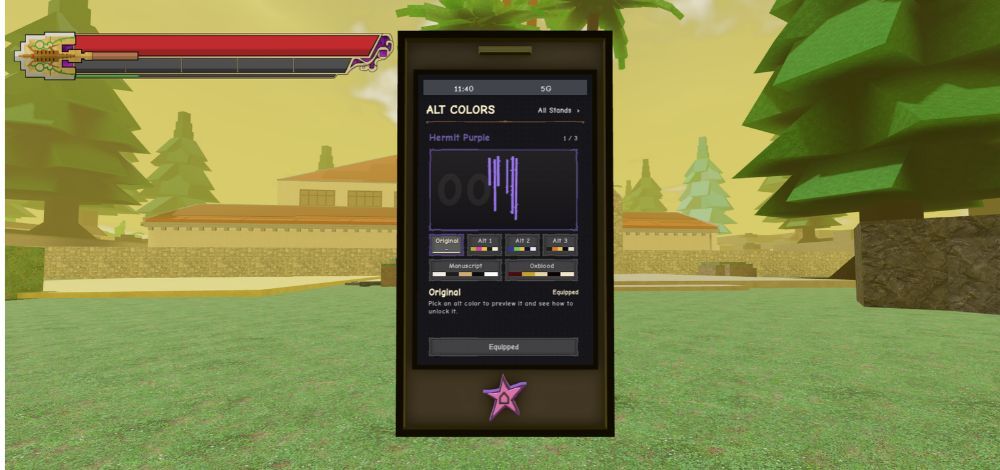
Alt Colors adjusts your Stand’s look. Each color has a requirement—eliminations, ability uses, or damage dealt—so pick goals that match your playstyle if you want the flair without grind fatigue.
Quests
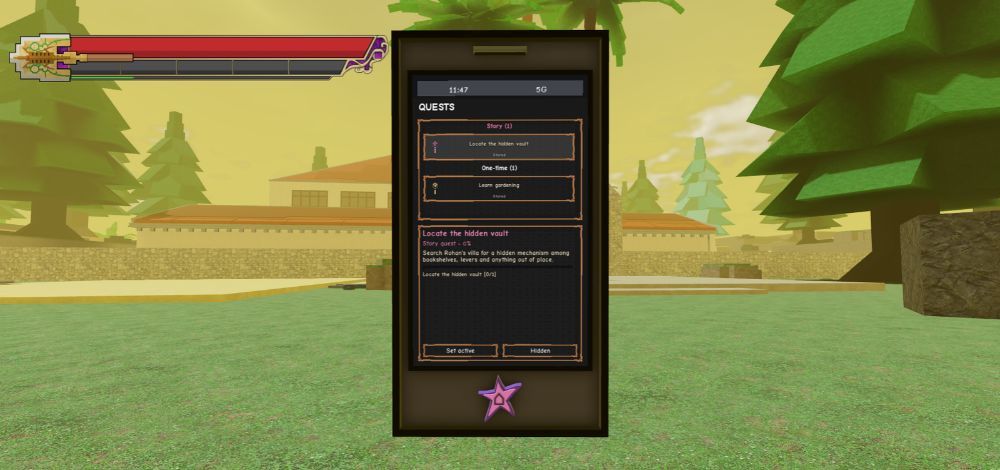
Quests lists active and available missions. Prioritize quests that reward high-tier Arrows and XP; they’re the fastest path to meaningful upgrades.
Gifts
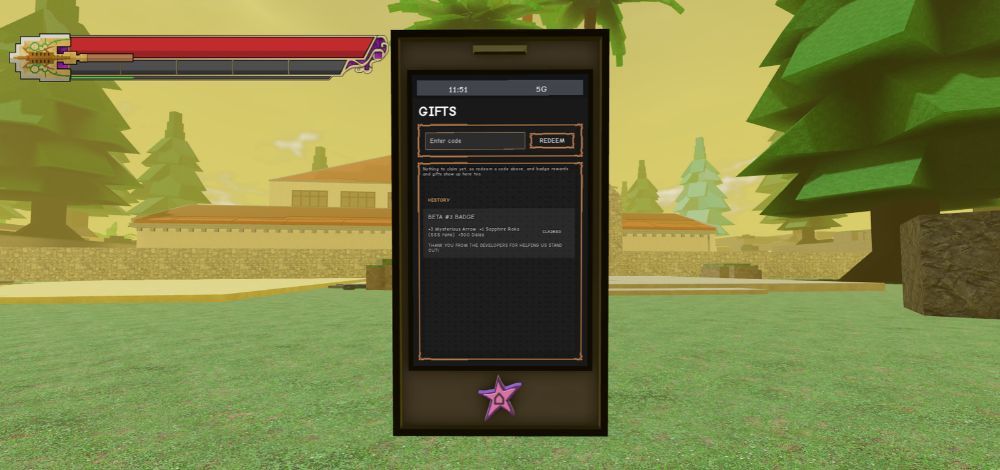
Redeem promo codes in Gifts for free Stand Arrows, Dala, and other drops. Keep an eye on the game’s official Discord, Twitter, and Roblox page for fresh codes.
Standify
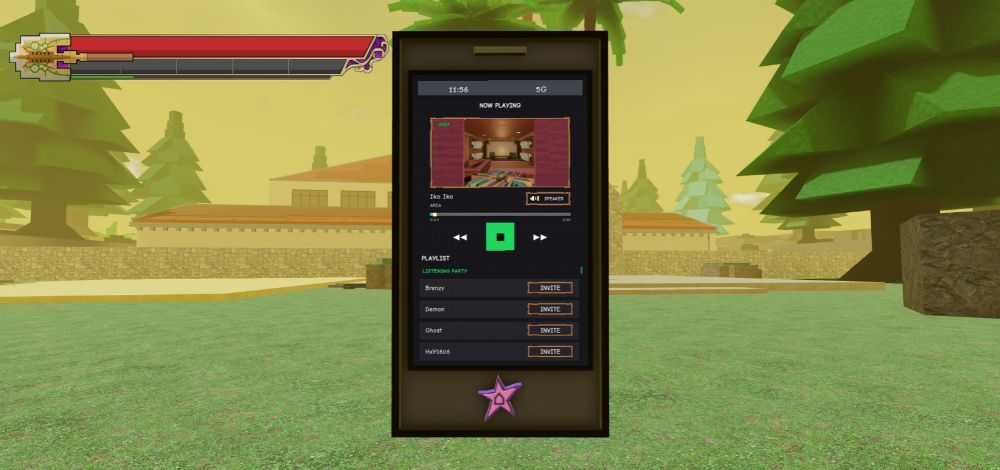
Standify is a music player for the lobby and speakers—you can queue tracks and invite others to listen. Standify is a neon jukebox that turns idle lobbies into shared moments, and if you stream gameplay to YouTube or Twitch, it makes your lobby feel like a live set.
Gallery
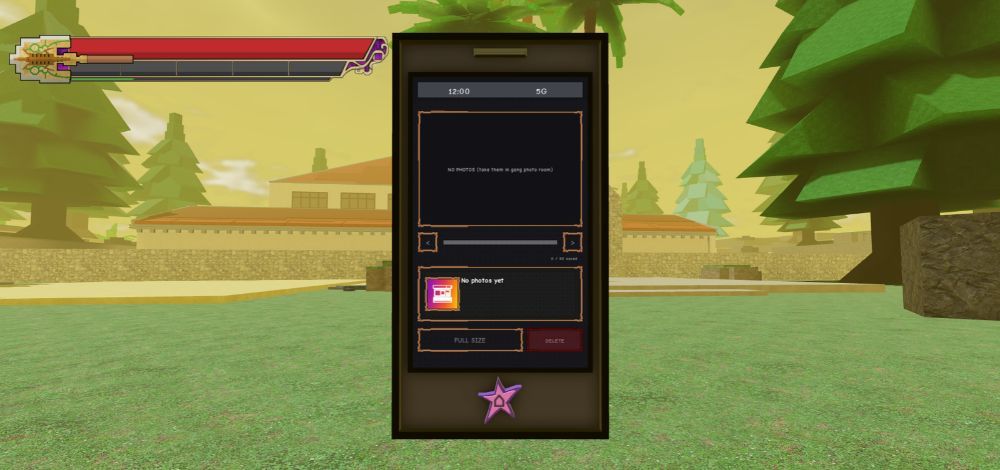
Gallery collects your screenshots and clips. Use it to save highlights before you post to Twitter, Discord, or your YouTube channel.
That’s every app you’ll need to master the handheld systems in Stand Out. Which app do you use first—Quests for rewards, Huber for speed, or Standify to throw a lobby party—what’s your move?