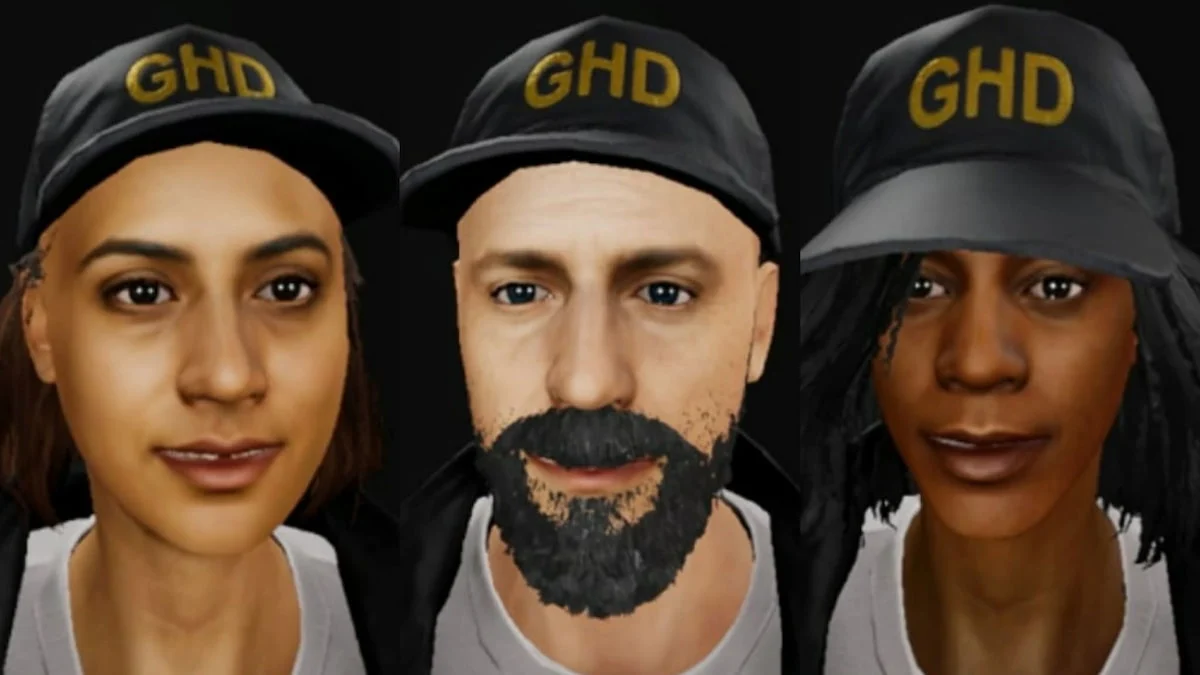
I hit the lobby and felt that tiny rush of embarrassment — my team already knew me by the wrong face. The avatar staring back was a mismatch: wrong gear, wrong attitude, wrong footprint for a tense investigation. You lose credibility before the first creak of a floorboard when your character says the wrong thing.
How to change your character in Phasmophobia
The main lobby is cluttered with contract tiles, a bank of monitors, and a small kiosk labelled GH//OS.T.OS3 that most players walk past. I learned the hard way that the old method — swapping at the contract board — is gone; the devs at Kinetic Games moved model selection into the in-game shop. If you play on PC or VR through Steam, here’s the short route that saves you fumbling before a run.
How do you change your character in Phasmophobia?
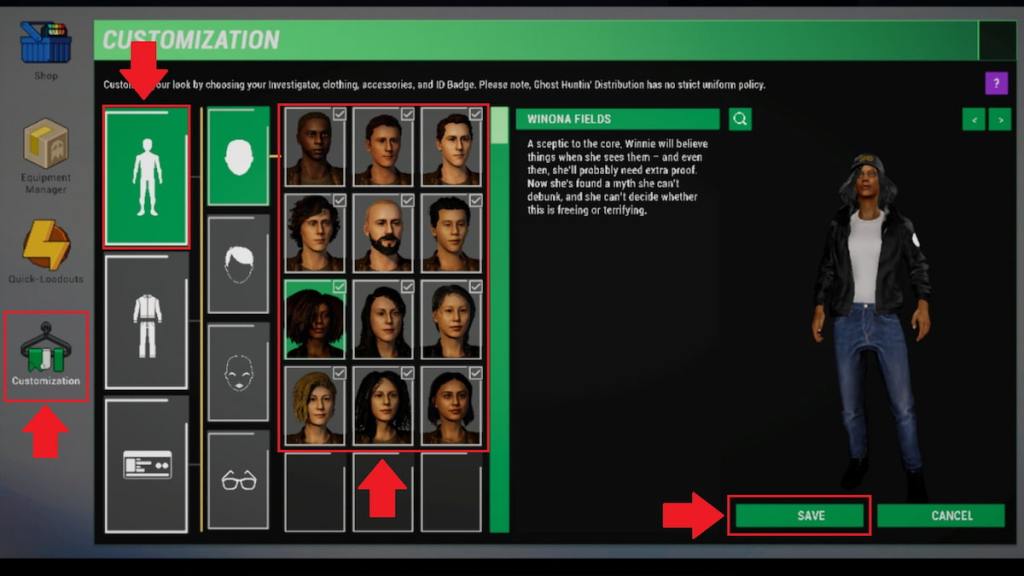
- Open the shop. Walk up to the GH//OS.T.OS3 screen on the right side of the contract board and interact with it; that opens the in-game store.
- Choose the Customization tab. Look for the hanger-and-clothes icon near the bottom left of the shop screen.
- Pick the body icon. The first sub-tab shows a body silhouette — click it to reveal all 12 player models.
- Select a character. Cycle through the models until one fits the persona you want to bring into the investigation.
- Press Save. Hit the Save option in the bottom-right to lock your choice; nothing changes without that final click.
Changing models is quick once you know the path; the first time it feels like you’re clicking through too many menus, but it becomes muscle memory by your third match. If you rely on Discord for squad coordination or run a Steam Community group, call out your new identity so teammates don’t call you by last week’s skin.
Where is the customization tab in Phasmophobia?
Open the shop via the GH//OS.T.OS3 kiosk, then pick the hanger icon — that’s the Customization area. From there the layout separates model selection (the body icon) from clothing and accessories, which makes the interface simple once you memorize the icons.
How to customize character in Phasmophobia
The shop shows rows of thumbnails: heads, shirts, jackets, and accessories laid out like tiles in a thrift store window. You can use the available cosmetic items right away, and you can earn additional pieces by completing in-game tasks and achievements tied to the weekly challenges and hidden objectives.
Can you customize characters in Phasmophobia?
Yes. Click any cosmetic item to preview it on your chosen model, then remember to hit Save in the bottom-right. No matter how many items you toggle, changes only apply after that Save press.
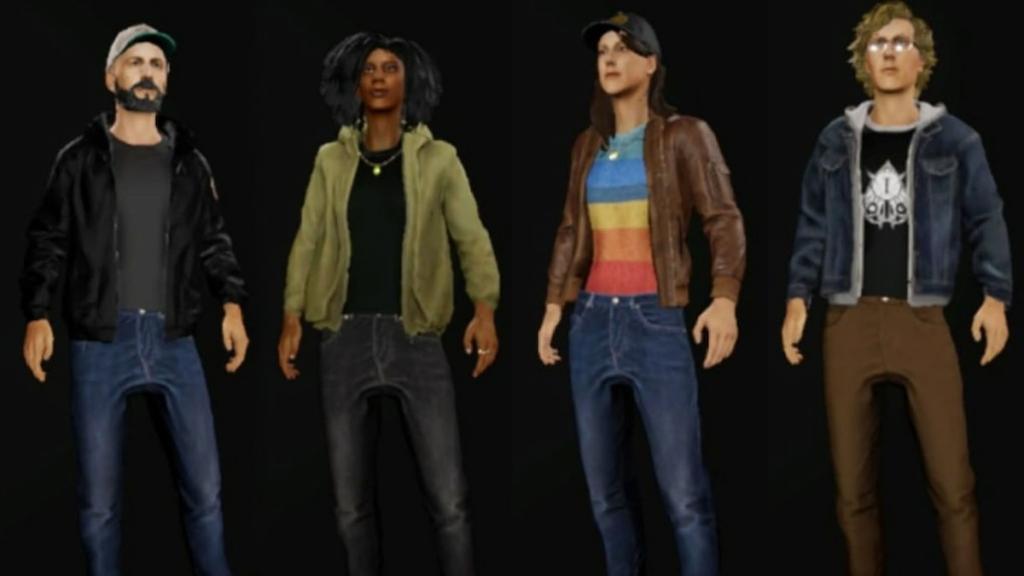
Think of changing your avatar like swapping jackets on a rainy stakeout — it changes how people read you the moment you arrive. The customization area functions like a mechanic’s toolbox: pick the right tool, then click Save to make it count.
I play on Steam and keep a short checklist in Discord to call out who’s wearing what before a job; it avoids awkward pauses when the lights go out. Want to get theatrical with a new look or keep it functional for roleplay runs, the choice is yours — who are you planning to be next?