I fired up my Xbox five minutes early and hit an error that froze my plans. You can feel the kickoff slipping away when every friend chat fills with screenshots and spoilers. If you’re staring at a denied login or a stubborn download icon, read on—I’ve walked through this.
My queue filled with messages from players who bought early access. How to fix Halo: Campaign Evolved early access not working
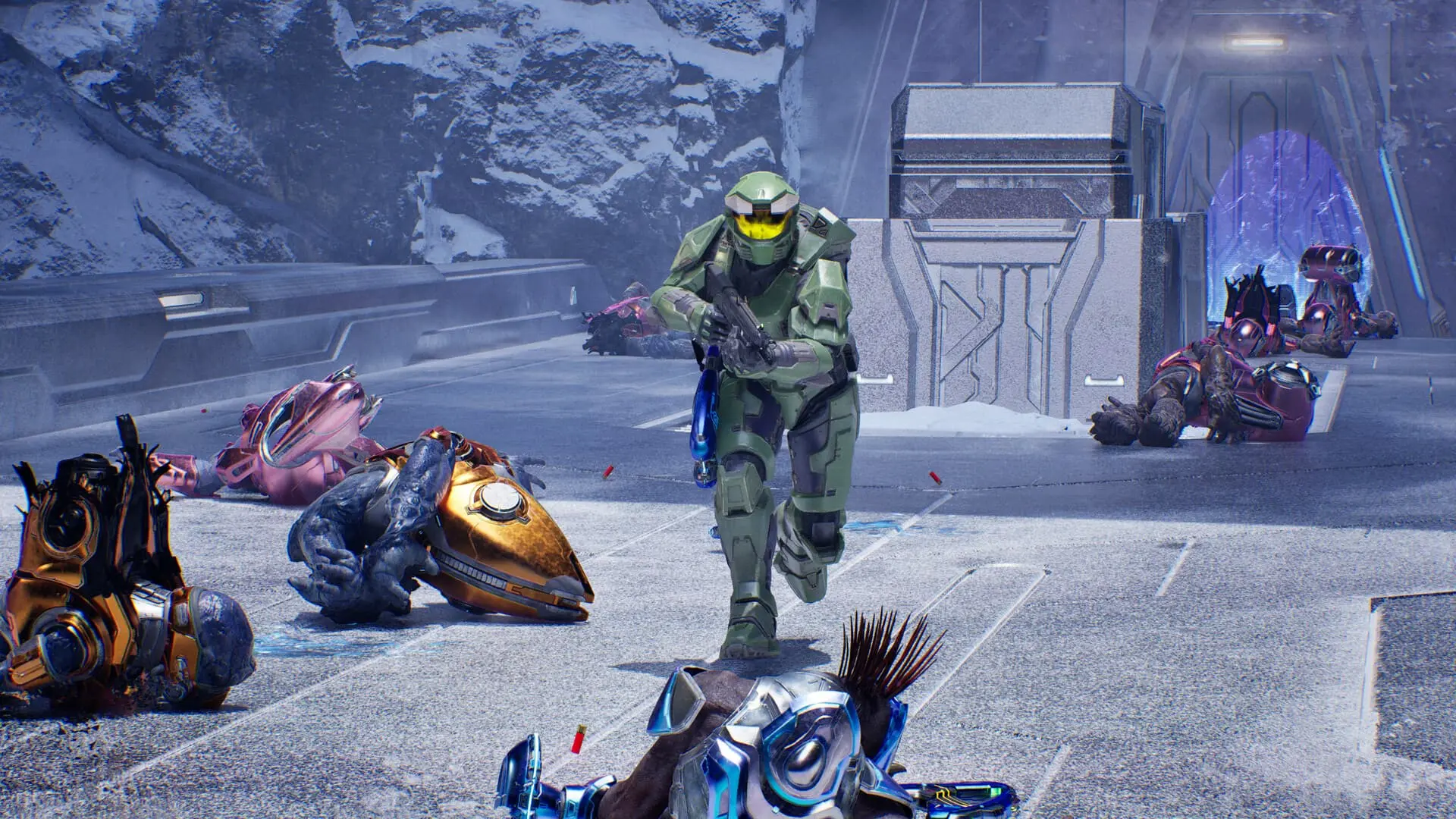
The short version: the Premium Edition promises five days of early access ahead of the July 28 full release, and that rollout began on July 23 at 10am CT. Premium Edition buyers (typical price: $79.99 (€75)) expected to boot into Master Chief’s campaign with Unreal Engine 5 visuals, sprint, new weapons, and vehicle hijacking—but many are blocked by Xbox service errors.

I saw the Xbox Support notice up before the launch window closed. Why the early access is inconsistent
Reports point to broader Xbox services and authentication problems—the kind that turn a rollout into a lottery. For some players the game boots fine; for others the app refuses to acknowledge the Premium purchase. At times the servers are a clogged artery, and the login system behaves like a locked safe: you can have the key but still not get inside.
I started with the basics and they solved many cases. Immediate checks that often work
- Sign out of your Microsoft account on the console or Xbox App, then sign back in. This forces a license refresh for digital purchases.
- Confirm the Premium Edition purchase on account.microsoft.com and the Microsoft Store purchase history—if the sale isn’t linked to your gamertag, the game won’t unlock.
- Restart the Xbox or PC and power-cycle the router. A full reboot clears cached tokens and stalled network sessions.
- Check the install status: on console verify the title says Installed and the content packs are present; on PC check the Xbox App or Steam library for a valid install path.
- Look at your NAT type and local firewall—strict NAT can block authentication. Temporarily switch to a different network (phone hotspot) to test whether the home network is the issue.
Why can’t I access Halo: Campaign Evolved early access?
Short answer: Microsoft-side authentication and Xbox service outages are the most common culprits. If the Xbox Live service that validates entitlements is degraded, the store will refuse to grant the early-access flag even when you own the Premium Edition.
How do I get early access for Halo Campaign Evolved?
Make sure the purchase is tied to the exact Microsoft account signed into your Xbox or Xbox App. If you redeemed a code, verify it under your account’s order history. If all that checks out, try the steps above and then move to the next section.
A forum thread led me to a few clever fixes players posted. Workarounds that helped real people
- On Xbox Series X|S: clear local saved games (Settings → System → Storage → Clear local saved games) and restart. It forces a fresh cloud sync.
- On PC: sign into the Xbox App, navigate to the game page, click the three dots and choose Repair or Reset if available. Reinstall if necessary.
- Switch DNS to Cloudflare (1.1.1.1) or Google (8.8.8.8). Some players saw authentication hops complete after changing DNS.
- Try redeeming any preorder or Premium codes again via account.microsoft.com/redeem to rebind entitlements.
- Use a different platform if possible: if you have the PC key on Steam or the Xbox App, test the other client—some rollouts are platform-specific.
I watched troubleshooting threads and official updates while testing. When to stop fiddling and wait for fixes
If you’ve tried the steps above and multiple users on X (formerly Twitter) are reporting the same outage, the problem likely sits with Microsoft’s backend. Xbox Support acknowledged engineers are working on connection errors—follow @XBOXSupport and the Xbox Live status page for live updates.
We are aware that some users are encountering errors when attempting to connect to Xbox services and features. Our engineers are actively working to mitigate the issue. We’ll update as soon as we have more — keep an eye on https://t.co/gW4rn6nrjb.
— XBOX Support (@XBOXSupport) July 23, 2026
If the outage persists for many hours and you can’t play before your intended streams or meetups, contact Microsoft Support for a targeted account check or ask for a refund through the retailer—343 Industries won’t be able to reassign a digital license if Microsoft hasn’t validated the purchase.
I traced what to watch next for progress. Where to follow updates and what to report
Follow Xbox Support on X, check the Xbox Live status page, and keep an eye on official 343 Industries channels. When you file a support ticket, include these facts: account gamertag, purchase receipt screenshot, platform (Xbox Series X|S, Xbox One, PC/Xbox App, Steam), and the exact error message.
I’ve seen rollouts recover after a few hours; some players got in after a simple sign-out while others had to wait for Microsoft’s engineers. Will the wave of early-access problems change how future launches are handled, or will this become another Saturday night server story?