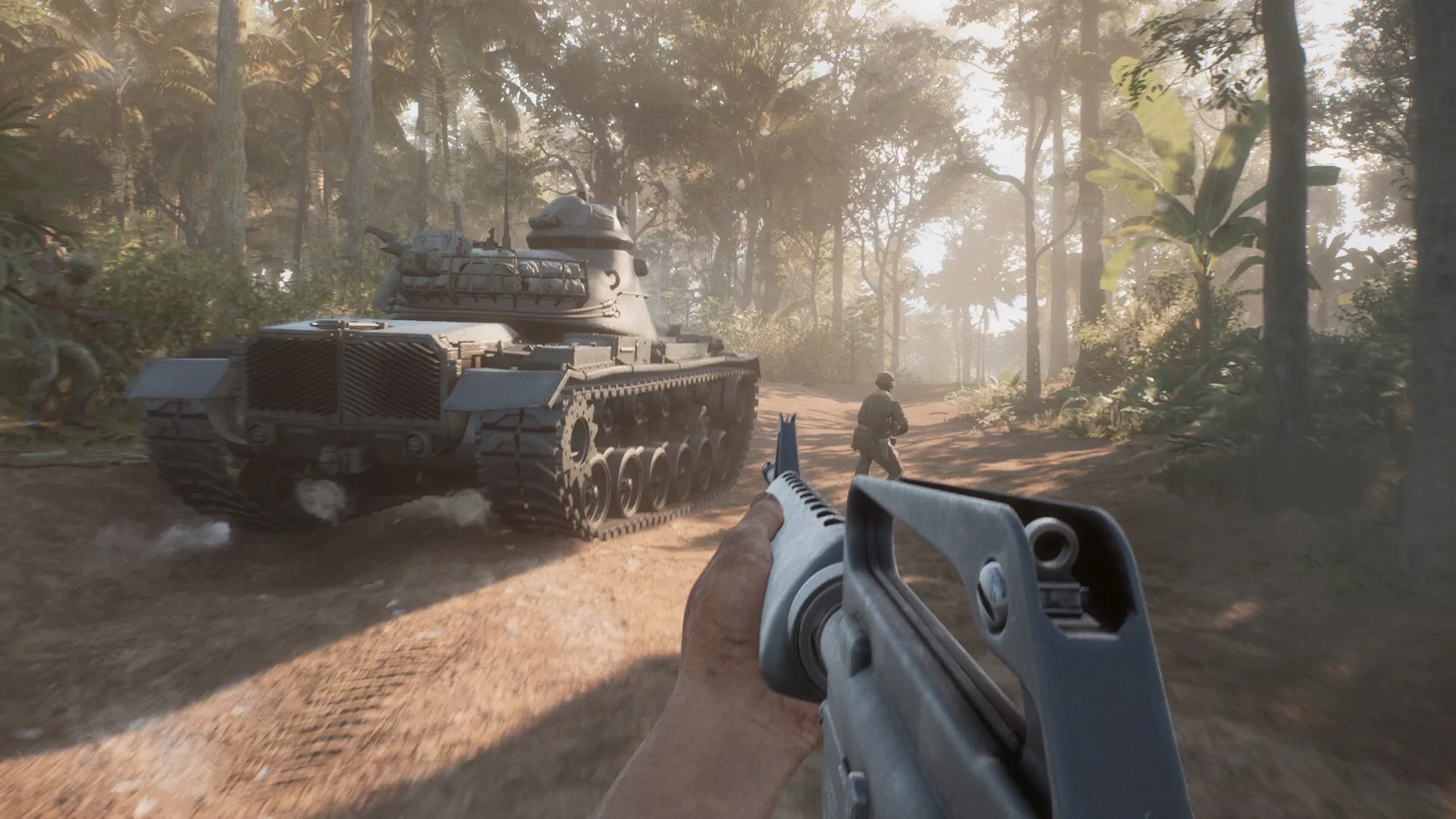
I was five minutes into a 50v50 when my frame rate collapsed and the jungle turned into a slideshow. Calls went out on squad chat while I scrambled through menus. That single match forced me to treat the settings menu like a battlefield.
I tested on a mid-high PC so these tweaks help people with slightly weaker rigs as well as mine.
- AMD Ryzen 7 5700X
- AMD Radeon 9060XT 16 GB
- 32 GB DDR4 RAM
When smoke grenades filled the map and FPS dropped — Best Hell Let Loose: Vietnam graphics settings
Short version: trim visual flourishes and keep fidelity where it matters for aiming and spotting. I set the game to favor frame rate and clarity over cinematic effects because this is a human-versus-human shooter.
- Window Mode: Personal preference — fullscreen gives the most stable full-screen Exclusive-Mode timing.
- Resolution Scale: 100% — keeps clarity for spotting distant players.
- Vertical Sync: On — smoother feel and reduced tearing; in competitive play it often feels like gaining a small advantage.
- Image Reconstruction: Off
- Post Processing Quality: Low
- Motion Blur: Off
- SSAO: Off
- Hardware Lumen: Low — turn off if you see stutters.
- View Distance: Medium — balance spotting with performance.
- Master Quality: Custom
- Global Illumination Quality: Low
- Texture Quality: Medium
- Shadow Quality: Low
- Reflection Quality: Low
- Shading Quality: Low
- FX Quality: Low
- Landscape Quality: Low
After the tutorial sputtered and I tweaked settings like a mechanic under a hood — Performance tweaks and why they work
Two minutes of fiddling with these settings turned the game from jittery to playable. I prefer prioritizing consistent frames over pretty lighting; it makes spotting small movements and muzzle flashes far easier.
Think of removing excess effects like a sniper trimming excess weight — it makes every shot count. Use AMD’s Adrenalin or NVIDIA’s GeForce Experience to force driver-level optimizations, and keep drivers updated through Steam or the vendor app.
Steam reviews mentioned post-launch hitches — What to expect and quick fixes
Players reported instability in early reviews; expect some patches. In the meantime, small changes are the fastest wins: reduce Hardware Lumen, lower shadows, and stop running background capture in OBS or Discord overlay if you want smoother matches.
How do I increase FPS in Hell Let Loose: Vietnam?
Lower post-processing, motion blur, and shadows. Lock resolution scale to 100% and drop landscape and FX quality. Use MSI Afterburner to monitor VRAM usage; if VRAM is saturated, drop Texture Quality.
What settings reduce lag?
Turn off Image Reconstruction and SSAO, set Hardware Lumen to Low or Off, and disable overlays from Steam, Discord, or recording software. VSync On helps perceived smoothness but may add latency on some setups—test it in a live match to decide.
I ran these settings across the opening hours and the match feel stabilized; expect the developers to patch obvious regressions, and keep an eye on Steam discussions and the Unreal Engine notes for fixes. If you want a clean baseline, keep everything listed above low or medium, update GPU drivers, and use vendor tools for tuning — it’s a surgical approach like switching to a scalpel rather than a hammer. Will you stick with performance-first settings or chase cinematic visuals and risk the frame drops?