
I heard my third ally shout “Marked!” as the dragon pivoted. I watched the health bar peel away with each critical. You feel the fight change the moment a status lands.
I play these encounters and write about what actually matters in a build. I’ll walk you through every Status Effect, how they behave, and how you should react when they appear on your HUD.
All Crimson Moon Status Effects explained
On Steam’s discussion threads, players argue over a single question: which status wins a duel. Below I break down each effect, what it does, and the small mechanical hooks you can exploit.
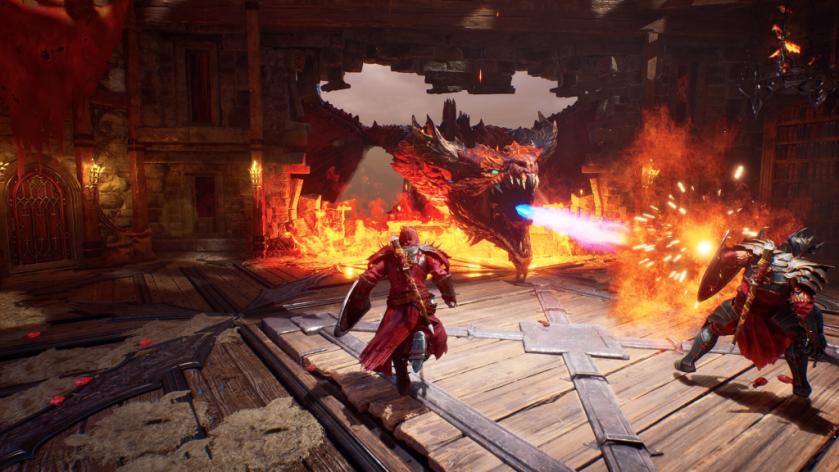
The table below lists every Status Effect you’ll encounter in Crimson Moon and how each one behaves in practice. Read it as a quick field manual you can pull up mid-build planning or before a boss run.
| Status Effect | How it Works |
|---|---|
| Bleed | Inflicts damage over time based on stacks and your build’s bleed scaling. High-crit or fast-hitting builds amplify this effect. Think of Bleed like a slow faucet drip that punishes passive recovery and forces targets to be finished before they heal. |
| Burn | Deals damage over time tied to Fire stacks. Burn often triggers from flame Arts or incendiary weapons. You can cancel Burn with well-timed dodge rolls, so learn the timing or pair it with crowd control to keep enemies burning longer. |
| Frost | Applies slowing stacks and increases incoming damage while present. Frost is a control tool: use it to clamp movement and amplify follow-up burst from allies or heavy Arts. |
| Frozen | Occurs when Frost stacks reach a threshold. A Frozen enemy is immobilized and cannot perform physical actions; it becomes an easy target for area-of-effect spells or charged crits. |
| Marked | Marked targets take higher critical damage. This status pairs perfectly with crit-focused weapons and Arts that raise headshot or weak-point chance—if you see a Mark, you should be lining up a heavy hit. |
| Poison | Poison applies damage over time that scales with stacks and resistances. It’s slower than Burn or Bleed but hard to shrug off during long fights; builds that stack DoT will make this bite harder as the encounter drags on. |
| Rage | Rage stacks increase the damage output of the affected individual. This is a positive buff for whoever carries it—use it to turbocharge a DPS ally or bait opponents into overcommitting. |
| Sunderance | Reduces resistance to all damage types and status effects, making the target take amplified damage. Sunderance amplifies follow-up damage and opens windows for status cascades, hitting armor like a sledgehammer to brittle plates. |
Arts, Boons, and weapon choices govern which status effects you can reliably apply. Some effects apply instantly; others require stacking to a threshold. Build around the status you want to force on the fight.
How does Bleed work in Crimson Moon?
Bleed scales with the number of stacks and your bleed-affinity stats. I use fast-hitting claws or light swords to stack it quickly; you can pair Bleed with crit-focused gear to turn small hits into a collapsing health bar. If you want to see it live, watch any Crimson Moon streamer on Twitch who mains bleed—timing and build synergy are obvious there.
Can I remove Burn or Frozen?
Burn can be canceled by dodge rolls—practice the timing. Frozen usually breaks when the enemy takes enough damage or when you use Arts that specifically cleanse or shatter control effects. The Steam Community Hub and Discord channels for Crimson Moon often list which Boons break which controls if you want a quick reference.
Do status effects stack and interact?
Yes. Stacks matter: many effects trigger stronger outcomes at specific thresholds. Sunderance lowers resistances so other status effects land harder; Marked pairs with crits; Frost into Frozen locks targets for focused burst. I recommend testing combos on training dummies or in low-stakes runs before you take them to Nightmare bosses.
If you bought Crimson Moon on Steam for $19.99 (€18) or picked it up via an indie showcase, use the community (Discord, Nexus Mods for build overlays, and the Steam guides) to compare notes and refine timing; the difference between a good run and a flawless one is often a single status window—what will you chase next?