
Updated on May 7, 2026: Added the new Trello link.
I watched a raid collapse at 2 a.m. because one player missed a boss spawn. I blamed lag, then realized nobody had tracked the timing. I made a note: when the group sleeps, the Trello keeps working.
At a late-night raid I learned one thing: documents win fights — Sailor Piece Trello, Wiki and Discord Links
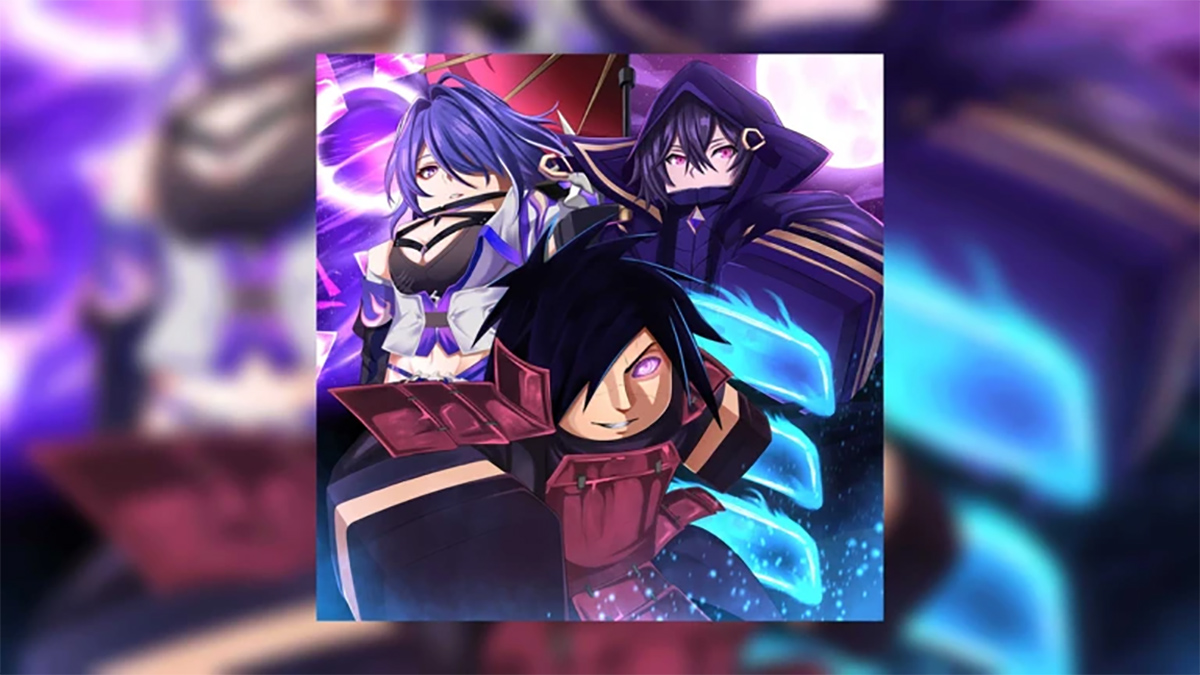
If you play Sailor Piece and want to stop guessing, these are the pockets of truth I use: the Trello board for patch timing, the Wiki for quick lookups, and the Discord for live intel. The Trello board is like a compass — it points to what changed and when. The Discord becomes a toolbox when devs drop a hotfix or a free code.
What is the Sailor Piece Trello board used for?
The Trello collects patch notes, planned features, bug reports, and roadmap items. Use it to time grinds, track boss spawns, and see what the devs plan next. If you play PVP, check the update and balance lists after every patch so you don’t grind the wrong build.
- Sailor Piece Trello Board (new link added May 7, 2026)
- Sailor Piece Game Page (Trello)
- Sailor Piece Wiki — built by the BloxInformer team
- Sailor Piece Discord Server
- Sailor Piece Roblox Group (Shadowrise Devs)
At a coffee shop I overheard two players argue about a fruit — How the Wiki stops those fights
The Wiki is where you check numbers fast: fruit effects, cooldowns, island requirements, and where items spawn. I use the BloxInformer pages for quick tier lists and the community edits when something changes after a patch. Bookmark the fruit and boss pages; they save you hours you would otherwise waste testing.
How do I use the Sailor Piece Wiki to find a fruit?
Search the fruit name, then open the page’s overview and stats table. The Wiki normally includes spawn locations, rarity, and ideal builds. Cross-reference with the Trello update list when a patch drops — stats can change between updates.
On Discord I watched devs drop a code mid-stream — why the server matters
Discord is the fastest signal: patch notes, hotfixes, giveaways, and community-run events. Follow the update-log and announcements channels. If a dev posts a balance change, you’ll know before the next ranked session starts.
Where is the official Sailor Piece Discord and what channels matter?
Join the official Discord. Prioritize channels: announcements, update-log, trading, and a codes or giveaways channel. Dev messages and pinned posts are the non-negotiable reads for active players.
At a clan meeting I realized tools beat theory — how to use all three together
Use Trello to watch the roadmap, the Wiki for quick reference, and Discord to confirm how a change plays out in real matches. Together they form a fast feedback loop: plan on Trello, prepare with the Wiki, and validate on Discord.
What to track first: tier lists for spells and swords, island routes, boss spawn windows, and any new race or rune changes. If you play both PVE and PVP, mark the balance changes that hit core mechanics — those alter meta choices overnight.
Quick checklist for serious players
- Subscribe to the Trello board and toggle notifications for update lists.
- Bookmark the BloxInformer Wiki pages you reference most.
- Pin the Discord announcement channel and check it after each patch.
- Save codes from Discord or community posts — they often expire fast.
That’s the short road map: use Trello, the Wiki, and Discord as a single system to gain an edge — and keep checking after every patch.
If one source could change how you play Sailor Piece, which one will you bet on next?