
You reload a run and the world rearranges: a new patch note, a shifted spawn, a build that suddenly feels wrong. I froze—five ranked matches lost—then opened the board that saved my next fifty. You feel that small, sharp panic when your shortcuts disappear; that’s the moment these links matter.
I keep an eye on the community channels so you don’t have to chase scattered posts. Below I put the Trello, Wiki and Discord where the facts, fixes and best builds live—fast, searchable, and argued over in public.
PURGATORIO Trello, Wiki and Discord Links
Most players hit the game page first and then scramble when they need weapon stats or boss tips; this hub stops the scramble and points straight to the source.
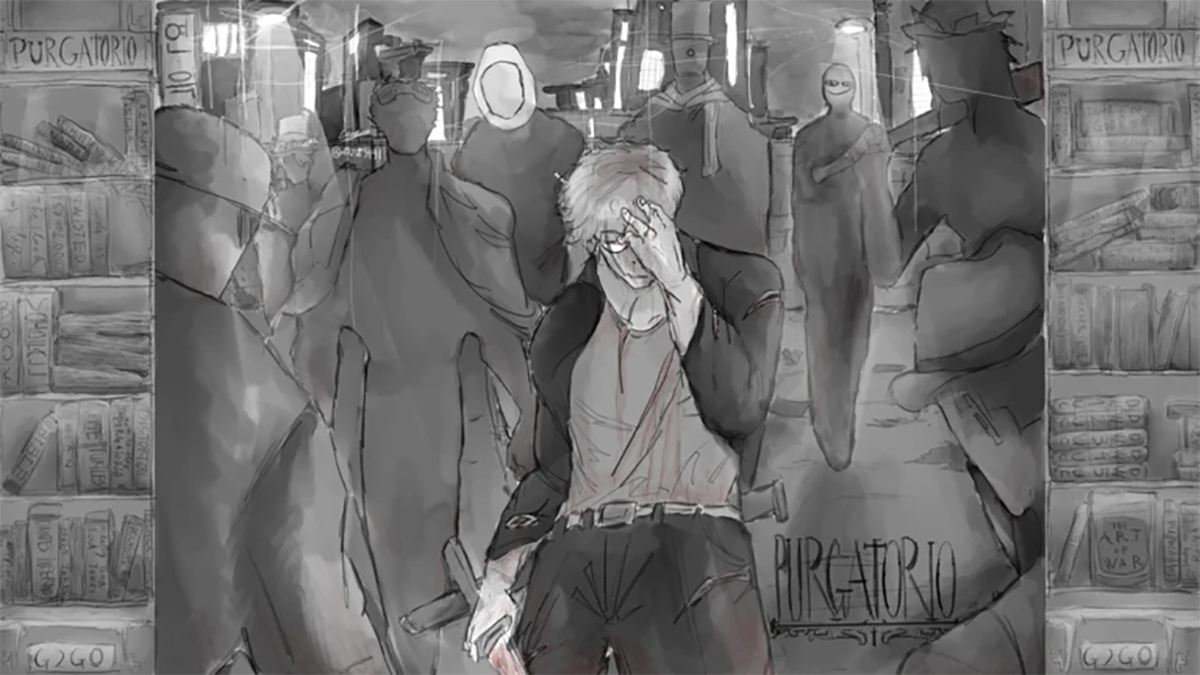
Here’s a single map to the official channels and community-run resources you should bookmark.
- PURGATORIO Trello Board
- PURGATORIO Wiki (Community / BloxInformer)
- PURGATORIO Discord Server
- PURGATORIO Game Page
- PURGATORIO Roblox Group
The Trello board is a blueprint for every viable build.
What I use Trello for: quick gear stats, patch-change logs, and the canonical list of augmentations and auxiliary abilities. It’s organised in cards so you can pull exact numbers before you test a loadout in-game. If a weapon was nerfed in the last hotfix, Trello will show the old value, the new value, and the author’s note.
The community Wiki on BloxInformer fills the gaps Trello doesn’t: player-written guides, screenshots, and route walkthroughs for bosses. If you prefer a browser search for “where to find [item name],” the Wiki surfaces results faster than scrolling Discord threads.
How do I use the PURGATORIO Trello board?
Open the Trello, scan the lists for the category you need—Weapons, Augmentations, Abilities—then use the card search to filter by stat or keyword. I recommend saving a browser bookmark for the “Builds” column and checking it before every session so you never copy an obsolete setup.
Where will PURGATORIO codes be posted?
Codes and timed giveaways hit the official Discord first. Join the announcements channel and pin the bots channel; developers and Doge Gaming Studio drop codes there, then community members mirror them across Twitter and Reddit if you miss them.
Join the Discord not because it’s loud, but because the server is where patch chatter happens in real time and where creators post bug reports, suggestions, and hot builds. The builds channel is my favourite—players paste screenshots and complete stat lists so you can replicate an OP setup in minutes.
- What the Trello and Wiki list: controls, Office Life mechanics, all weapons, augmentations, auxiliary abilities, outfits, bosses, items, status effects.
- Discord extras: announcements, beta access notes, code giveaways, builds channel, bug reports, and developer Q&A sessions.
For meta tracking, follow the Project Moon threads and keep an eye on Roblox community spaces; creators and modders often cross-post analysis that impacts balance decisions. I watch the Doge Gaming Studio posts and a few community figureheads on Twitter to catch hot takes before they trend.
If you want a simple routine: check Trello for raw numbers, consult the Wiki for tactics, then test builds and ask for help in Discord. The loop is fast, and your runs get better faster.
Are you ready to stop losing runs to missing info and start shaping the meta with the community?