
I posted a Story, spotted a typo, and felt my thumb twitch toward the delete button. You know the small, sinking panic — the views were climbing and that one misplaced word suddenly mattered. I sat back, because Instagram just changed the rulebook.
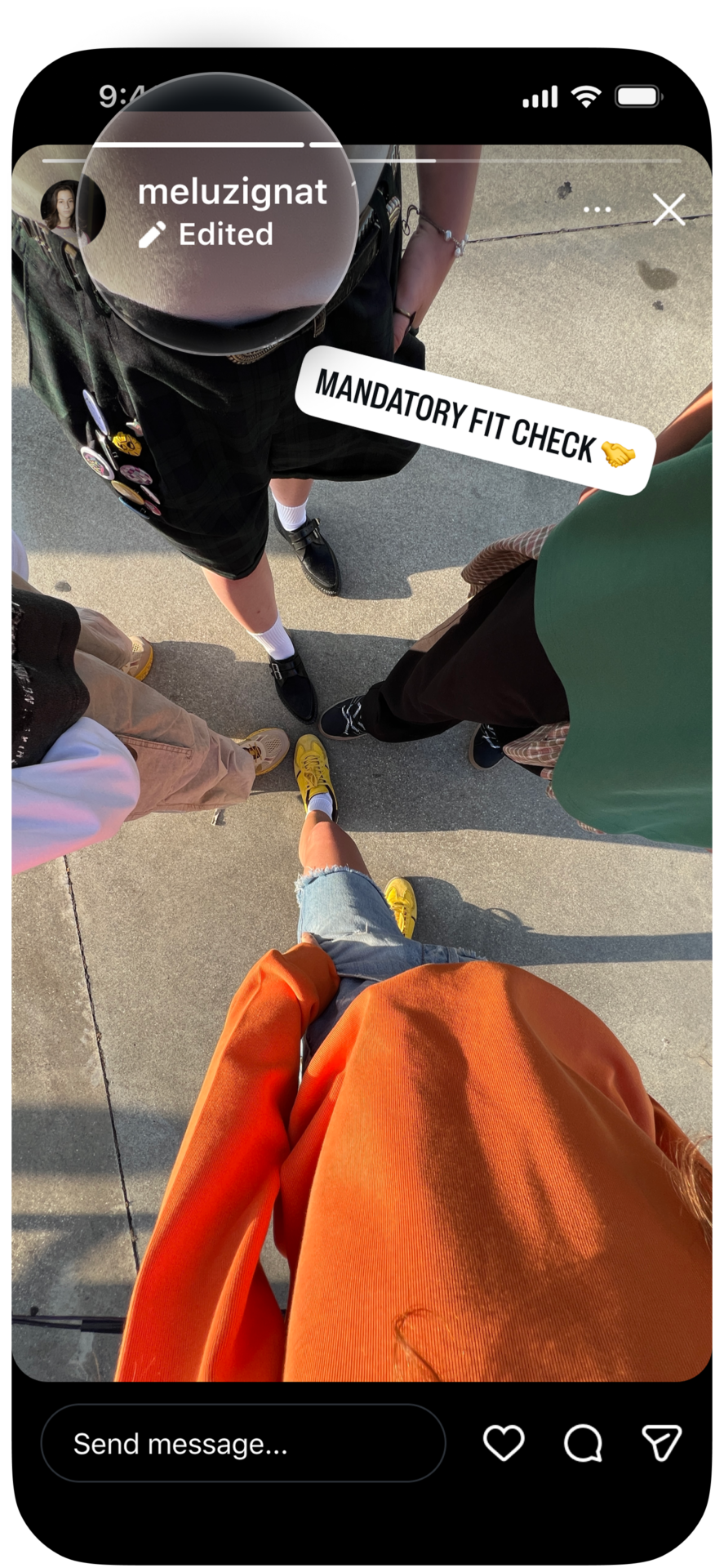
I test features for a living, and I’ve watched platforms add and remove fixes that change creator habits overnight. You will like this one: Instagram now lets you edit text, music, stickers and drawings on a Story for up to 15 minutes after posting — without wiping views, likes or replies. Adam Mosseri announced it himself on Instagram, and the app labels any changed Story with an Edited tag so followers know something shifted.
You mis-tapped a sticker — how editing actually works now
Tap the three-dot menu in the lower-right of a Story and you’ll see an Edit story option. Use it within 15 minutes to change text, swap or remove stickers, edit drawings, or add music. Unlike earlier tests reported by app researcher Alessandro Paluzzi — which reset likes and replies — the live rollout preserves engagement, so that early traction stays intact.
How do I edit an Instagram Story after posting?
Open the Story, tap the three dots, choose Edit story, and make your changes. The Story will show Edited in the corner. If you’re a creator juggling sponsored content and precise captions, this is the kind of small control that saves a post from going sideways.
A brand account lost a swipe-up because of one typo — why this matters
Brands and creators measure every view; a single typo can cost an affiliate click or a sponsor’s goodwill. For small creators that monetize via shoutouts, those first minutes feel like a scoreboard. An edited Story is a whiteout pen across a fresh typo.
That short window changes workflow: you can post fast, scan performance for a few minutes, then correct without blowing up the metrics that advertisers and analytics tools like Sprout Social or Hootsuite use to calculate value.
Will editing a Story remove views and likes?
No — Instagram says edits within the 15-minute window won’t reset views, likes, or replies. Adam Mosseri framed it as a response to user requests: “A lot of people have been asking for this, so I’m excited to get this one out there.” That’s an authority cue; Mosseri and Meta wanted to show the change was direct and intentional.
You’re juggling multiple clips — what else Instagram added
Instagram also added an easier multiple-photo layout picker, improved backgrounds for ill-fitting images, and a redesigned sticker sheet with new fonts, colors, and shapes for faster browsing. Threads and Instagram’s official channels posted the update as “You asked, we answered.”
For creators, that 15-minute window acts like a safety net under a highwire act: it’s not infinite, but it keeps early momentum from collapsing over a tiny mistake.
How long can I edit an Instagram Story?
Fifteen minutes. That’s the limit Meta set for edits without affecting engagement. Instagram began testing similar flows in April, and the prototype reportedly would have removed the original Story and reset reactions — the public release does not.
I’ve seen small UX changes ripple into content strategies before: one tweak to timing or labeling can change how teams schedule posts, brief talent, or check captions. You’ll want to update your posting checklist and tell any freelance editors about that 15-minute safety window.
Meta is rolling the feature out starting Wednesday; if you don’t see it yet, it should arrive in your app soon. Adam Mosseri, Alessandro Paluzzi, Threads and the official Instagram channels are the fastest places to track further tweaks — and yes, this was built for people who sweat the small things. Do you think a 15-minute edit window is enough, or should Instagram give creators a longer grace period?