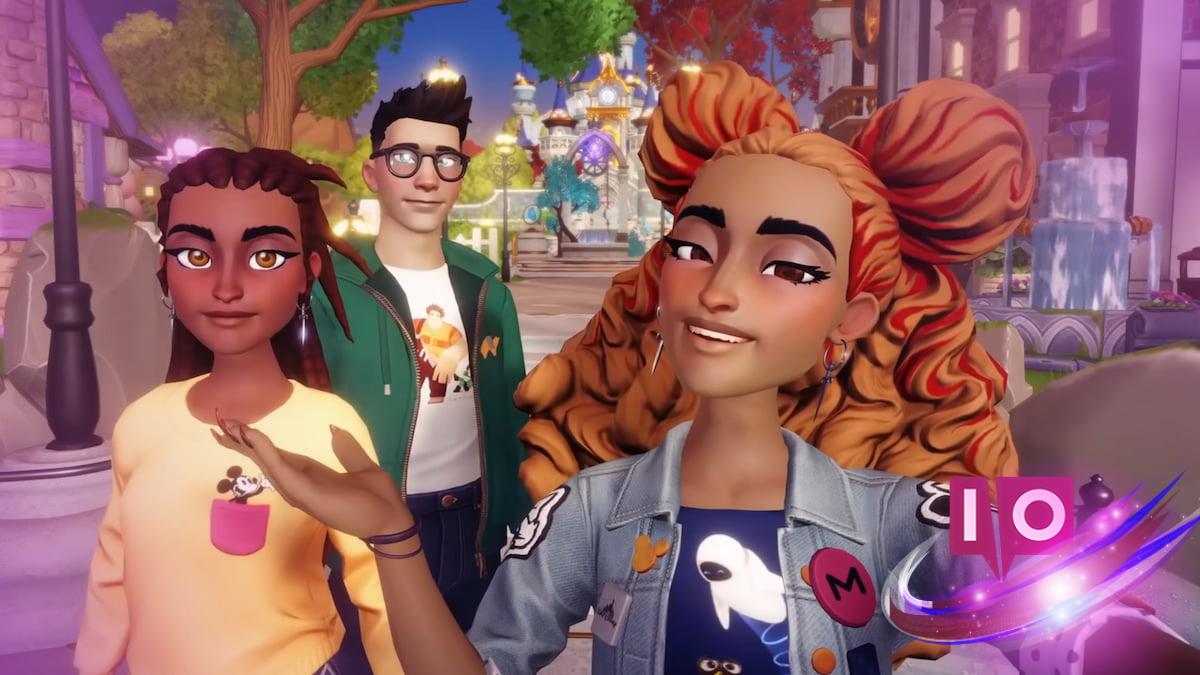
Exploring the enchanting world of Disney Dreamlight Valley can feel a bit overwhelming—especially if you’re going solo. Thankfully, the **DreamTeams** feature offers a way to connect with others and makes your adventure a whole lot smoother. This wasn’t always part of the game, so if you’re unsure how to get involved, I’m here to help you every step of the way.
DreamTeams allow you to team up with other players, sharing experiences and resources, which can significantly enhance your gameplay. Curious about how to join or create your own DreamTeam? Let’s dive in!
What Are DreamTeams in Disney Dreamlight Valley?
Think of DreamTeams as your very own squad in the game—a social feature that lets you team up with up to seven other players. Within these groups, you’ll find several exciting options, like trading items, sharing snapshots, and even comparing DreamSnap scores. Essentially, DreamTeams function as communities where members can collaborate and support each other.
What Can You Do in DreamTeams in Disney Dreamlight Valley?
Being part of a DreamTeam opens up a variety of fun activities where you can actively interact and collaborate. Here’s a peek at what you can do:
- Share and request items.
- Post and react to photos.
- Compare DreamSnaps results with your teammates.
- Customize your team’s name, icon, and motto.
- Check out other players’ progression.
How to Unlock DreamTeams in Disney Dreamlight Valley
You won’t find the DreamTeams feature right at the start. To access it, you first need to complete the **Friendship is Everything quest**. This quest becomes available after tackling early missions like The Royal Tools and The Dream Castle quests, so you won’t have to wait too long to enjoy the team aspect of the game.
How to Create a DreamTeam in Disney Dreamlight Valley
Eager to set up your own DreamTeam? It’s super simple! Open the main menu and navigate to the **DreamTeams** tab, located between the Quests and Event pages. Click on the **Create DreamTeam** option at the bottom left. Just a heads-up: you can only create a team if you aren’t already part of one, so you might need to leave your current group first.
How to Join a DreamTeam in Disney Dreamlight Valley
Want to jump into an existing DreamTeam? Here are three easy ways to do just that:
- Check the **Invitations** section at the top right of the DreamTeam page for invites from other players.
- Use the **Search DreamTeams** option to find a specific team or search using keywords.
- Enter a code from the DreamTeam’s owner via the **DreamTeam Code Entry** option in the bottom right corner.
How to Leave a DreamTeam in Disney Dreamlight Valley
If you ever want to leave your current DreamTeam and join a different one, it’s as easy as navigating to the **Your DreamTeam** tab and selecting the **Leave Team** option. Remember, you can only be in one DreamTeam at a time, but you can switch teams whenever you’d like.
As you play Disney Dreamlight Valley, you might encounter various features, like re-rolling duties or customizing your Dream Castle. If you ever feel stuck, don’t hesitate to seek help from your fellow players or check out additional online resources.
How do I create my own DreamTeam?
To create your DreamTeam, head to the DreamTeams tab in the main menu, and select **Create DreamTeam**. Make sure you’re not already part of another team!
Can I join a DreamTeam without an invitation?
Absolutely! You can search for teams or enter a code to join, so invites aren’t the only way in.
What happens if I leave my DreamTeam?
When you leave, you can freely join another team. Just remember, you can only be in one at a time!
How do I customize my DreamTeam?
You can customize your DreamTeam’s name, icon, and motto through the main DreamTeam menu after creating or joining a team.
Can I transfer items between team members?
Yes! Sharing and trading items is one of the key features that make DreamTeams so engaging and helpful.
With DreamTeams, you’re not just playing solo anymore—you’re building connections and friendships along the way. Have you formed a DreamTeam yet, or are you thinking about creating one? Share your experiences with us below!