I was three minutes into a ranked match when a routine pass turned into a juggling act and the stadium fell silent. My opponent’s receiver kept flicking the ball up and across the pitch, and every attack died on the spot. You shouldn’t have to accept a match decided by a bug.
I’ve tested the quick fix that’s been circulating on PC and consoles, and I’ll walk you through it step by step so you can get back to playing clean football. I’ll also explain why it works and what to do if the glitch returns.
I watched a club friendly collapse because a pass wouldn’t settle. How to fix the Flick Up/Lob glitch in FC 27
The Flick Up/Lob glitch in EA Sports FC 27 appears during passing: the intended receiver suddenly starts juggling the ball instead of collecting it, and possession evaporates. If you’ve seen the ball bounce off a player like a guitar string snapping mid-song, you’re looking at the same fault.
Here’s the short, reliable workaround I use across Steam, PlayStation, Xbox, and PC (Origin/EA App):
- Exit the current match or mode and go back to the main menu.
- Open Controls in the settings.
- Switch your input layout to Classic and save it over the current layout.
- Exit Controls, then open Controls again.
- Make any custom button changes you prefer while on the Classic layout, then save. The game stores this as a custom layout.
- Save your profile with the updated inputs, completely close FC 27, and restart the game.
- Load your modified profile and test a few passes in Kick-Off or a training kickabout.
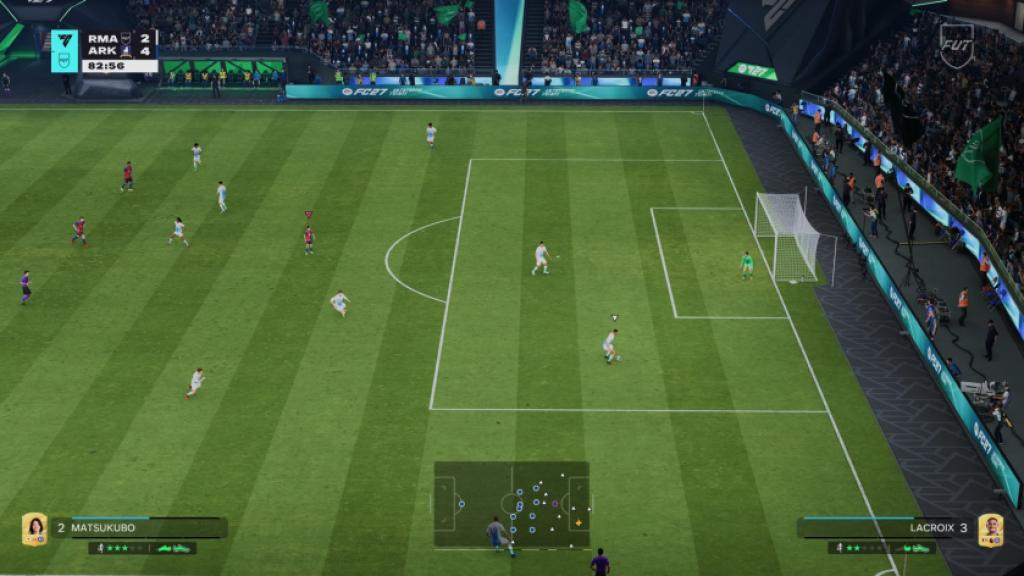
If the glitch persists after the restart, repeat the process once more exactly as above. In a few tests I ran on both PS5 and PC (EA App), repeating the sequence cleared the behavior. If it still shows up, the next move is to clear local saved settings or try a fresh profile — that has fixed it for a handful of users on Reddit and the EA Answers HQ forums.
Why does the Flick Up/Lob glitch happen?
I noticed it crops up when control inputs or custom layouts fail to map correctly after a session change or online match swap. The engine sometimes treats a pass input as a secondary flick command, so the receiver performs a micro-lift instead of a controlled first touch.
Will changing controls to Classic always fix it?
Not always, but most of the time. Switching to Classic and re-saving forces the game to rewrite your input profile; that correction re-aligns the pass-to-receive mapping. If you’ve tried custom layouts created on third-party software or remapped via Steam’s controller config, revert those and test with a native controller profile first.
When will EA patch FC 27?
EA has acknowledged several control-related reports on Twitter and in EA Help threads, and the studio usually issues hotfix updates ahead of large release windows. Monitor EA’s official channels, the FC 27 patch notes, and the EA Answers HQ page; community hubs on Discord and Reddit will flag any rollout quickly.
If you want to keep this from happening mid-tournament, save your working profile to the cloud where possible, and avoid switching controllers or input layers during a competitive run. Treat the workaround like a safety net: it’s not flawless, but it keeps you in control rather than watching a match slip away like a marionette losing its strings.
Have you had this glitch cost you a win, and should tournaments adopt mandatory input checks before matches to stop this kind of error?