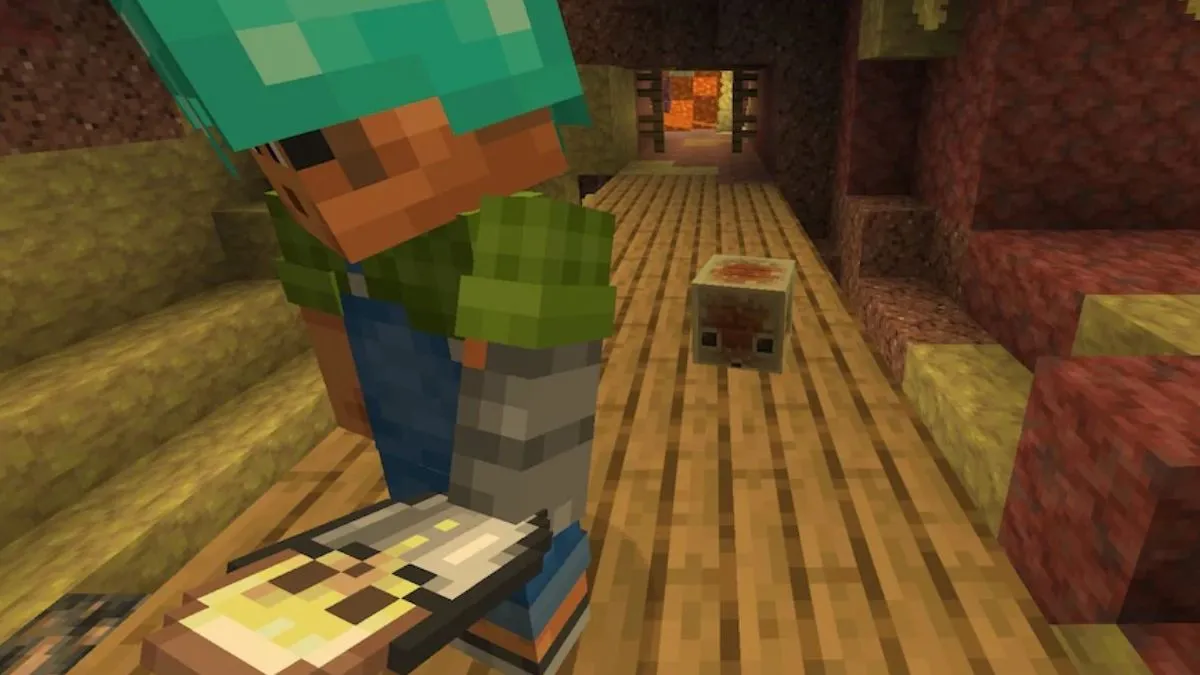
I walked through a Nether portal and froze: Hoglins on Peaceful, Sulfur cubes the wrong size. You may shrug at a patch note, but I want you to see what those small edits actually change. It felt like a seam being mended.
I’ve played Minecraft long enough to spot the difference between a tweak and a rule shift. Snapshot 26.2.4 lands with tidy changes to Sulfur biomes, a couple of new language options, and technical bumps that matter to modders and mapmakers. Read on and I’ll point out what you need to test first, what to tell your server admin, and why creators on YouTube and Twitch should pay attention.
On my morning coffee run I watched a delivery driver correct a flat tire — Sulfur biomes get polish that improves flow and readability
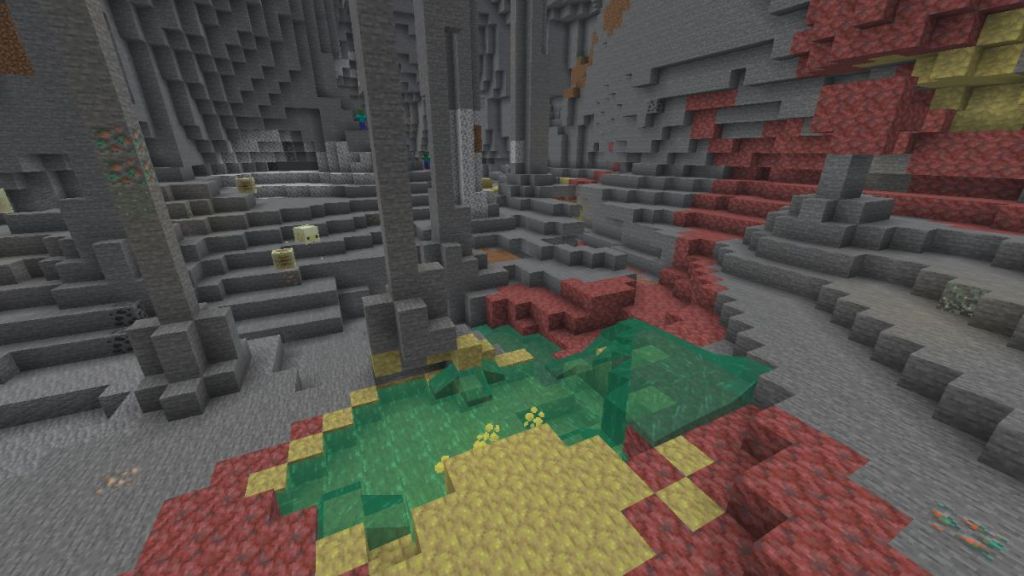
The Sulfur biome from the Chaos Cubed suite has been quietly refined. Small Sulfur Cubes that used to spawn at the wrong sizes now appear as intended, which fixes odd combat and collection behavior you might have noticed in snapshot runs.
Sulfur caves also feel less artificial: granite and tuff now weave into sulfur and cinnabar more naturally, which reduces jarring visual seams and makes cave progression smoother. The Sulfur spike clusters have been shortened slightly, which removes unexpected blockages and makes moving through those caves less of a chore — as if someone trimmed thornbushes off a path.
What is the biggest gameplay change in Snapshot 4?
The most noticeable gameplay shift is mobs appearing where you didn’t expect them: Hoglins and Piglins can now show up in the Nether even when you’re running Peaceful after stepping through a Nether portal. That changes safety assumptions for builders and speedrunners; if you run a server or map, retest Nether entries and portal designs. Also, Sulfur Cubes now have new bucket interaction sounds—small, but useful feedback for players who herd or move those mobs.
On the tram I overheard someone switching language packs — two new languages arrive to widen accessibility
Mojang added Swiss French and Chuvash to the language roster. If you manage localization for a mod or resource pack, this is a cue to check translations on CurseForge or GitHub so your textures and text remain consistent across Java Edition and Bedrock where relevant. It’s a subtle move, but it matters to players who prefer menus and tooltips in their native dialects.
On a forum thread I watched a modder freak out about version numbers — the technical details you need to register
For creators and server admins, the snapshot bumps matter: Data Pack version is now 103.0 and Resource Pack version is 86.1. That’s the kind of change that can break behavior packs, datapacks, and resource packs if you don’t update compatibility notes on your project pages hosted on GitHub or CurseForge.
What are the new Data Pack and Resource Pack Versions?
Data Pack: 103.0. Resource Pack: 86.1. If you publish on platforms like CurseForge, Planet Minecraft, or GitHub, tag your releases and test on both Java Edition and Bedrock if you support cross-play. Streamers and YouTubers should patch their recorded setups and mention the versions in video descriptions so viewers can replicate tests.
Small snapshots can shift behavior more than a headline feature. I recommend you load a local world, flip Peaceful on and off, and walk through a Nether portal to confirm Hoglin/Piglin behavior before you update your live server. If you make content, patch your resource and data pack metadata and mention the new language options in your localization notes.
Mojang (Microsoft) is shipping these changes as part of the Chaos Cubed rollout; expect more incremental tweaks heading into the full 26.2 release. Which small change are you most eager—or worried—about testing on your server or mod?