
I sat through a stream as the on-screen timer slid past the fifty-minute mark and felt that tiny jolt of hope that a free charm might land in my inventory. You know the feeling—two hours of watching suddenly matters more than the match score. Those backpack trinkets can change how you show up in a lobby, like finding a rare coin in a sofa.
The Drops-enabled badge appears on the stream — here’s how to act
I’ve done the account linkage and the awkward permission clicks so you don’t have to. You’ll need to connect your Arc Raiders game account with your Twitch account, then watch streams that show “Drops Enabled.”
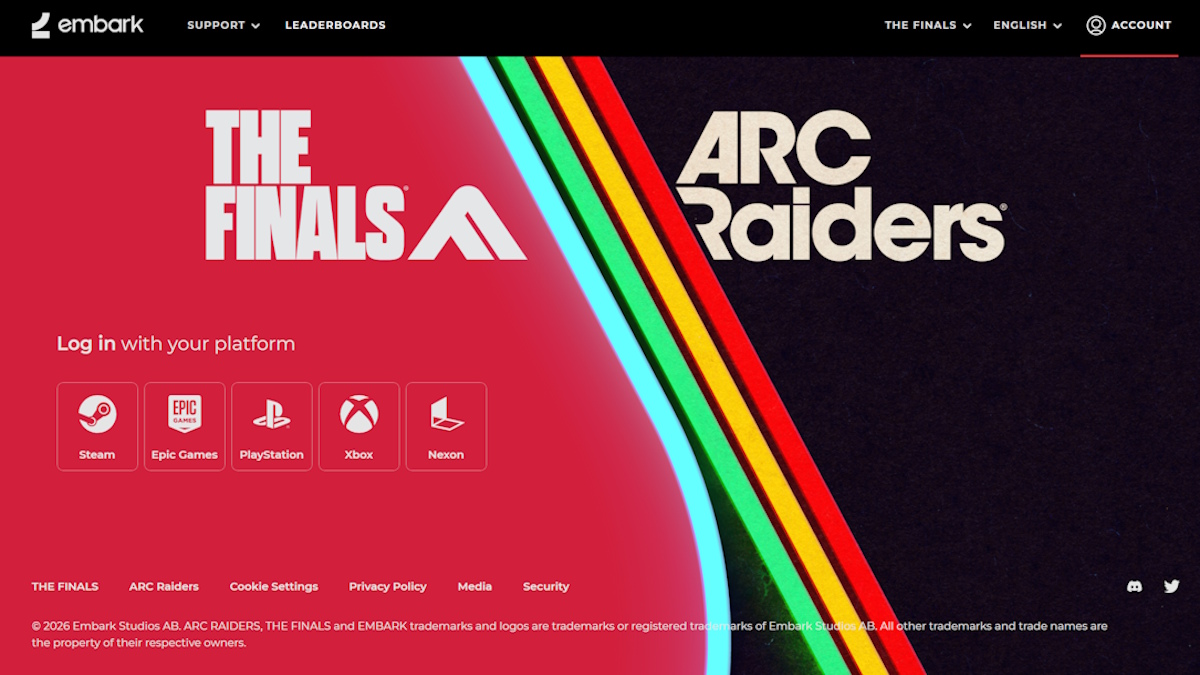
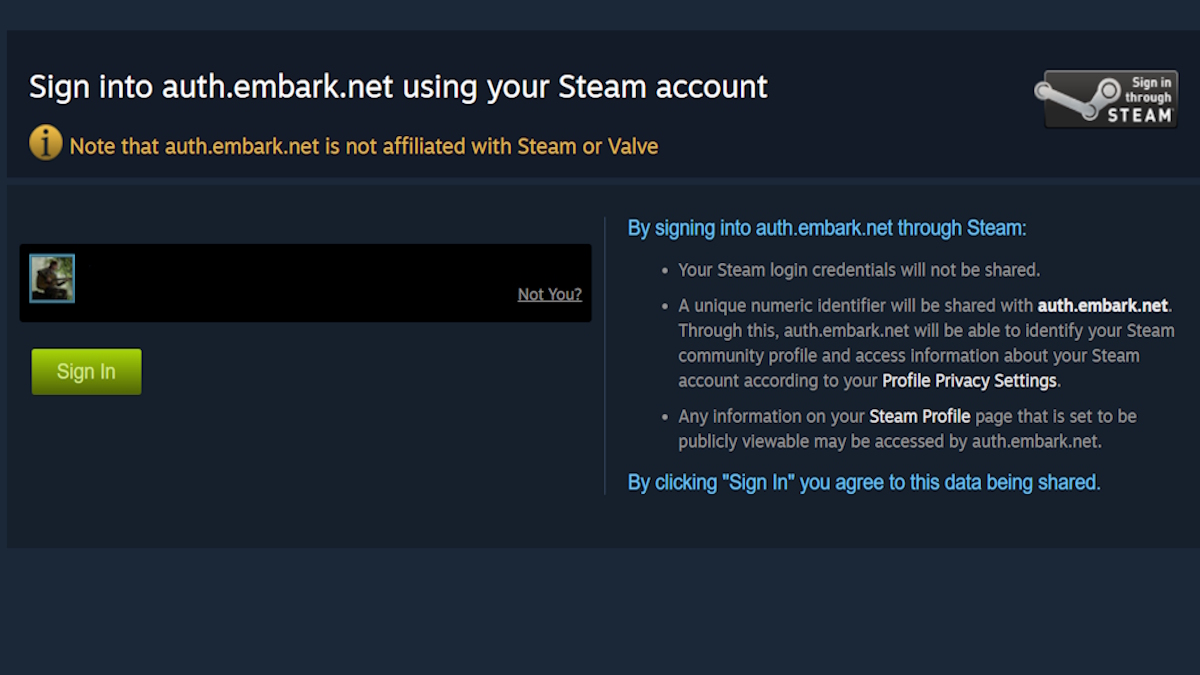
- Sign into the game’s account portal using your platform account (Steam, Epic, console account, whatever you use to play Arc Raiders).
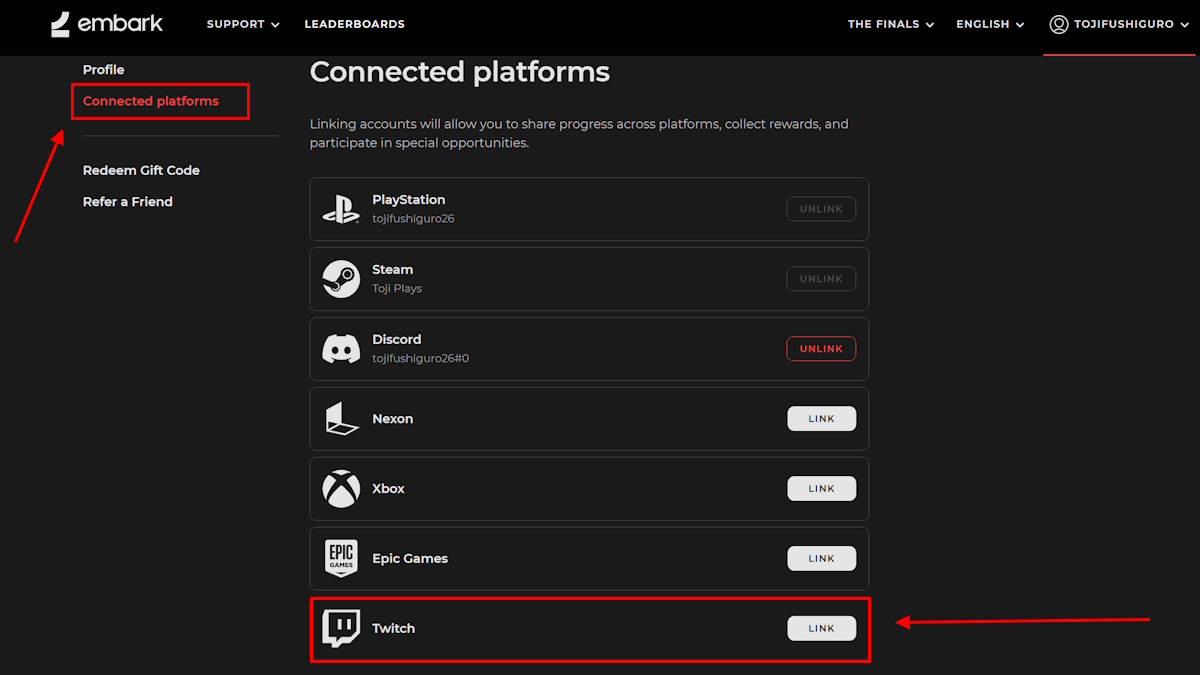
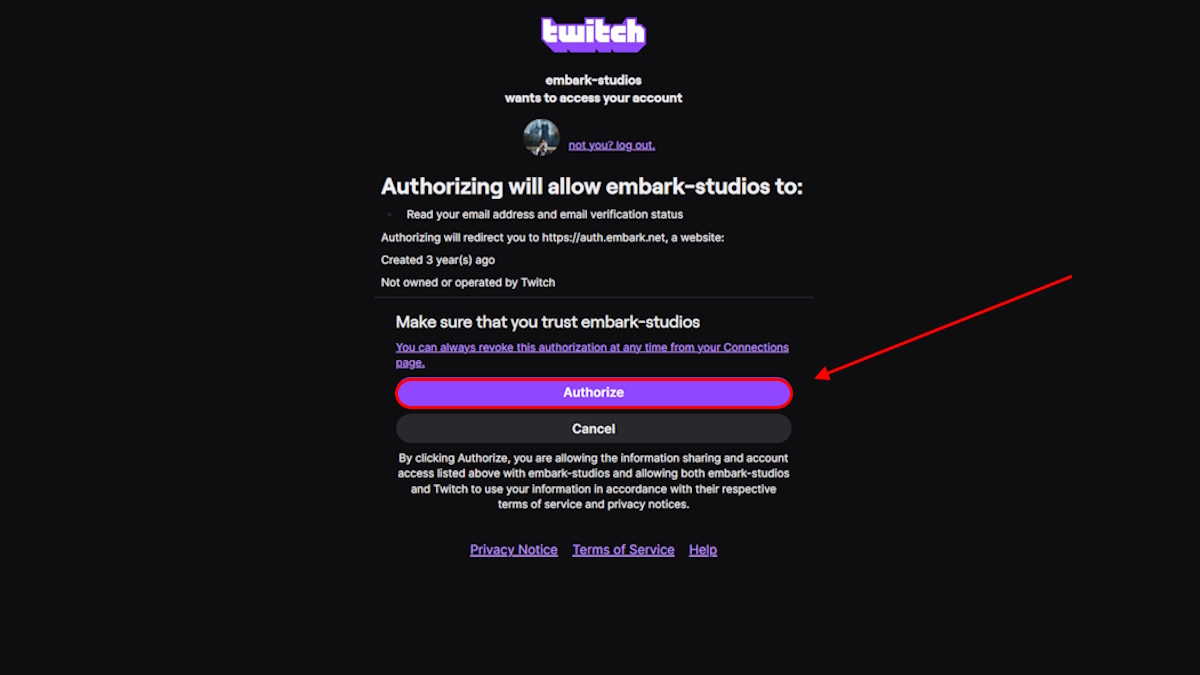
- Open the Connected Platforms or Account Links section and select Link Twitch. Authorize the prompt in Twitch when it appears.
- Verify the connection in your account settings — you should see Twitch listed as linked.
- Watch any Twitch channel broadcasting Arc Raiders that displays the “Drops Enabled” indicator. Playtime accumulates while the stream is live.
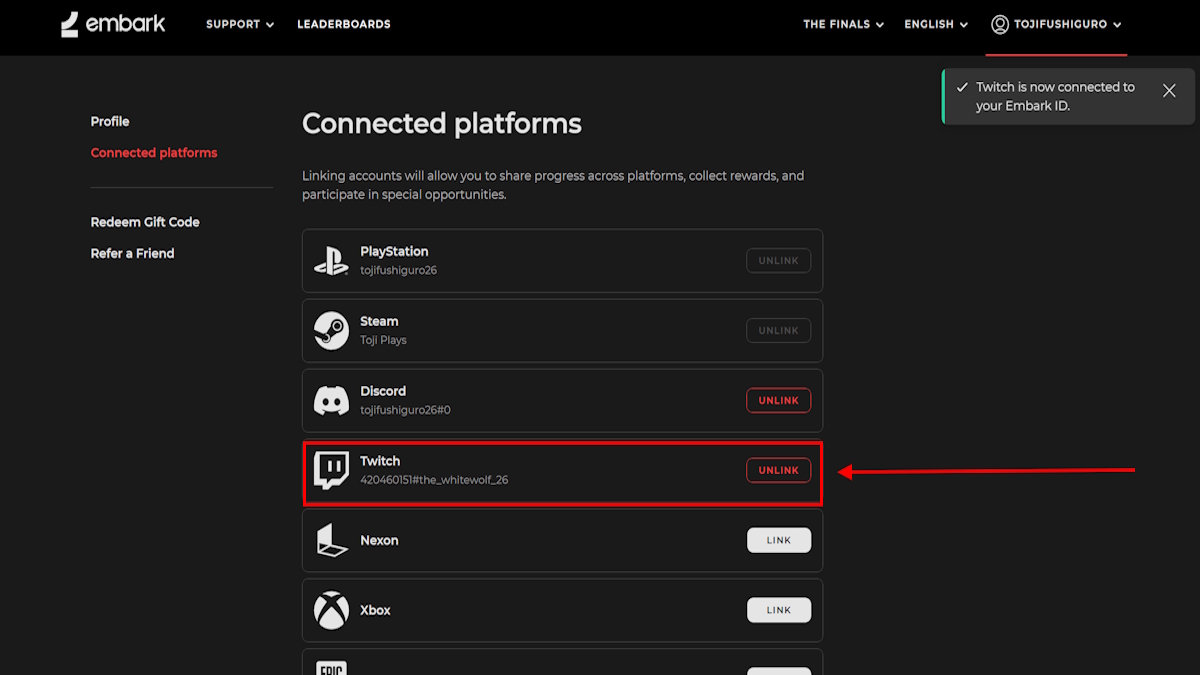
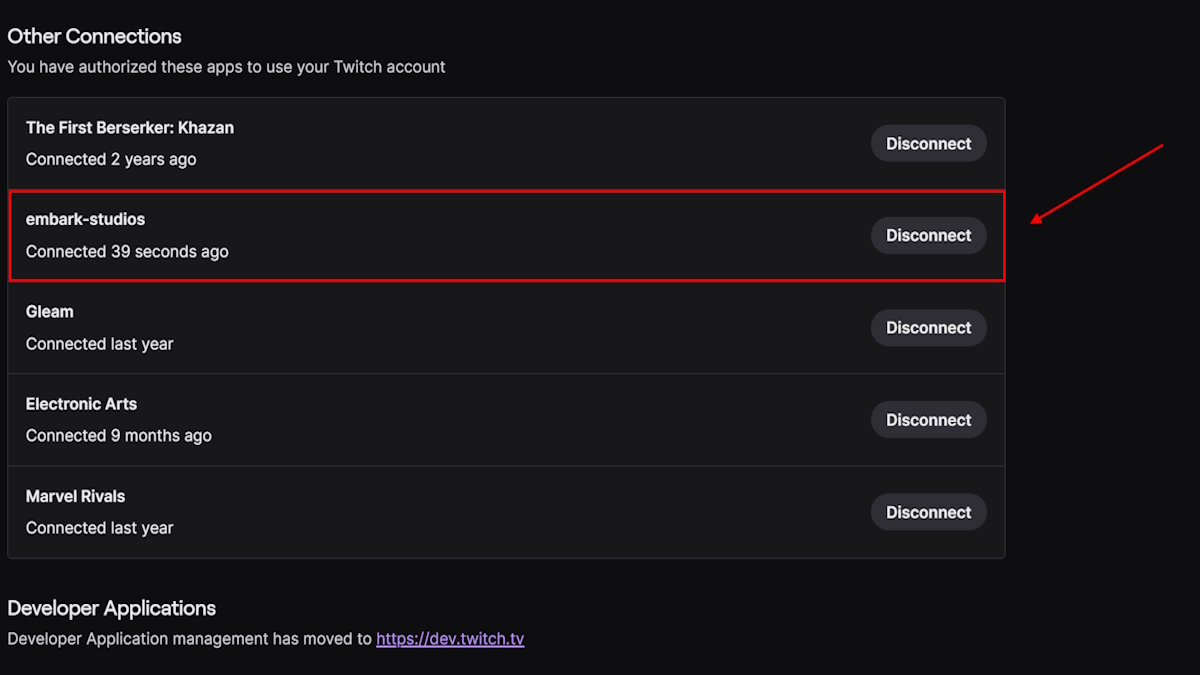
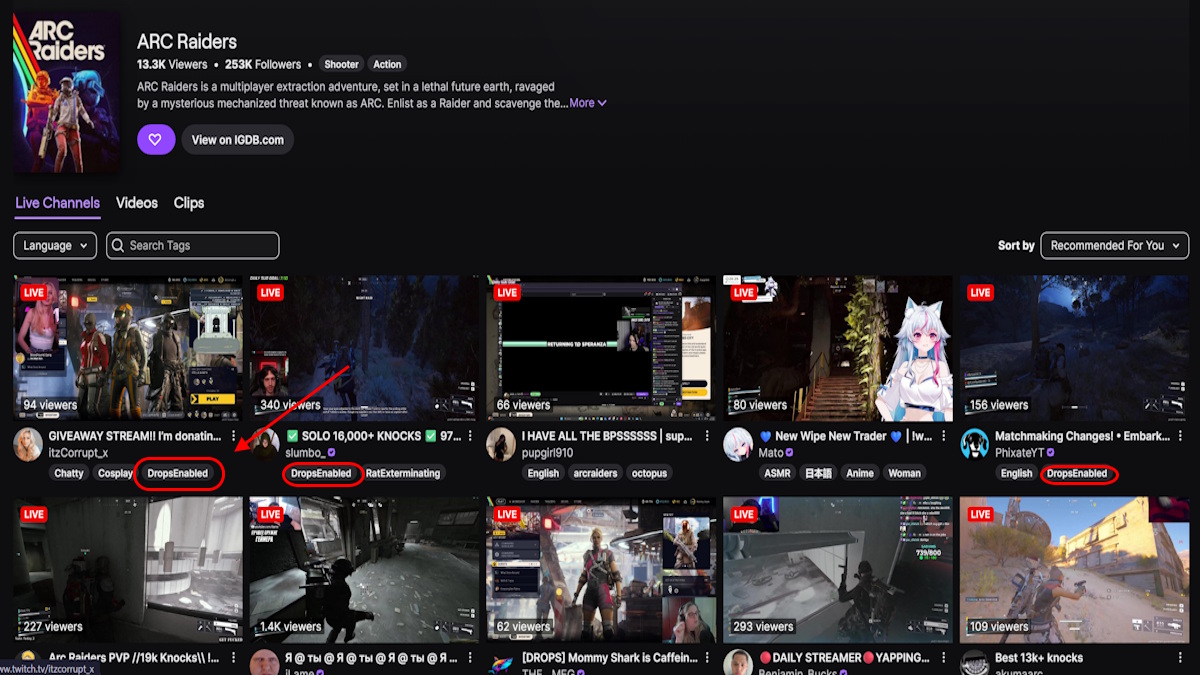
How do I get Twitch Drops for Arc Raiders?
You link accounts, watch Drops-enabled streams, and wait for the items to appear in your Twitch inventory. After the watch requirement completes, open Twitch, check your inventory or drops section, then launch Arc Raiders and the items should arrive in-game.
How long do Arc Raiders Twitch Drops take to claim?
The current Riven Tides event runs from May 21, 2026 to June 18, 2026 — if you miss it, those charms may leave the shop. For this run:
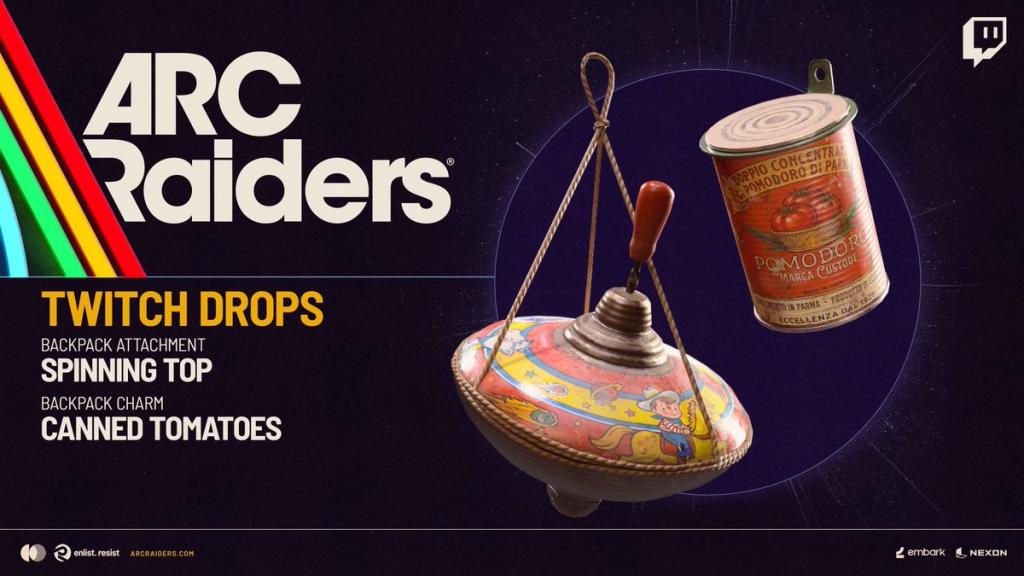
- Spinning Top Backpack Attachment: watch for 1 hour
- Canned Tomatoes Backpack Charm: watch for 2 hours
The update window is small — treat it like a scheduled opportunity
You can treat the Drops window as a navigational beacon when planning your playtime; I schedule a stream visit around my breaks. The studio behind Arc Raiders released these drops to coincide with the Riven Tides season, so the event is time-limited and worth a short watch session.
A few practical fixes if the drops don’t appear
When a drop stalls, I assume account-linking or refresh problems first — they’re the usual culprits. Follow these quick checks before panicking:
- Confirm your Twitch account and the game account are linked in the game portal’s account settings.
- Make sure you watched a channel that explicitly displays “Drops Enabled” — not every streamer has the feature active.
- Open Twitch desktop or web, go to Inventory > Drops, and claim items manually if they’re waiting there.
- Restart the game after claiming; the items often arrive at next launch.
Why aren’t my drops showing up?
Common reasons: you weren’t logged into the account the whole time, you didn’t watch an enabled stream, or the claim is waiting in Twitch rather than the game. If everything looks linked, try reauthorizing Twitch in your game account portal and then watch a short stream to trigger a sync.
I prefer scheduling a single long stream rather than many short ones — it’s less fiddly and the progress rarely resets. Think of this method as a lighthouse in a storm guiding your minutes toward the two-hour mark for that canned charm — small, steady steps win the day.
So, will you watch a stream tonight and see which charm lands first?