I remember the round where my crosshair vanished and the bomb timer felt louder than my headset. You know the sinking feeling—you miss one shot and the whole team leans in. I wrote this so you don’t have to learn the hard way.
I’ve played hours in BloxStrike and watched pro setups to separate fashion from function. You’ll get short, testable tweaks for video, audio, HUD, crosshairs, sensitivity, and keybinds—so your aim does the talking. Try them, trust your muscle memory, then tweak.
Friday-night server spikes happen; now the settings that keep your aim steady — Best BloxStrike Settings
Settings in BloxStrike sit in four groups: Video, Audio, Game, and Keybinds. I’ll treat the game and keybinds as your priority because they change how your mouse and crosshair feel. You can experiment—some of this is personal—but what follows is what consistently works under pressure.
Video Settings


| Setting | Recommended |
|---|---|
| Global Shadows | Off |
| Glass Shatter | Off |
| First Person Tracers | On |
| Muzzle Flash | Off |
| Ragdolls | Off |
Turn things off that compete with visibility and FPS. Global Shadows adds atmosphere but costs frames—if you want visuals, flip it on for screenshots, not for ranked matches. Keep tracers; they give instant feedback about your shots.
Audio Settings
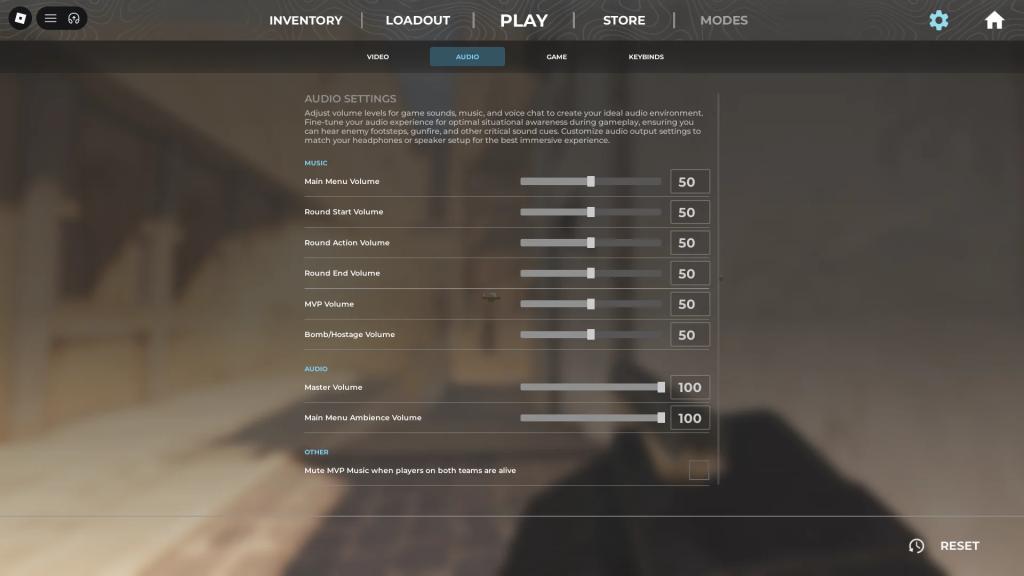
| Setting | Recommended |
|---|---|
| Main Menu Volume | 50 |
| Round Start Volume | 50 |
| Round Action Volume | 50 |
| Round End Volume | 50 |
| MVP Volume | 50 |
| Bomb/Hostage Volume | 50 |
| Master Volume | 100 |
| Main Menu Ambience Volume | 100 |
| Mute MVP Music when players on both teams are alive | Off |
Keep audio at defaults. Distinguishing footsteps and bomb cues comes from the game’s mix; changing it rarely helps unless you have a specific headset profile.
Item and Hud Settings
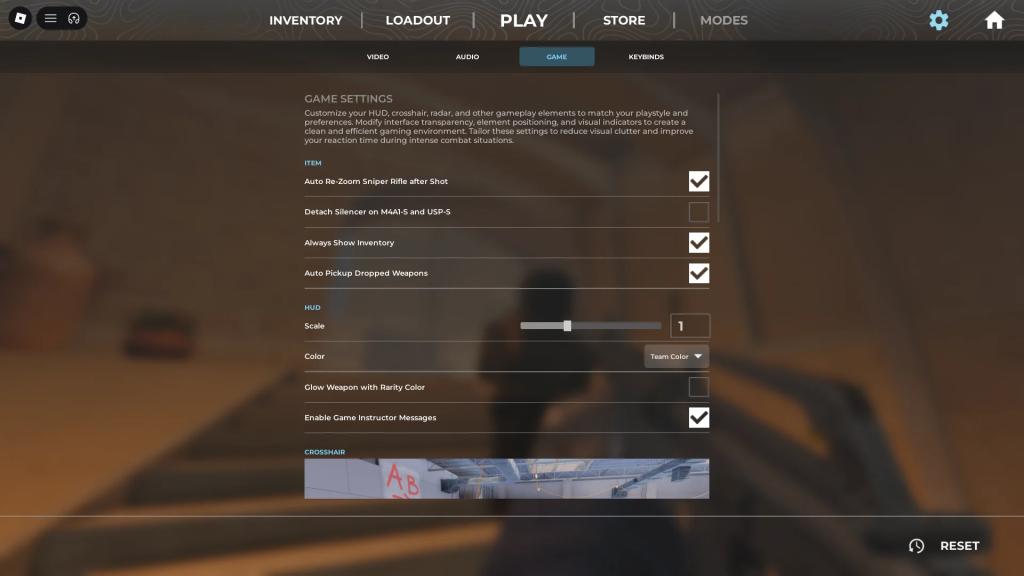
| Setting | Recommended |
|---|---|
| Auto Re-Zoom Sniper Rifle after Shot | On |
| Detach Silencer on M4a1-S and USP-S | Off |
| Always Show Inventory | On |
| Auto Pickup Dropped Weapons | On |
| Scale | 1 |
| Color | Team Color |
| Glow Weapon With Rarity Color | Off |
| Enable Game Instructor Messages | Off |
Inventory and item behavior mirror Counter-Strike 2—leave most things alone. Turn off the instructor messages; they’re noise when you know the basics.
Crosshair Settings
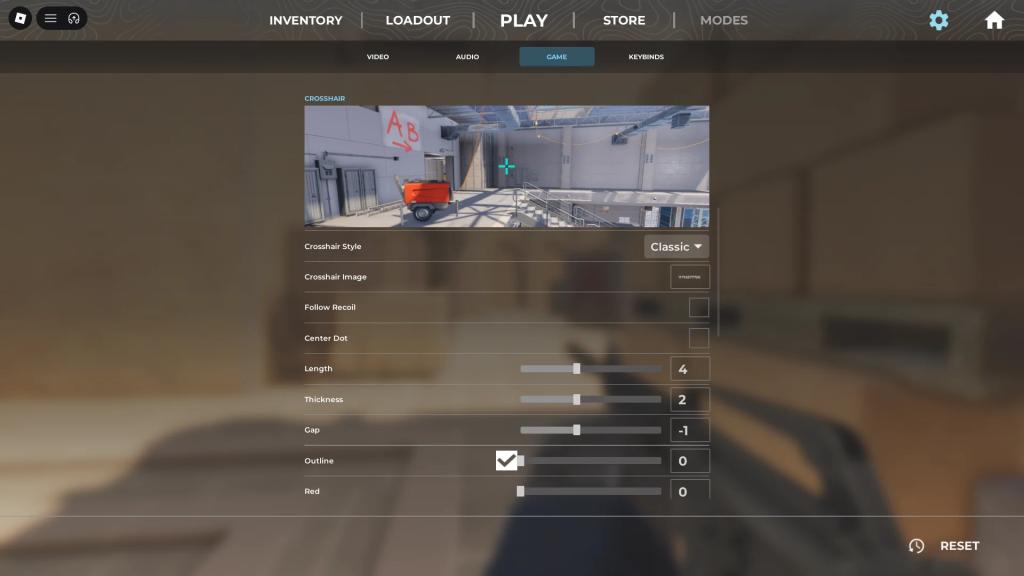
Crosshairs are personal. I recommend starting with a static classic crosshair and shrinking gap/length until your headshots rise. Your crosshair should feel like a lighthouse in fog—something steady that points you where to aim.
Below are pro presets you can copy, tested in CS2 and transplanted into BloxStrike. They’re guides, not gospel.
| Player | Crosshair | Settings |
|---|---|---|
| donk(Spirit) | 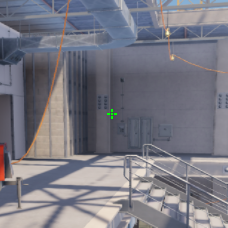 |
Crosshair Style: Classic Static Follow Recoil: No Center Dot: Yes Length: 1 (0.5) Thickness: 1 Gap: -3 Outline: No Color: 0,255,0 Alpha: 255 |
| ZywOo(Vitality) | 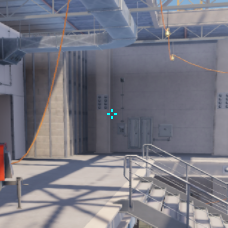 |
Crosshair Style: Classic Static Follow Recoil: No Center Dot: No Length: 1 (1.5) Thickness: 1 (0.1) Gap: -3 Color: 0,255,255 Alpha: 255 |
| m0NESY(Falcons) | 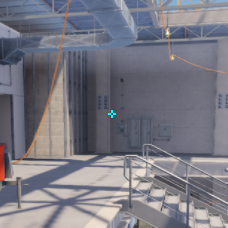 |
Crosshair Style: Classic Static Follow Recoil: No Center Dot: No Length: 1 Thickness: 1 Gap: -4 Color: 0,255,255 Alpha: 255 |
| NiKo(Falcons) | 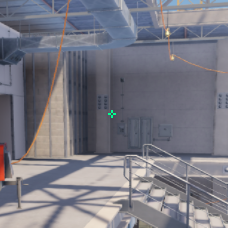 |
Crosshair Style: Classic Static Follow Recoil: No Center Dot: No Length: 1 Thickness: 1 (0) Gap: -4 Color: 0,255,145 Alpha: 255 |
| kyousuke(Falcons) | 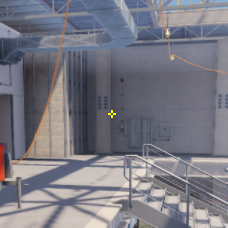 |
Crosshair Style: Classic Static Follow Recoil: No Center Dot: No Length: 1 Thickness: 1 Gap: -4 Color: 255,255,0 Alpha: 255 |
| Twistzz(Faze) | 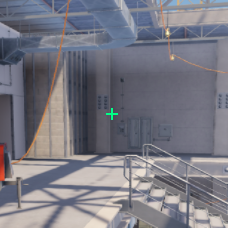 |
Crosshair Style: Classic Static Follow Recoil: No Center Dot: No Length: 2 Thickness: 1 (0) Gap: -5 (-7) Color: 0,255,135 Alpha: 255 |
| XANTARES(Aurora) | 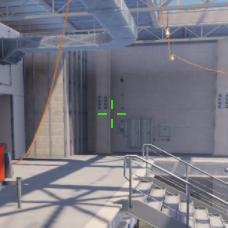 |
Crosshair Style: Classic Static Follow Recoil: No Center Dot: No Length: 3 Thickness: 1 (0.5) Gap: 0 Color: 50,255,0 Alpha: 200 |
| w0nderful(Natus Vincere) | 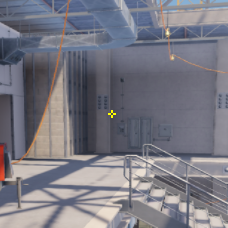 |
Crosshair Style: Classic Static Follow Recoil: No Center Dot: No Length: 1 Thickness: 1 Gap: -4 Color: 255,255,0 Alpha: 255 |
| KSCERATO(FURIA) | 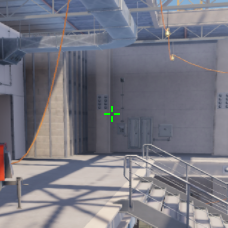 |
Crosshair Style: Classic Static Follow Recoil: No Center Dot: No Length: 2 Thickness: 1 (0) Gap: -3 Color: 0,255,0 Alpha: 255 |
| sh1ro(Spirit) | 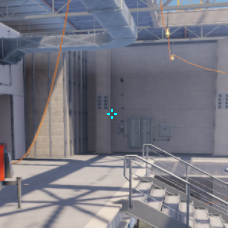 |
Crosshair Style: Classic Static Follow Recoil: No Center Dot: No Length: 1 (0.9) Thickness: 1 (0.9) Gap: -3 (-2.9) Color: 0,255,255 Alpha: 255 |
How to Find Crosshair Image IDs on Roblox Store
-
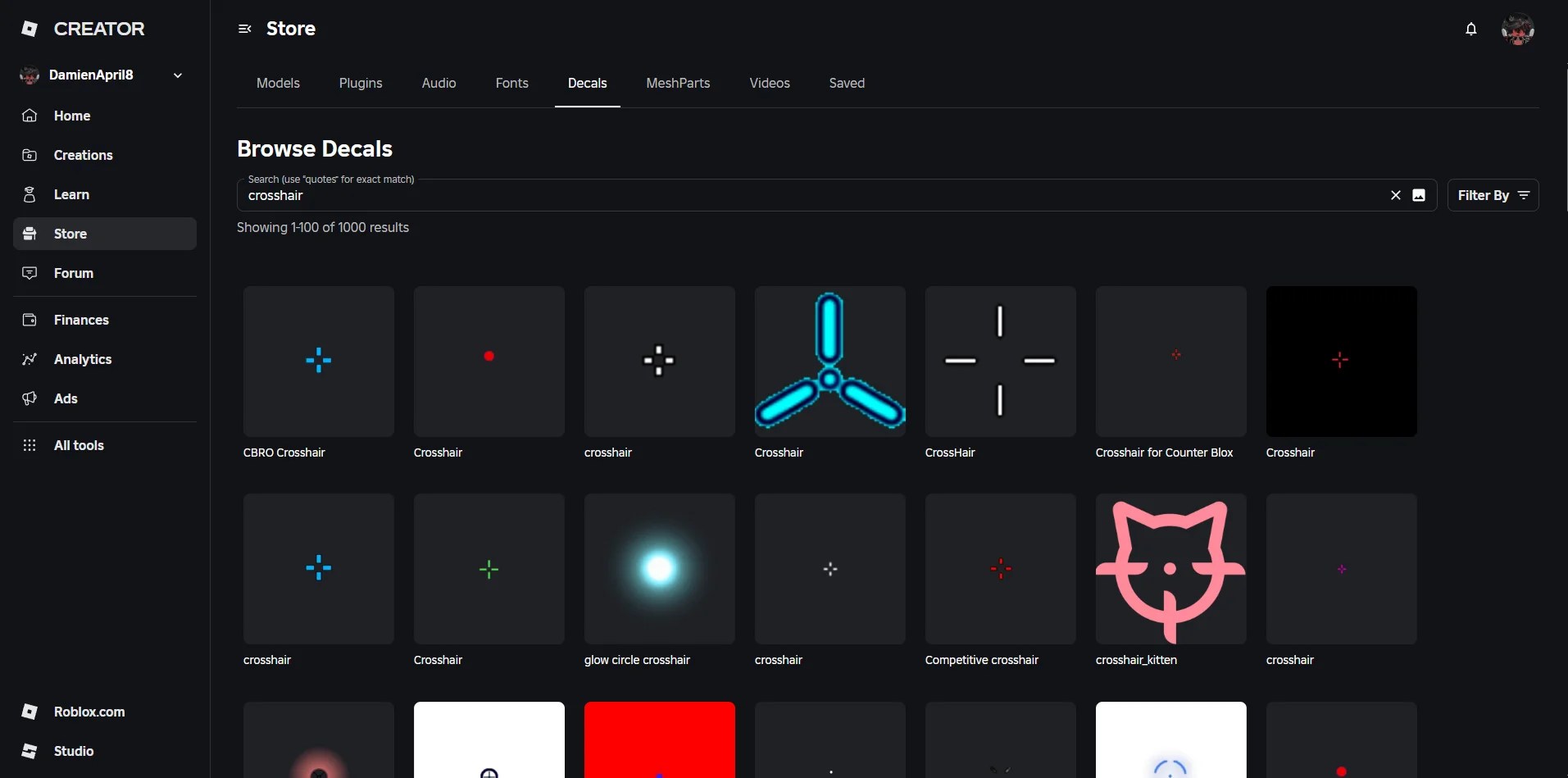
You can search for crosshairs or other types of decals on the Roblox store. -
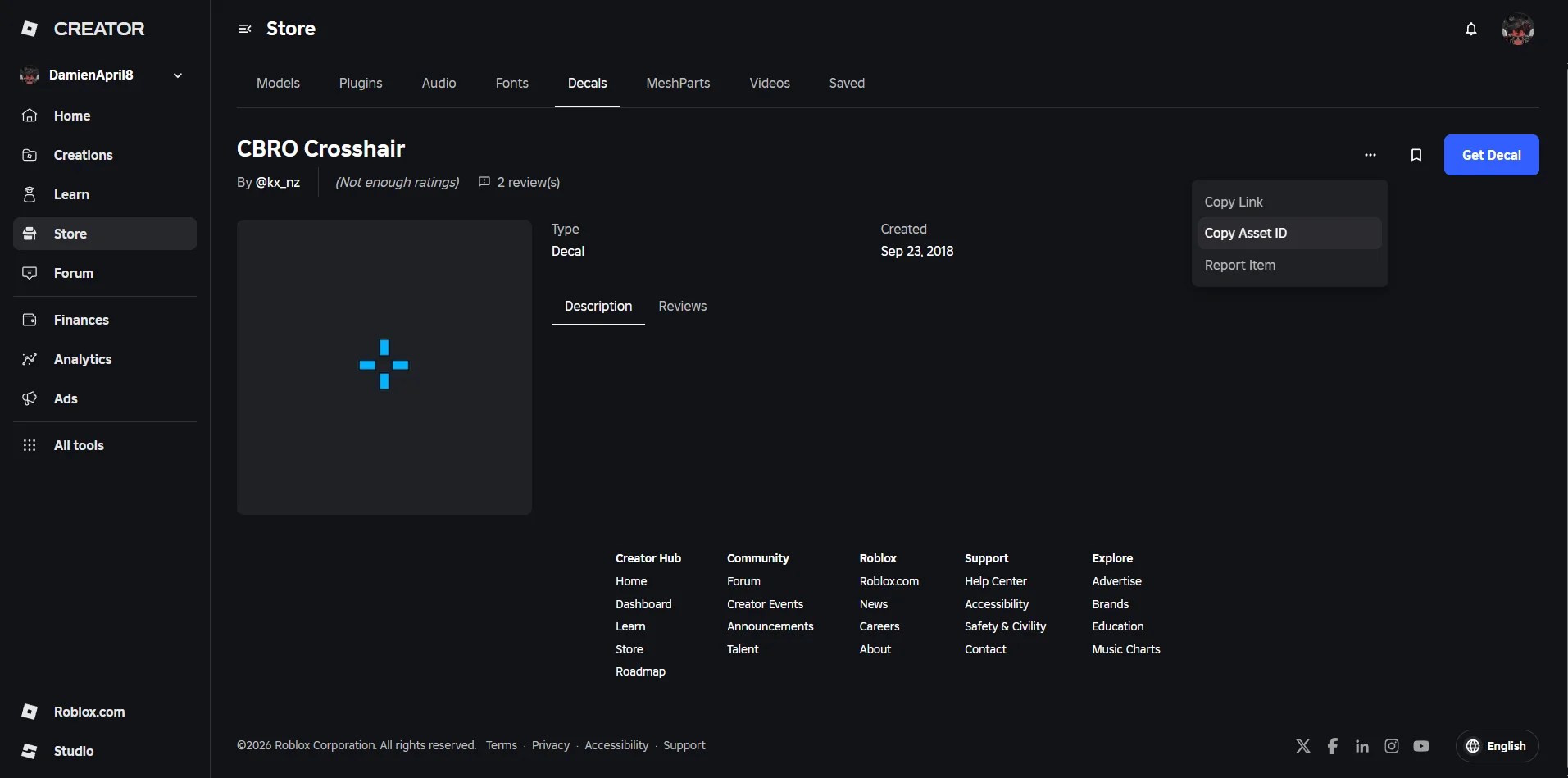
Click the three dots in the upper-right corner of the page to copy the ID to the crosshair image.
You can use a decal from the Roblox Creator Store as a crosshair. Steps:
- Go to the Decals section of the Roblox Creator Store
- Click a decal, open the dropdown (three dots in the corner), and copy the asset ID
- Change Crosshair Style in-game to Image
- Paste the asset ID into the Crosshair Image field
If a decal fails to load, try another or switch back to a built-in crosshair. You can report persistent failures on the official BloxStrike Discord.
How do you open up the settings menu?
Press the N key while in a round. That opens options without pausing play—handy between trades or in warmup.
How to get coins?
Coins come from finishing matches. Perform better, earn more. Leave early and you get nothing.
Is BloxStrike available on mobile and consoles?
Yes. BloxStrike runs on all platforms that Roblox supports—PC, mobile, and consoles—so your settings work across devices, but mouse/keyboard remains the most precise setup.
Viewmodel, Radar, and Other Settings
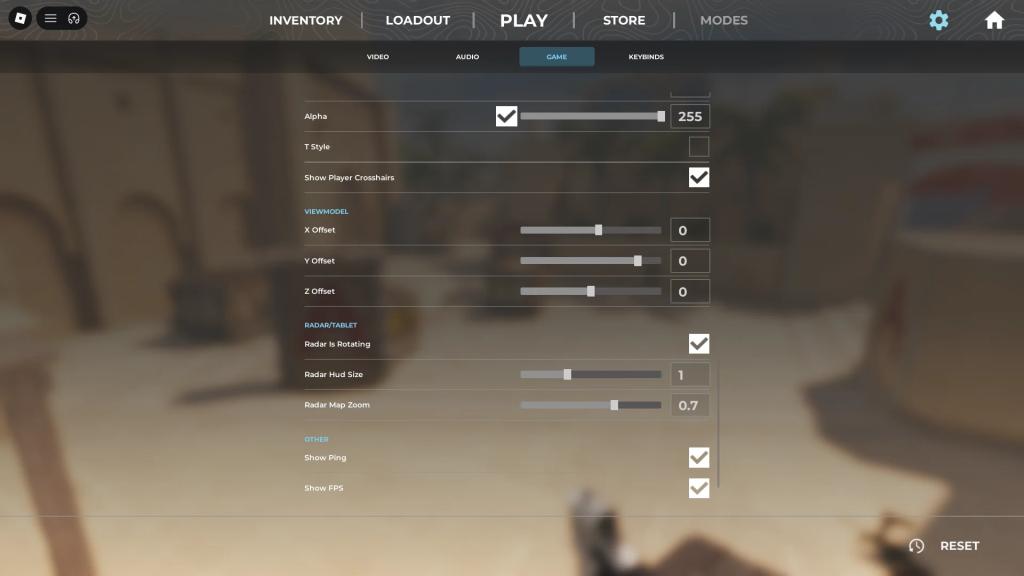
| Setting | Recommended |
|---|---|
| X Offset | 0 |
| Y Offset | 0 |
| Z Offset | 0 |
| Radar is Rotating | On |
| Radar Hud Size | 1.3 |
| Radar Map Zoom | 0.7 |
| Show Ping | On |
| Show FPS | On |
Viewmodel moves your hands and gun—leave defaults until you know what you want on-screen. Radar sizing and rotation are personal: I prefer a slightly larger radar with rotation on for intuitive calls. Keep ping and FPS visible so you can switch servers if needed.
Mouse Sensitivity and Keybinds
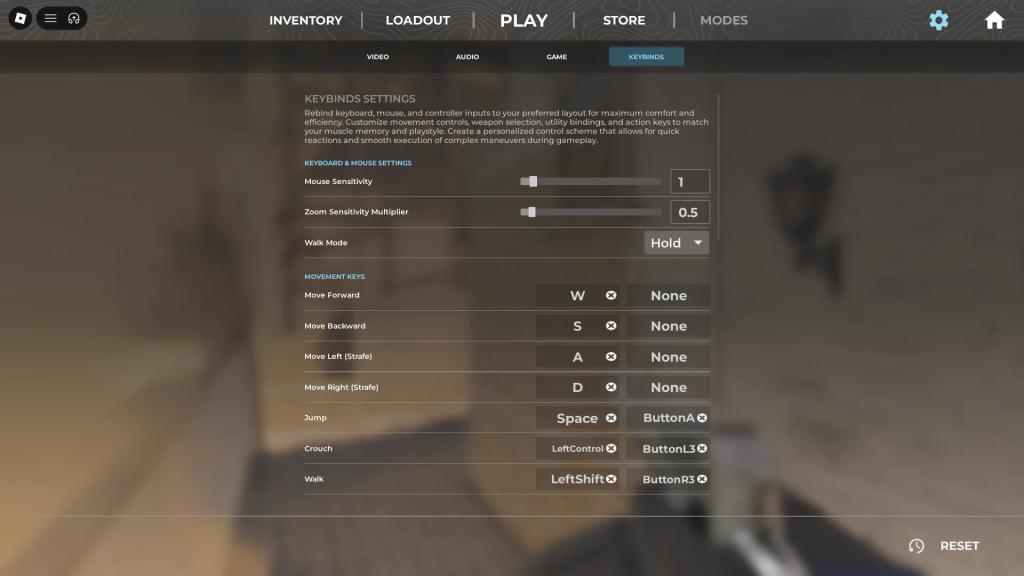
Keybinds follow CS2 by default. Rebind if it feels awkward. Most of your wins come from consistent aim and movement; set sensitivity in a live match and tweak every round until it stops changing.
Think of sensitivity like a throttle, not a steering wheel—small, deliberate inputs win firefights. Below are the DPI/sensitivity combos used by high-level CS2 players; use them as starting points, not rules.
| Player | MouseDPI | MouseSensitivity | EffectiveDPI | ZoomSensitivity |
|---|---|---|---|---|
| donk(Spirit) | 800 | 1.25 | 1000 | 1 |
| ZywOo(Vitality) | 400 | 2 | 800 | 0.8 |
| m0NESY(Falcons) | 400 | 2.3 | 920 | 1 |
| NiKo(Falcons) | 800 | 0.7 | 560 | 1 |
| kyousuke(Falcons) | 800 | 1.28 | 1024 | 1 |
| Twistzz(Faze) | 400 | 1.59 | 636 | 1 |
| XANTARES(Aurora) | 400 | 2.3 | 920 | 1.1 |
| w0nderful(Natus Vincere) | 400 | 2.6 | 1040 | 1 |
| KSCERATO(FURIA) | 800 | 1.25 | 1000 | 1 |
| sh1ro(Spirit) | 800 | 1 | 800 | 1 |
Tell me: which crosshair and sensitivity did you steal from the pros, and what would you add to the list?
I notice new players asking the same three questions — BloxStrike FAQs
You can open the settings menu while in a round by pressing the “N” key on your keyboard.
You can get more coins in BloxStrike by finishing matches. The better your performance in the match is, the more coins you get. However, if you leave a match before it’s over, you won’t get any coins.
Yes, BloxStrike is available on all platforms.