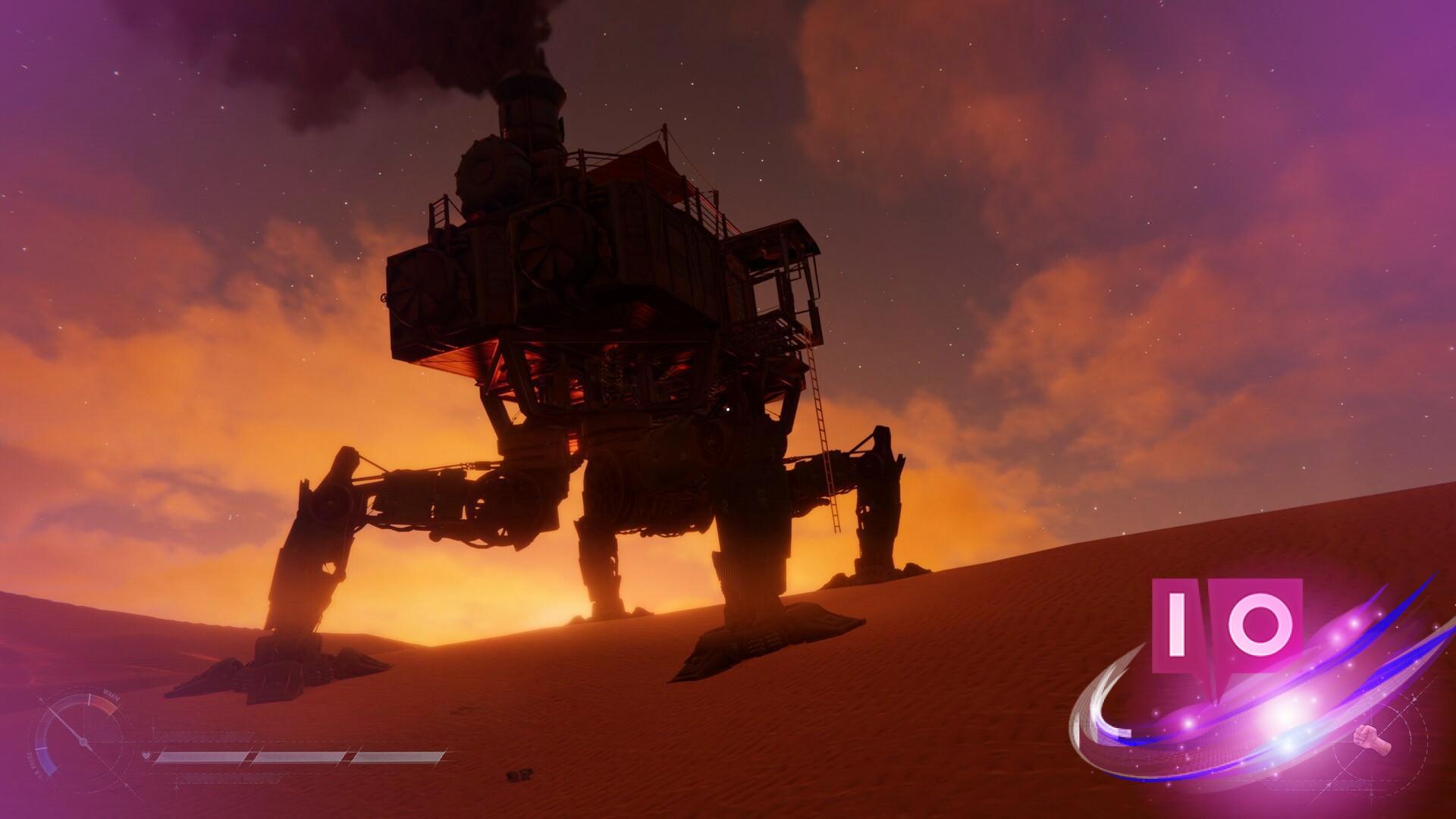
I fired up SAND: Raiders of Sophie just after midnight, and the first firefight stuttered like a throat clearing before a speech. My aim froze for a beat, and I felt the same small panic you get when your car coughs on the highway. I closed the launcher, tweaked a few things, and came back to a smooth run.
I launched the game on a mid-range rig and it hiccupped twice before settling — here’s what I changed to keep every bullet real-time
You want one thing from a shooter: consistent frames. I ran the game on this machine so I could speak from experience.
- 32 GB DDR4 RAM
- AMD Ryzen 7 5700X
- AMD Radeon RT 9060 XT 16 GB

I met the hiccups head-on. Below are the settings I set for a smooth, competitive feel — tuned so that if your rig sits near minimum specs, you have a clear upgrade path.
- Display Mode: Fullscreen
- Resolution: Native resolution of your monitor
- Field of View: 90
- V-Sync: Off — let the GPU spit frames; don’t cap them
- Frame Rate: 90 FPS target for high-end; 60 FPS for low-end
- Limit FPS in Background / Menu: Off
- Anti-Aliasing: Off
- Super Resolution: On — set to Performance if you see stutter
- Graphics Preset: Custom
- Texture Resolution: Medium
- Geometry Quality: Medium
- Materials Quality: Low
- Terrain Tessellation: Off
- Shadow Quality: Low to Medium — do not exceed Medium
- Shadow Refresh Frequency: Low
- Contact Shadows: Low
- Sky Quality: Low
- Volumetric Fog: Low
- Screen Space Ambient Occlusion: Medium
- Screen Space Global Illumination: Low
- Post-Processing Quality: Medium
- Post-Processing Injection Point: Before Upscaler
- Motion Blur / Bloom / Film Grain / Chromatic Aberration: Off
- Vignette: On (personal preference)
- Color Filters: Your call
If you still see hiccups, ratchet the heavier settings to Medium or Low and test again. Change one thing at a time and your gains will be obvious.
How do I reduce lag in SAND: Raiders of Sophie?
Start with the basics: fullscreen, native resolution, and Super Resolution on Performance if your GPU is struggling. I also recommend using the latest Radeon Software drivers (or GeForce drivers if you run an NVIDIA card) and closing background apps — Steam, Discord, and browser tabs eat CPU and RAM. If you have an AMD Ryzen CPU, ensure Windows power settings are set to High Performance and that chipset drivers are current.
What settings give the best FPS without wrecking visual clarity?
Set textures and geometry to Medium, materials to Low, and keep SSAO at Medium. That combo sustains visual clarity on characters and weapons while trimming the heavy scene costs. Use Super Resolution to regain perceived sharpness; it’s the fastest win without spending on a new GPU. Super Resolution feels like a magnifying glass that cheats pixels back into place, and frames fall like dominoes if you let shadows and volumetrics stay too high.
Tools I used: Radeon Software for GPU tuning, MSI Afterburner for real-time FPS and frame-time graphs, and Steam overlay off during benchmarks. TinyBuild’s forums and the game’s Discord were useful for quick community tips.
I tuned these settings for responsiveness and consistency — you can push visuals up once your frame timing is stable. Which setting would you rather sacrifice: shadow fidelity or texture detail?