
I stood on the rail of the Chornobyl outpost and watched the Zone chew through the horizon. You get that small, impatient nudge—do I play the main story or go straight to the new chapter? I learned a fast route and ways to taste Cost of Hope without wasting hours on a wrong save.
I’ll walk you through the exact menu choices, the two in-game entry points, and the faster New Game options so you can start the DLC on your terms. I speak from testing on Steam and Xbox Series X|S; you’ll find the steps identical on GOG and the Microsoft Store. Expect short, actionable notes rather than one of those 2,000-word walkthroughs.
Most players open the menu and wonder what to press — How to start STALKER 2 Cost of Hope DLC
First: you must own the Cost of Hope expansion. If you bought the Ultimate Edition, the DLC will appear in your library automatically. Otherwise, buy it from Steam ($14.99, €15), Xbox / Microsoft Store, or GOG and install it like any other add-on.
The DLC is delivered in two game locations. The early segment becomes available shortly after you leave the Lesser Zone during your initial playthrough. The later segment only appears after you finish the main mission A Minor Incident. If you want both pieces without slogging through the entire main campaign, there’s a quicker route below.
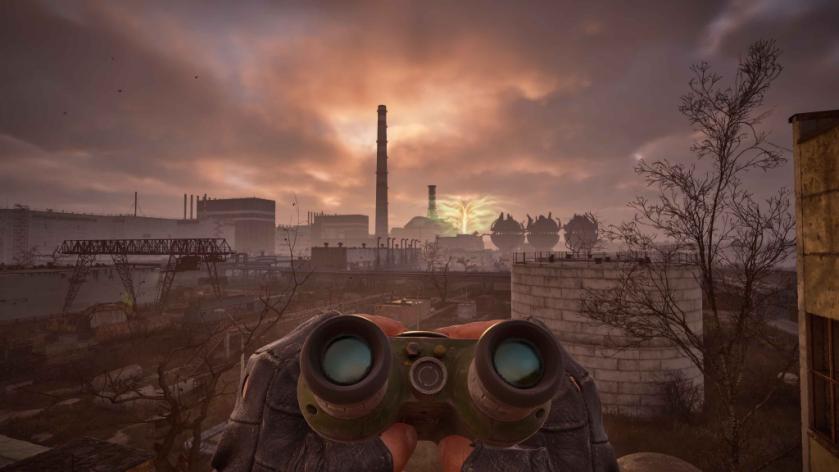
How do I start Cost of Hope DLC in STALKER 2?
Use New Game to access the DLC immediately. From the main menu choose New Game → DLC content → Skip Ahead to the Cost of Hope. You’ll see two start options: Early Part and Advanced Start. Pick Early Part to drop into where the DLC’s first section begins; pick Advanced Start to land at the later DLC segment.
Do I need to buy the DLC separately?
If you already own the Ultimate Edition, no purchase is required—the Cost of Hope expansion will already be in your library. If not, the DLC is sold separately on Steam ($14.99, €15) and on console stores. I checked listings on Steam and the Microsoft Store while writing this; prices can vary by region and sale events.
Can I play Cost of Hope with my existing save?
The DLC integrates with normal saves in two places: shortly after you leave the Lesser Zone, and after A Minor Incident. If you want the DLC content right now and don’t want to wait, don’t try to graft it into an existing late-game save—use New Game → DLC content instead. That will start a separate session tailored to the DLC.
The menu gives you two clear choices — Which start should you pick?
Pick Early Part if you want the slow, organic lead-in and the narrative context from the main game. The Early Part is a narrow keyhole into the story that still feels connected to your first hours.
Pick Advanced Start if you want less setup and more scene time with Cost of Hope. The Advanced Start is a loaded flashlight in a blackout; it gives immediate gear and choices so you can focus on the DLC’s maps and missions. Note: Advanced Start offers Spark or Ward presets that affect the main campaign state but not the DLC narrative itself.
Small practical notes: installing on Steam, GOG, or Xbox is identical—download, then confirm the DLC shows in the game’s Manage/Add-ons menu. On Steam Deck the process matches desktop Steam. GSC Game World’s official posts and the game’s store pages are good places to check for any patch notes or platform-specific caveats.
If you want my recommendation: use Advanced Start when your goal is pure DLC time; use Early Part when you want narrative continuity with a newly begun playthrough. Be aware of save decisions—if you start the DLC via New Game the session is separate from your current saves unless you overwrite them on purpose.
So, will you reset and take the straight route into Cost of Hope, or carry your current run through and meet the DLC on the way?