
I hit the home screen, shaders finished, and then the game stopped me with a cold line of text: waiting in queue. My stomach dropped—when a game goes from ready to blocked, it feels like someone shut a gate while you were mid-run. You take a breath and start to diagnose: is this your rig, Steam, or the game itself?
I write this as someone who watches launches and server logs for a living. You aren’t broken; you’re in a traffic-management system designed to stop the whole thing from collapsing. I’ll walk you through what that message means and what you should do next.
When the screen sits idle after shaders compile — WARDOGS ‘waiting in queue’ message explained
You get to the menu, the shaders finish compiling, and the play button should be green but instead a queue number stares back at you.
That pause happens right after the client finishes local work and tries to handshake with the multiplayer backend. With WARDOGS surging toward roughly 300,000 concurrent players on Steam, servers face a sudden spike in login attempts. Game publishers lean on Steamworks, matchmaking pools, and cloud hosts like AWS or Azure to hold everything together. The queue is the blunt instrument that keeps a fragile system from folding under itself.
The queue is not a punishment; it’s a rate limiter. It lets the developer move players onto active servers one-by-one instead of dumping tens of thousands into the same process. Without it you’d see timeouts, corrupted sessions, and full server crashes that push everyone out—like a dam fracturing under pressure.
Why is there a queue in WARDOGS?
Because demand outstripped the instantaneous capacity of the matchmaking and server pools. When a game launches or drops a big update, Steam’s concurrent player count spikes and matchmaking queues form to throttle new connections. Valve’s Steamworks tools and common cloud services provide the plumbing, but the developer controls how many players a given server accepts. If that number is conservative, a queue appears; if it’s aggressive, you might get wiped by instability.
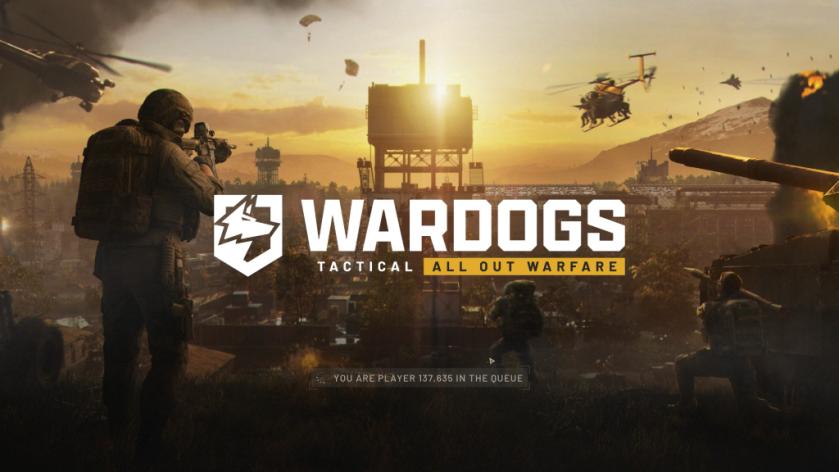
How long will I have to wait?
It varies. If the developers scale server capacity up quickly, the queue moves fast; if a sudden influx pushes systems toward failure, the pace slows and you may sit longer. Watch the queue number and the game’s official Twitter or Steam page for live updates—developers often report progress there. Patience is usually rewarded: once your slot opens you’ll load into a stable match rather than risk a crash and reconnect loop.
When players try quick fixes — what not to do and what actually helps
Someone always Alt+Tabs, kills the client, or spams reconnect hoping to jump ahead.
Don’t close the game expecting to jump the line. Reconnecting can land you further back because the system treats you as a fresh arrival. Think of the queue like a single-lane bridge with a tollbooth: cutting out and rejoining doesn’t move you forward, it just sends you to the end. The best move is to wait, check official channels like Steam discussions or the developer’s Twitter, and avoid actions that trigger additional failed logins.
If you want to be proactive, use tools Steam provides: verify your files, let shaders finish compiling, and log in early before peak hours. The marginal gains here are small, but they keep you from wasting time on avoidable client-side delays.
Servers are often like pressure cookers during a launch—if too many valves open at once, everything blows. Queues are the valve operators that keep the system intact.
So when you see that waiting message, breathe, stay logged in, and watch the queue tick—are you going to complain about the wait or use the pause to plan your first match strategy?