
I almost walked past the pond and missed the whole thing. You stop when Lady asks a question that sounds routine, but secretly rewrites the quest log. In minutes, a single red item can stretch into a chain of tasks you can’t ignore.
A Curious Dish quest walkthrough in Disney Dreamlight Valley
On a regular evening the plaza hums with villagers and side chatter; that normalcy is the tug that makes the Shiny Tomato feel out of place.
I’ll take you through the tiny missteps that trip players up, the exact places to check, and the small timing quirks that turn a one-off fishing task into the third mission tied to bringing Pluto into your village. Read this like a field guide: short steps, clear goals, and a handful of details that save you time across Nintendo Switch, Steam, PlayStation, and Xbox sessions.
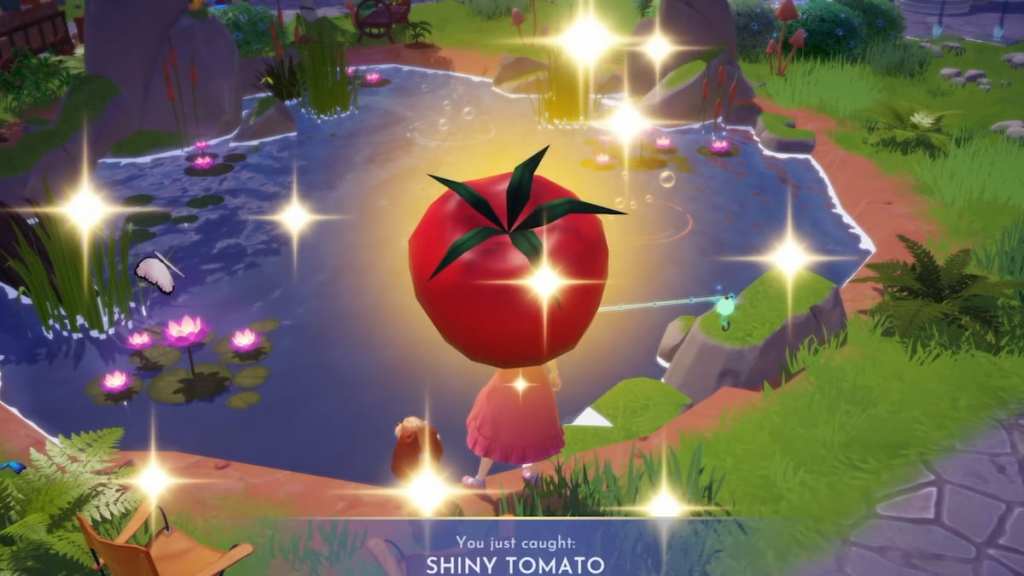
How to start Pluto’s third mission
A simple check: have you finished The Spaghetti Incident and Life’s a Meatball? If not, you won’t see the tomato appear.
Once both of those quests are complete, the Shiny Tomato becomes available as the opening trigger for this chapter. I recommend circling the village and confirming quest completion with Lady before you go fishing — it saves the frustration of wondering whether something glitched.
How do I start the A Curious Dish quest?
Fish up a Shiny Tomato after completing the two prerequisite quests. Talk to Lady once you have one in your inventory to prompt the next steps.
Find and fish a Shiny Tomato
On a typical afternoon the Peaceful Meadow looks placid, but that’s where the first tomato usually shows up.
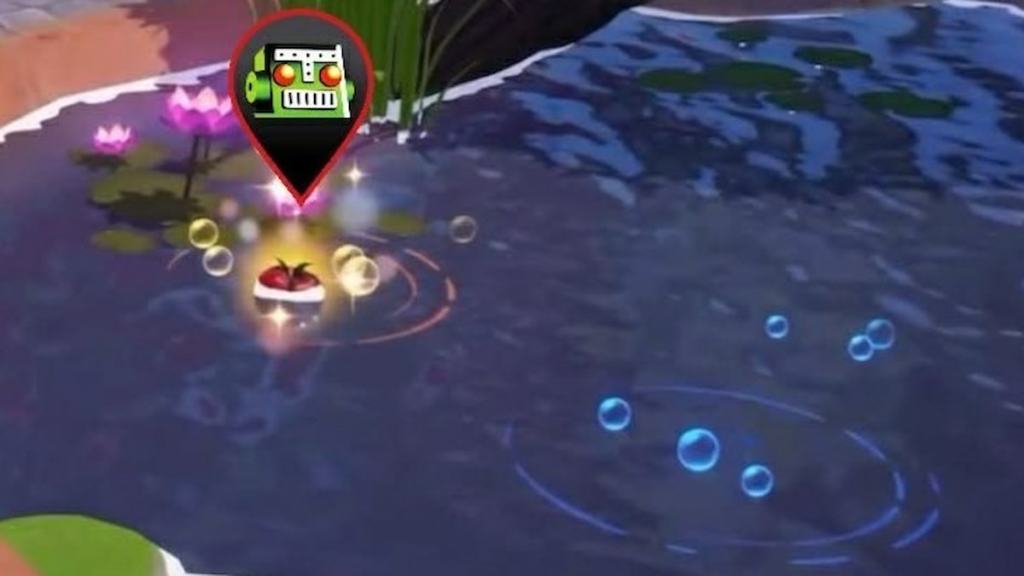
Head to the Peaceful Meadow ponds and scan every golden ripple. The Shiny Tomato is a red lantern in the water. If you don’t see it, double-check that Lady’s earlier quests are finished and wait for the shop reset in your local timezone — the spawn can shift between play sessions.
Where do Shiny Tomatoes spawn?
They appear in bodies of water across three biomes: Peaceful Meadow, Glade of Trust, and Forest of Valor. Check every pond and river bend — spawn points are random but always marked by a gold ripple.
Talk to Lady, then consult a chef or wizard
When villagers pass by you can often overhear dialogue that hints at the next step; Lady will tell you to seek expert advice once you hand over the first tomato.
After you give Lady the initial Shiny Tomato, she’ll suggest asking either Tiana (chef) or Merlin (wizard). Both characters give identical information, so choose whoever you’ve built rapport with. I usually pick Tiana for flavor; pick Merlin if you prefer mystery.
Collect six Shiny Tomatoes across the valley
In practice this means patience; I’ve spent multiple short sessions combing rivers and ponds to hit the required count.
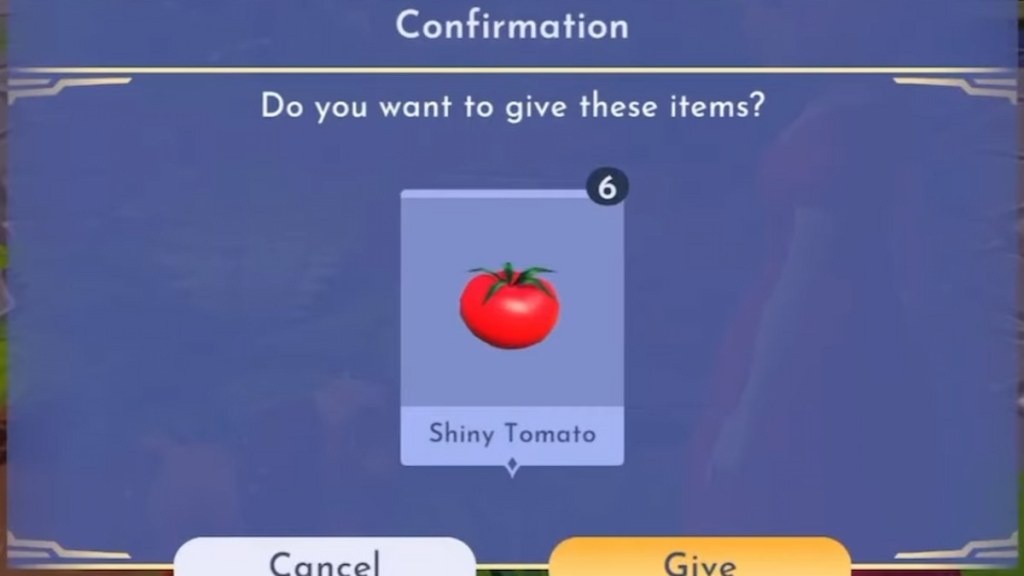
You need six Shiny Tomatoes total. That means checking Peaceful Meadow’s three ponds, the winding river and ponds of the Glade of Trust, and the river in the Forest of Valor. Work methodically and mark which water spots you’ve checked so you don’t repeat scans.
Cook the Memorable Spaghetti and Meatballs
In real kitchens you combine three ingredients and hope the timing is right; the in-game cooking station is simpler but just as satisfying.
Use any cooking station to combine the Rolling Spaghetti, Magical Meatballs, and the Shiny Tomato Sauce (the tomatoes you caught transform into sauce). That combination creates Memorable Spaghetti and Meatballs — a single crafted dish you’ll need to advance.
How do I use the Memorable Spaghetti and Meatballs?
Bring the dish to Lady and Tramp’s house, give it to Lady, and watch: a Memory will spawn nearby once they eat. Interact with that Memory to reveal the next object you need.
Examine the Memory and reassemble Pluto’s collar
When a Memory appears on the ground, players often hover for a long moment before they pick it up; don’t be that player — open it and move fast.
Open the Memory to collect Pluto’s License (the pendant) and then pick up the physical item that spawns. You will already have the Well-Loved Dog Collar piece from the Meatballs quest. Head to a crafting station, choose Functional Items, and combine the two pieces to make Pluto’s Collar. The Memory is the missing stitch that sews Pluto’s collar whole.

How do I reassemble Pluto’s dog collar?
Collect Pluto’s License from the Memory, combine it with the Well-Loved Dog Collar at a crafting station under Functional Items, then show the finished collar to Lady to complete A Curious Dish.
Final notes and quick troubleshooting
Most players trip over timing: if the Shiny Tomato or shop items don’t appear, wait for your local daily reset rather than reloading the valley repeatedly.
If the spawn feels broken after a reset, check that you have completed all Pluto-related prerequisites and that no other active quest conflicts with Lady’s thread. For forums and player-run maps, Moyens I/O, Reddit, and the official game Discord are decent places to compare spawn reports across platforms.
Pluto is one step closer — will you hand him his collar now, or let the mystery sit a little longer?