
I hit launch, watched the main menu with no buttons, and felt that familiar pit in my stomach. My friend with the mod tag disappeared from the lobby mid-game. In three launches I had a clear line to the problem: mods.
I’ve been tracking R.E.P.O.’s Client TimeOut and crash reports since the game left early access. You’re not hallucinating—new updates can break how mods talk to the game, and that breaks your session. I’ll show you what’s happening, how to test it fast, and the safest way to get back into the Cosmetics Update without losing your mod library.
My tester couldn’t join a friend’s lobby and got a Client TimeOut — what that really means
Client TimeOut has been a regular headline since R.E.P.O. launched in February 2025. The Cosmetics Update on May 7 pushed a lot of players to relaunch and test new outfits, and that’s when frame drops, stuttering, crashes, and disappearing menu buttons spiked. The common denominator across those reports? Mods living in the game folder, specifically BepInEx plugins.
Why are R.E.P.O. mods not working?
Short answer: version mismatch. Mods are running against the game code they were written for. When semiwork ships an update, the game’s internals shift and mods that haven’t been updated behave like mismatched keys—sometimes they won’t even turn the lock. That mismatch can cause lobbies to reject you (Client TimeOut), freeze the UI, or tank framerates.
It’s not just your local setup. Trying to join a host tagged [MODDED] can crash or timeout your client if their installed mods differ from yours. That’s why players report errors even when they’re not running mods themselves.
The dev posted a warning in the Steam discussion — a plain signal from semiwork
semiwork has acknowledged the issue on the official Steam discussions and told players to wait for modders to update their plugins. Mods are external code; semiwork can’t patch someone else’s plugin. The fix often comes down to mod authors releasing updated builds compatible with the new game version.
What causes Client TimeOut in R.E.P.O.?
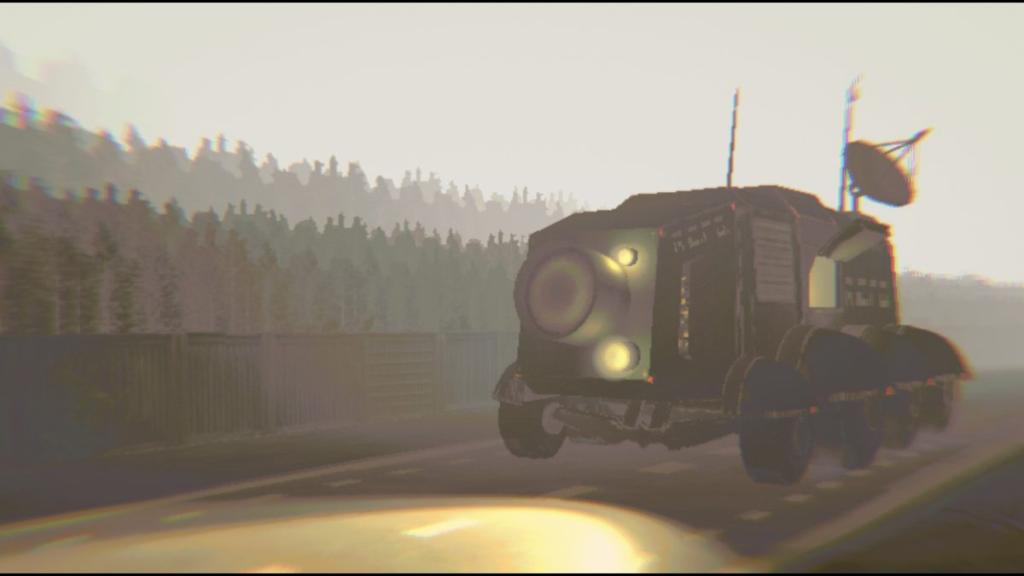
There are three practical causes I see in reports and my own testing: mismatched mods (most common), corrupted local files, and running an outdated or incompatible BepInEx plugin. If your Main Menu buttons vanish or the truck keeps driving on a blank screen, start by suspecting mods before reinstalling the whole game.
On my rig the fastest fix was removing plugins — here’s the safe, repeatable way
Follow these steps if you want to test whether mods are the culprit. You won’t lose your mod files if you do this right.
- Quit R.E.P.O. completely.
- Open Steam Library, right-click R.E.P.O., go to Properties > Local Files > Browse Local Files.
- Keep the BepInEx folder. Inside it, open plugins and move every mod file to a safe folder outside the game directory (create a folder on your Desktop called REPO-Mods-Backup).
- Start the game with an empty plugins folder. If the error disappears, mods were the cause.
- If problems persist, run Steam’s Verify Integrity of Game Files, and reinstall if needed.
Think of mods as small, unofficial passengers on a bus—if one passenger has a different ticket suddenly the driver may refuse to proceed. If you prefer to keep testing with mods, restore them one at a time to find the offender.
A teammate’s session collapsed mid-raid — how to avoid getting booted when joining others
If you join someone with a [MODDED] tag, ask which mods they use. Matching plugin versions matters. If you see repeated timeouts when joining specific hosts, remove your plugins or ask the host to disable theirs while you connect. For community-mod managers and modders, GitHub releases, Nexus, and the Steam Workshop are where you’ll watch for updates.
semiwork’s discussion thread is the central reference point for official word; modders usually post compatibility updates on mod pages or GitHub repositories. Expect a lag between the game update and mod updates—sometimes hours, sometimes days.
One last thing I tell players before they reinstall everything
Try a quick test: move plugins out, launch the game, then attempt a join to a public lobby. If it works, you can restore mods one by one and spot which one broke. The Cosmetics Update caused a lot of churn; the safest path back to play is patience and methodical testing.
The update hit like a sudden storm, and mods behaved like mismatched keys — will you be patient and test, or rage-quit and wait for others to fix it?