
I was standing behind a holographic Thor, waiting for someone to move. You can feel the small panic when a slot is taken and 100 Units dangle in the balance. If you’re anything like me, you’ll want that reward before the server fills up.
I’ve spent hours watching Times Square events and testing the photo-op flow so you don’t have to. Here’s a tight, step-by-step guide to join a photo op in Marvel Rivals and claim the free Units without wasting time or swapping servers endlessly.
On a noisy game-lobby afternoon you notice a holo-outline: How to do a photo op in Marvel Rivals
You don’t need a lot of time—just the right spot and the right character. I’ll walk you through the exact clicks and checks so you get the reward fast.
- Join Times Square. From the main page, the Times Square option sits directly above Quick Match. Tap it and enter the event map.
- Find a photo-op station. Stations cluster next to the basketball court, north of the central bleachers. There’s also a tucked-away station in the corner for special setups.
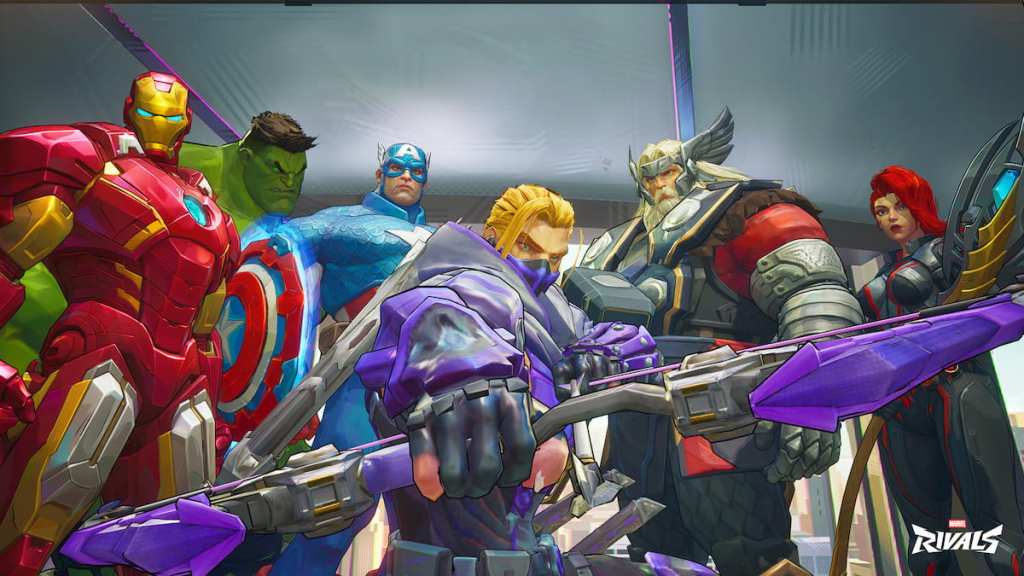
- Switch to a participating character. Each setup uses heroes from the original The Avengers film. For the main stations you can be Captain America, Black Widow, Hulk, Iron Man, Hawkeye, or Thor. The corner station accepts Loki or Hulk.
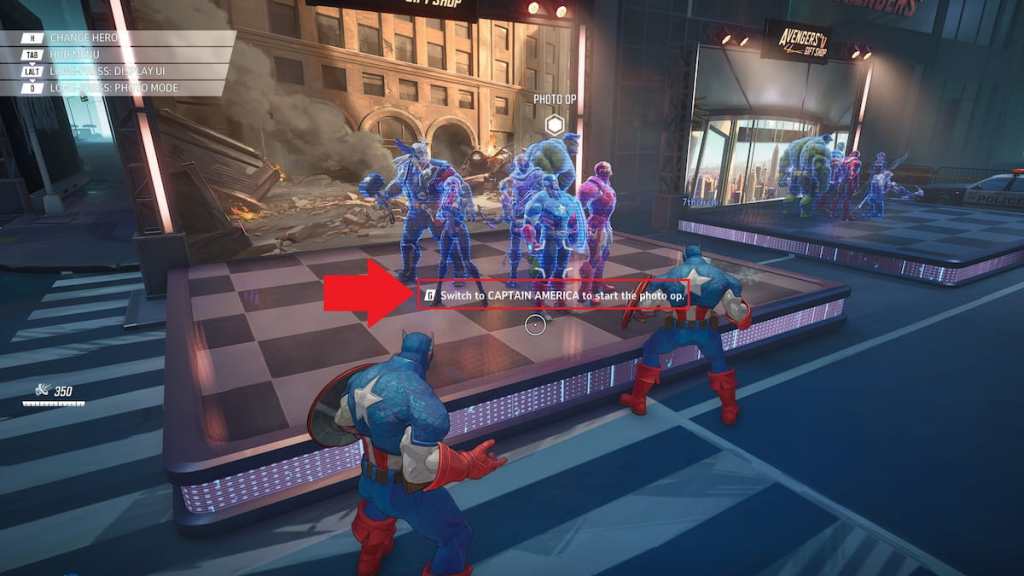
- Confirm the hologram. Face the outline of the hero you want. If the model is see-through, the spot is free. If it’s solid, someone else is using it—either wait, swap characters, or try another station.
- Press the join button. When you’re looking at the hologram a prompt appears next to the switch option—push that control (it varies by platform).
- Snap at least one photo. Once the photo-op activates, take a shot. That’s the action that completes the task.
Stations feel like stage markers in a city-sized photo studio; they’re obvious once you see them, but tricky to claim when servers are busy.
How do I join a photo op in Marvel Rivals?
Enter Times Square, pick a hero from the original Avengers roster, target the transparent hero outline, press the join prompt, and take a photo. The in-game prompt appears only when you’re in range and the slot is free.
Which characters can I use for the Avengers photo op?
Main stations: Captain America, Black Widow, Hulk, Iron Man, Hawkeye, Thor. Corner station: Loki or Hulk. If you’re trying to complete a quest tied to a specific hero, swap to that hero before you approach the station.
At the instant the shutter clicks you get rewarded: How to get free Units from photo op in Marvel Rivals
That first flash pays off immediately. I’ve watched it pop up across servers: one photo, one reward.
As soon as you take your first photo at any Times Square station a pop-up grants you 100 Units instantly. You only need one successful photo—three stations exist, but one is enough to finish the task.
If you want more freebies, head into Blood Hunt afterwards. That mode drops accessory shards for the Kingpin Accessory and a golden variant. Collecting Kingpin Dethroned Accessory Shards is the mechanic for those rewards, and Reddit threads and Discord hubs (search the Marvel Rivals community on Twitter or the App Store comments) are already listing the best characters for Blood Hunt.
The photo-op itself is a magnet for quick credits and social bragging; a single shot buys you a fast win while you chase the bigger prizes.
How many Units does the photo op give?
One photo equals a single pop-up reward: 100 Units delivered instantly to your account.
If you want to compare value, 100 Units is a small in-game boost—think of it as a quick $0.99 (€0.92) style pickup, but free for anyone who takes the shot.
I’ve shared the simple route; you’ve got the steps, the spots, and where to ask questions on Moyens I/O or Discord—so will you wait until someone else takes your slot or jump in and claim the flash for yourself?